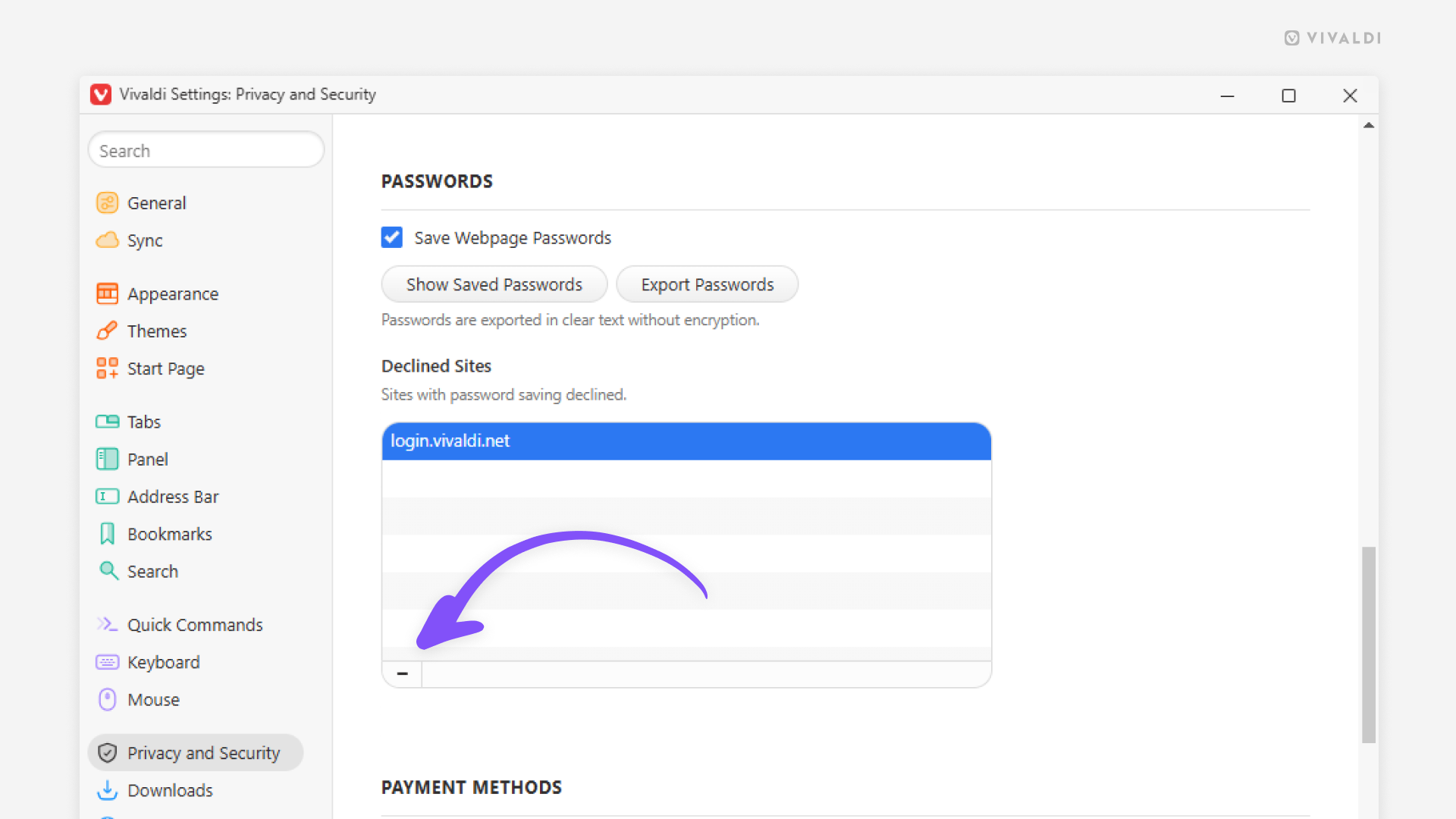
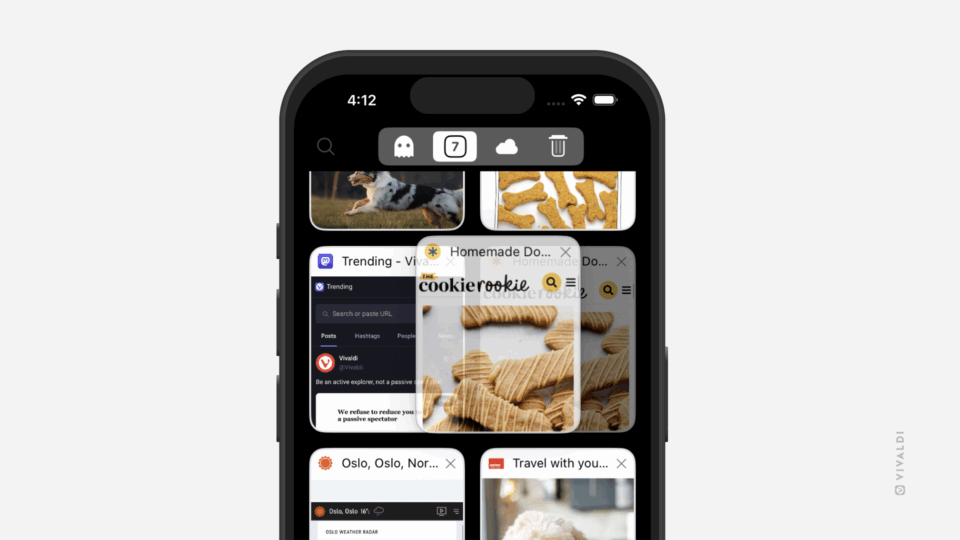
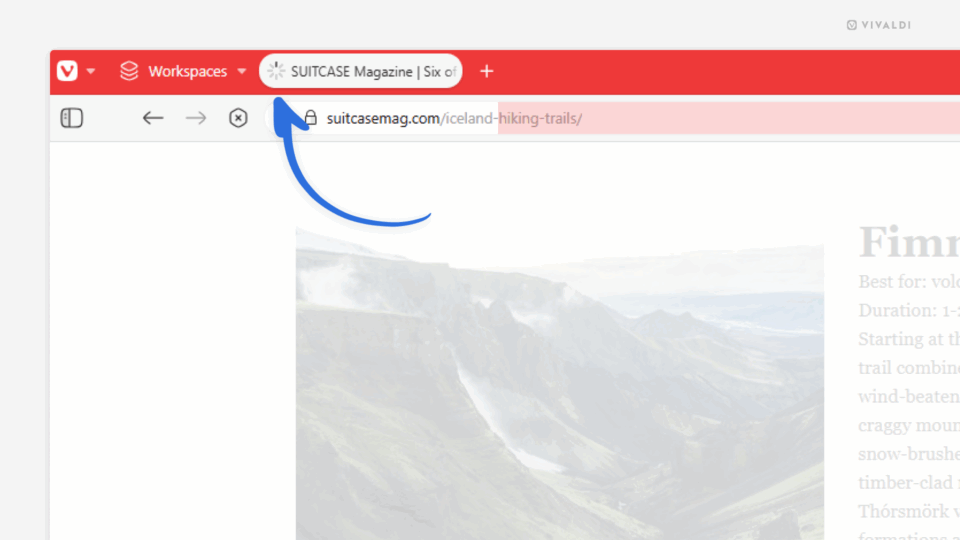
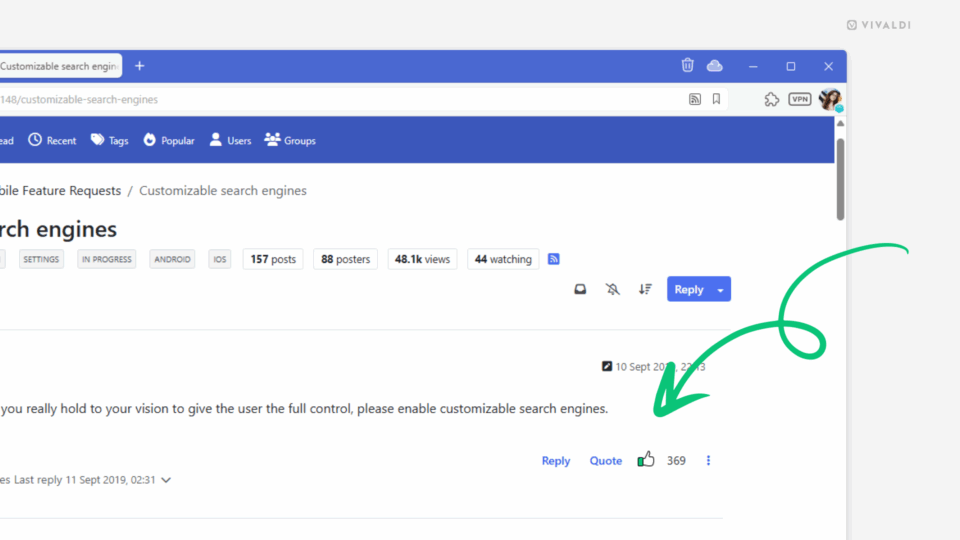
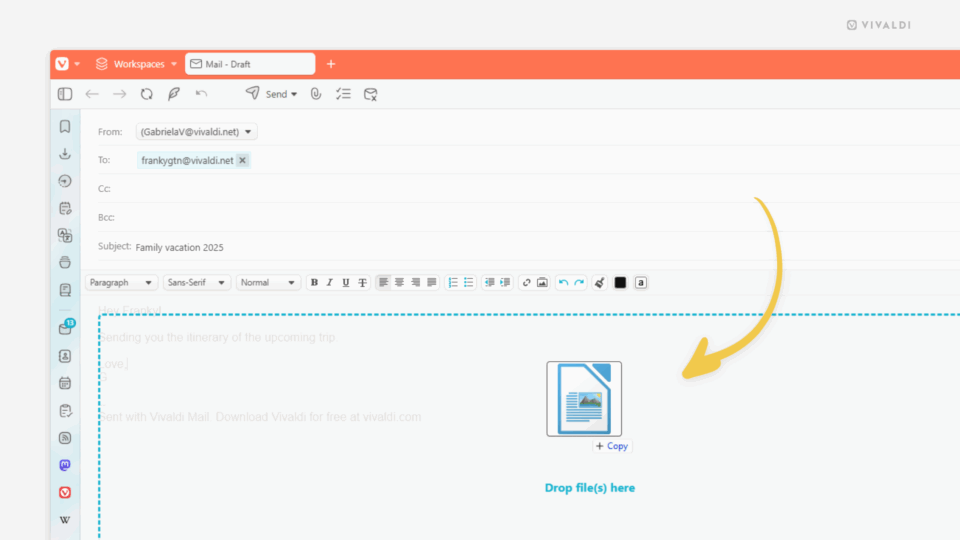
Start Page settings in Vivaldi. An arrow points at the "Reopen Start Page with" setting.

Tip #736

July 4, 2025

Choose the Speed Dial group you want to open the Start Page with.

Corner of a Vivaldi browser window with Edit Tab Stack dialog open.

Tip #735

July 3, 2025

Add a pop of color to Tab Stacks.

Embedded browser in an app. The menu is open and an arrow is pointing at the "Open in Vivaldi" option.

Tip #734

July 1, 2025

Open web pages from Android apps’ embedded browsers in the main Vivaldi browser window.

Vivaldi Mail with filter view buttons as text menu.

Tip #733

June 30, 2025

Choose your preferred menu for filtering irrelevant messages from view in Vivaldi Mail.

Bottom right corner of the Vivaldi browser window. The clock's context menu is open and an arrow is pointing at the "Show date" and "Show seconds" options.

Tip #732

June 27, 2025

Display the full date and time on the Status Bar.

Zoom settings in Vivaldi on iOS.

Tip #731

June 26, 2025

Review default and site-specific zoom settings in Vivaldi on iOS.

Follows and followers page on Vivaldi Social. An arrow points at the "Remove selected followers" button.

Tip #730

June 25, 2025

Remove unwanted people from your Vivaldi Social followers.

Vivaldi Forum's settings page. An arrow points at the "Open outgoing links in new tab" setting.

Tip #729

June 20, 2025

Open links shared on the Forum in new tabs.

Vivaldi on Android with website's permissions menu open. An arrow points at the Sound permission toggle.

Tip #728

June 19, 2025

Mute websites in Vivaldi on Android.

Vivaldi Browser window with Compact Tab Stack style enabled with the Two-Level Tab Bar. An arrow points at one of the stacks.

Tip #727

June 18, 2025

Combine Compact and Two-Level Tab Stacks.

Calendar's reminder notification in the Vivaldi browser. An arrow points at the event title in the notification.

Tip #726

June 17, 2025

Click on the event title on the reminder to open the Calendar.

Vivaldi browser with all tabs selected in the open Workspace. Right-click context menu is open and an arrow points at the option "Save Selected 15 Tabs as Session".

Tip #725

June 16, 2025

Create backups of Workspaces by saving them as Sessions.