Top right corner of the Vivaldi browser window with the Tab Button popup open. On top of that, there's a Display Options menu open and an arrow points at the 3-dot menu button from which the menu is opened from.

Tip #760

October 14, 2025

Choose which sections in the Tab Button popup are visible from the Display Options menu.

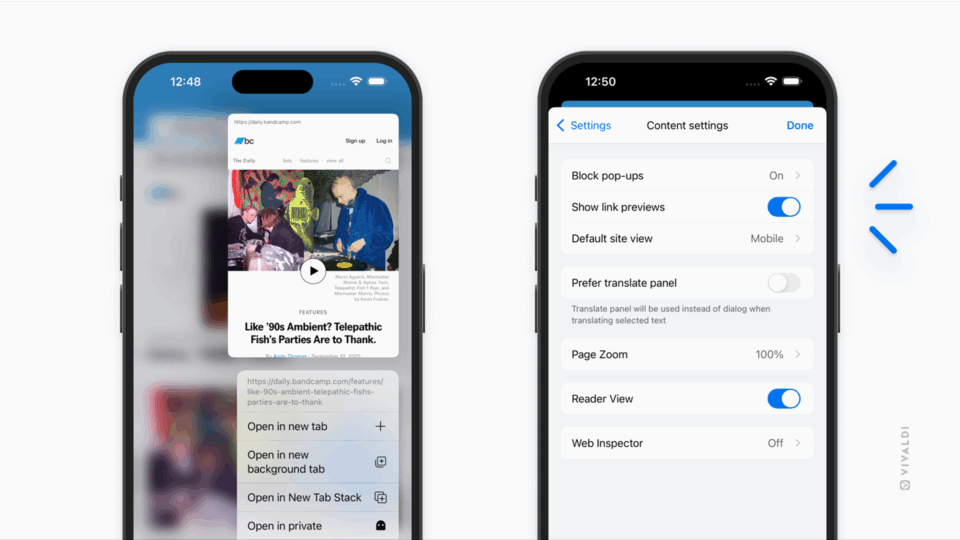
Vivaldi browser on an iPhone. Reader View has been enabled for a web page and an arrow points at the Reader View button on the Address Bar.

Tip #759

October 9, 2025

Read articles without distractions by enabling Reader View in Vivaldi on iOS.

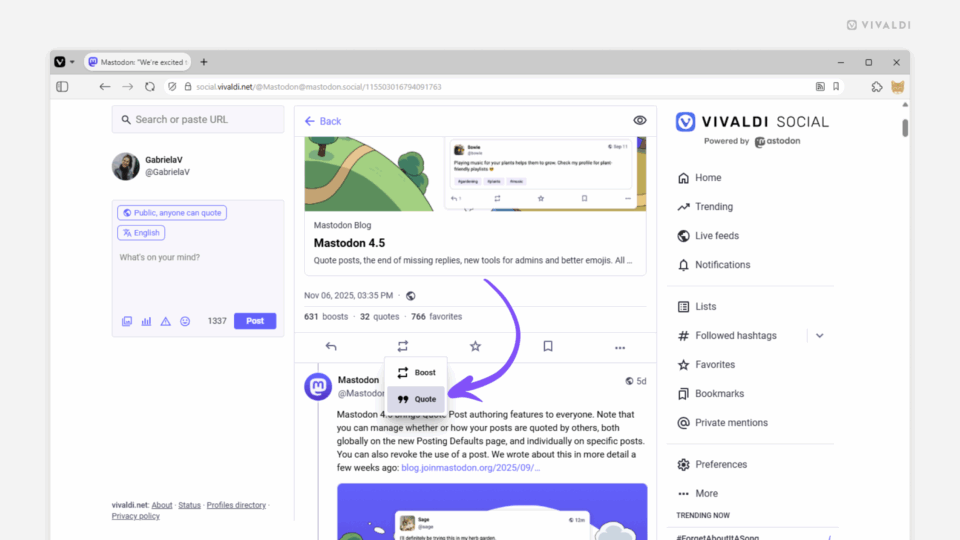
Vivaldi Social's homepage open in the Vivaldi browser. An arrow points at the header of the feed.

Tip #758

October 7, 2025

Return to the top of the page on Vivaldi Social by clicking the feed header.

Web page's context menu with the "Share" option highlighted open in Vivaldi on an Android tablet.

Tip #757

October 2, 2025

Share a web page from your Android tablet with a long-press on the page.

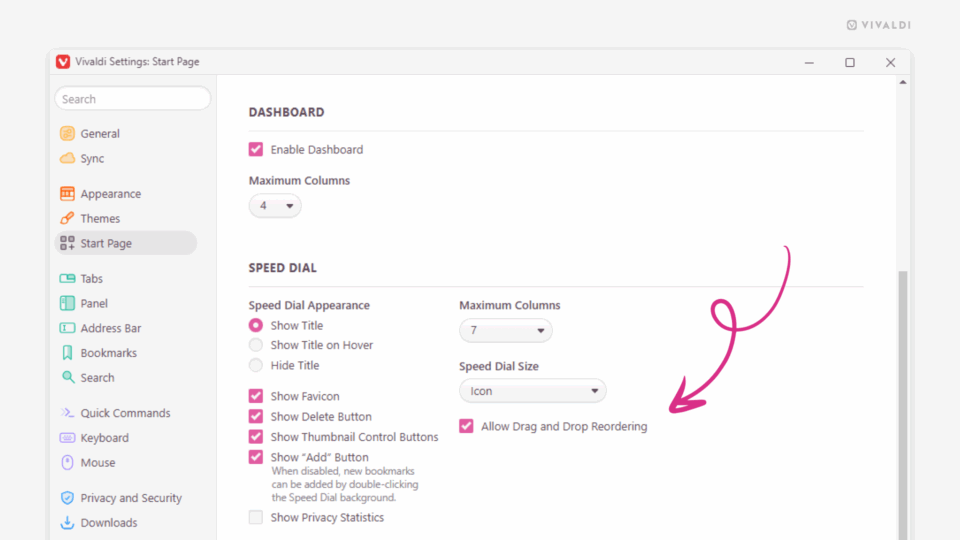
Command Chain settings in Vivaldi.

Tip #756

September 30, 2025

Dive into the article using fullscreen reader mode.

Quick Commands open in Vivaldi browser. An arrow points at a search result to open all bookmarks in a folder.

Tip #755

September 25, 2025

Open a folder full of bookmarks with Quick Commands.

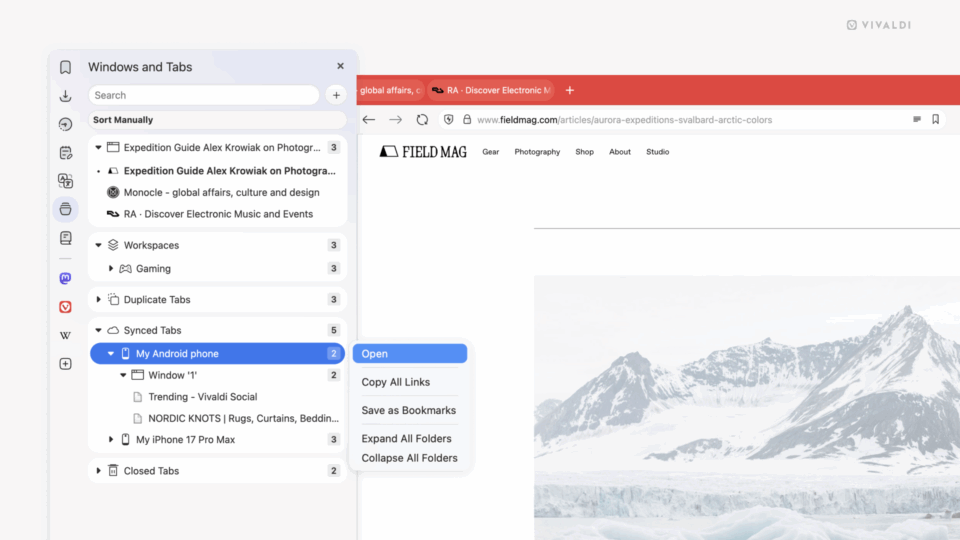
Vivaldi on Desktop UI highlighting the new Tab Button, located on the right top corner. Clicking the button shows a drop-down menu with a list of Open Tabs, Duplicate Tabs, Synced Tabs and Recently Closed Tabs.

Tip #754

September 23, 2025

Click the Tab Button to find all your tabs in one place.

Vivaldi browser window. An arrow on the left edge of the window indicates a possibility to go back in history.

Tip #753

September 18, 2025

Swipe on the trackpad to move back and forth in history.

Sync settings open in Vivaldi on Android (in the foreground) and desktop. Arrows point at the device name's "Edit" buttons

Tip #752

September 16, 2025

Give your synced devices distinct names.

Passwords section in Vivaldi browser's Privacy and Security settings. An arrow points at the "Remove Site" button at the end of Declined sites list.

Tip #751

September 11, 2025

Re-enable password saving for certain sites by removing them from the Declined Sites list.

Reading List Panel open in the Vivaldi browser. A magnified version of the Mark as read button shows the location of the button.

Tip #750

September 9, 2025

Ensure that articles on your Reading List have the correct read status.

Vivaldi browser window with Print preview and settings open in the foreground.

Tip #749

September 4, 2025

Save notes you’ve made in Vivaldi Notes as PDF files.