October 23, 2025
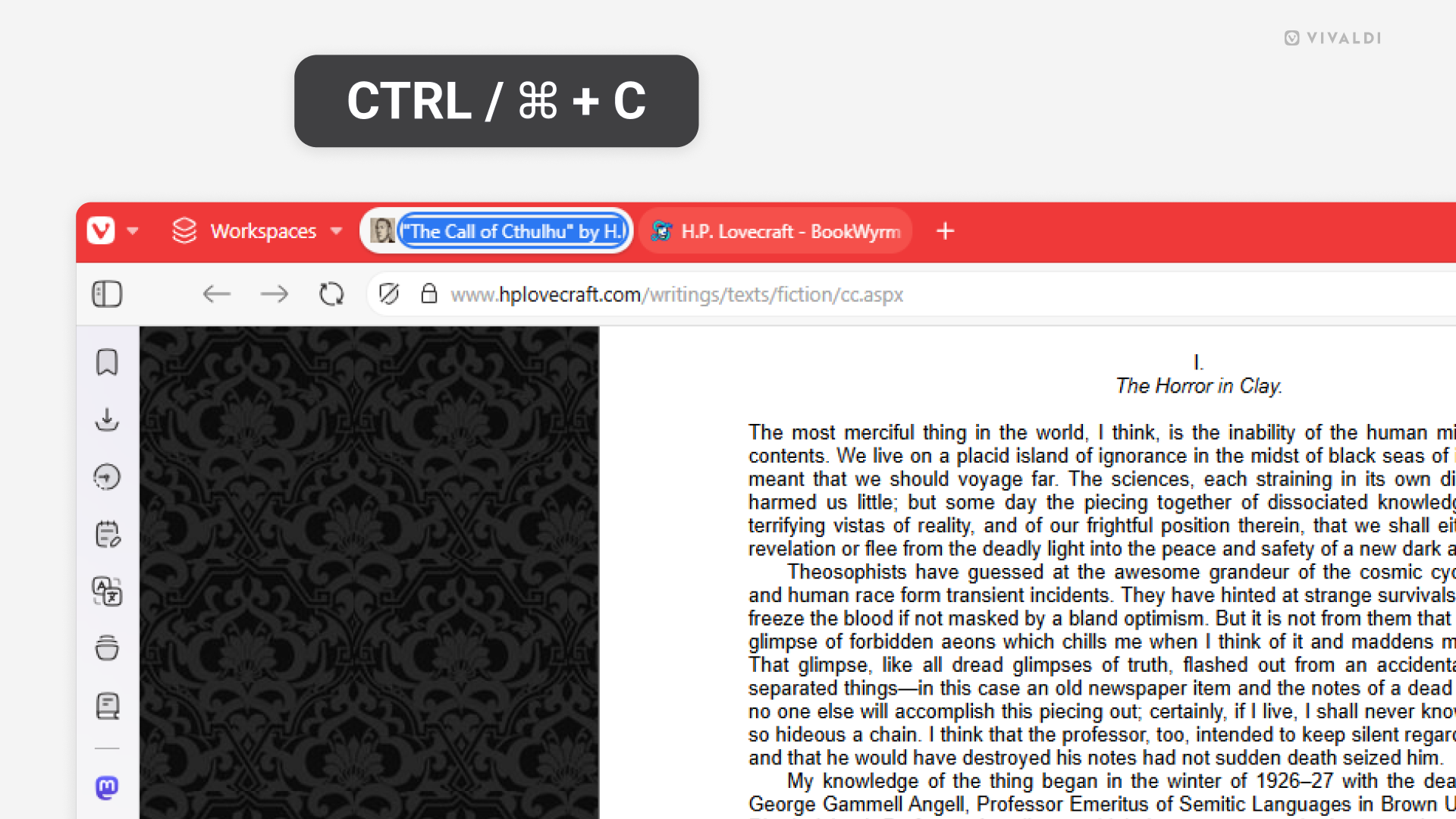
Copy web page titles from the Tab Bar.
October 21, 2025
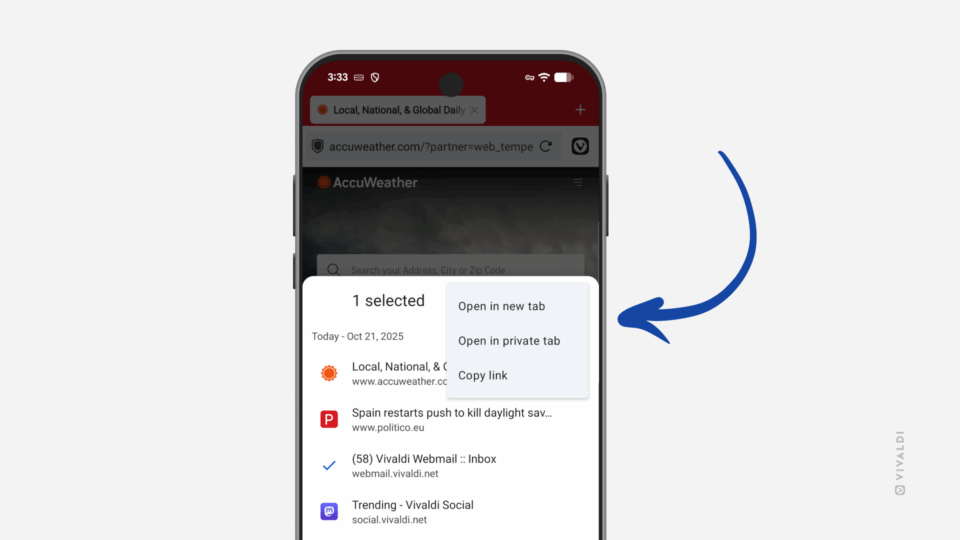
Open links from Vivaldi on Android’s History Panel in a new tab.
October 16, 2025
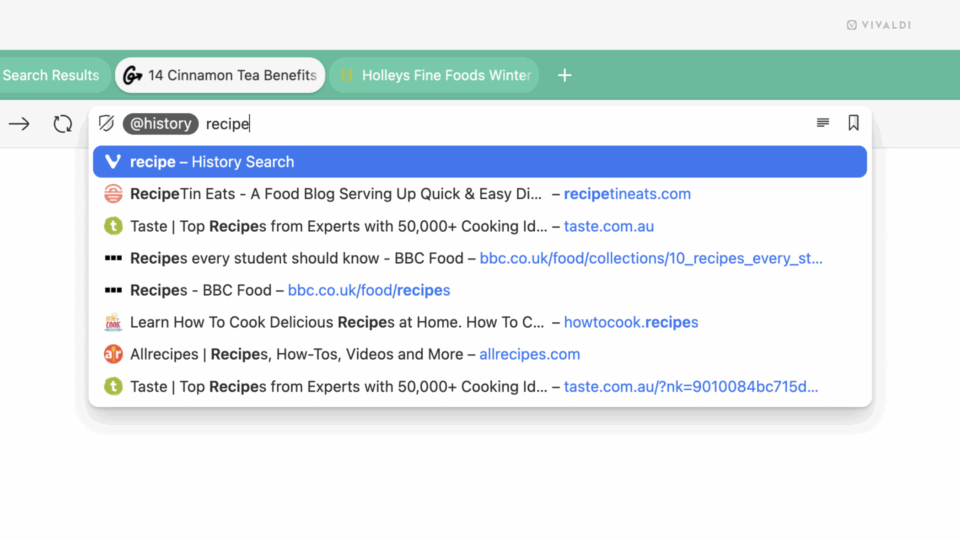
Search tabs, bookmarks and history using Shortcuts Nicknames in the Address Field.
October 14, 2025
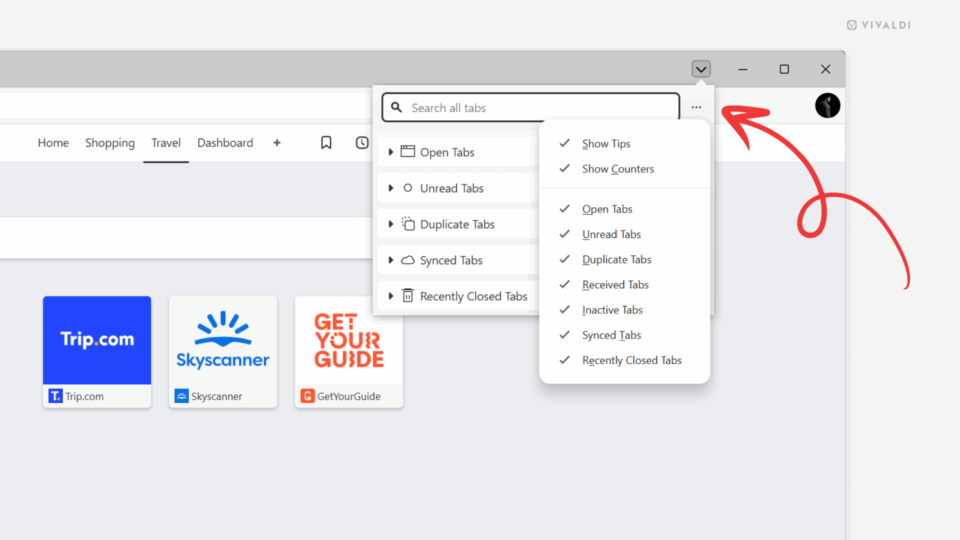
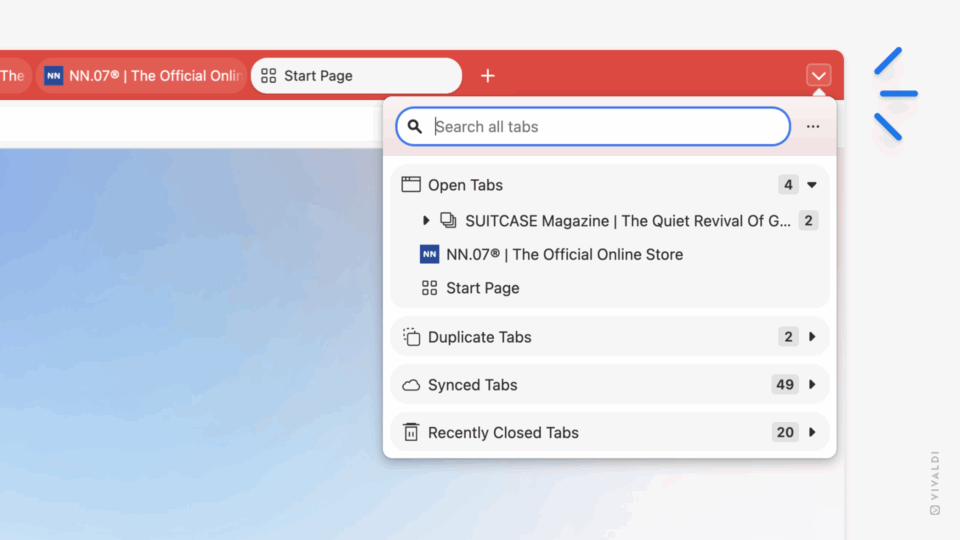
Choose which sections in the Tab Button popup are visible from the Display Options menu.
October 9, 2025
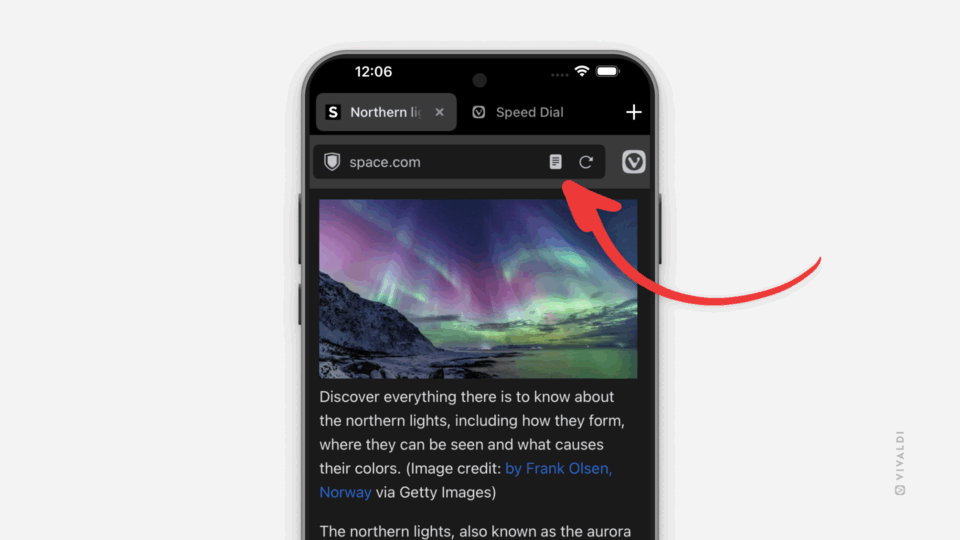
Read articles without distractions by enabling Reader View in Vivaldi on iOS.
October 7, 2025
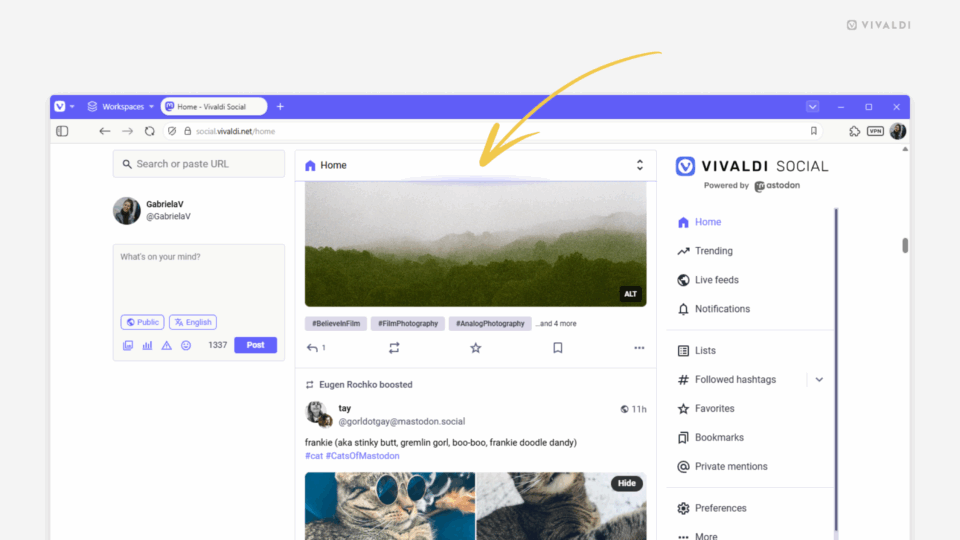
Return to the top of the page on Vivaldi Social by clicking the feed header.
October 2, 2025
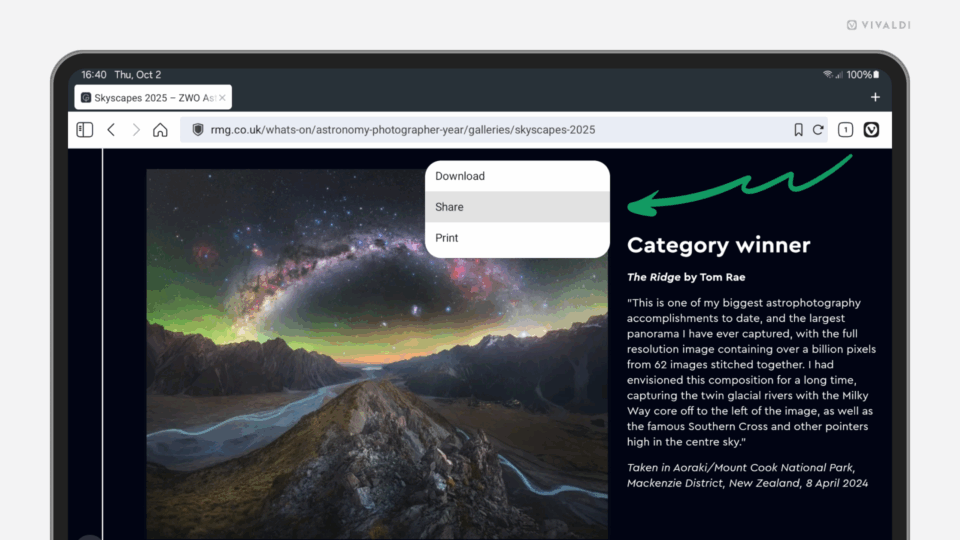
Share a web page from your Android tablet with a long-press on the page.
September 30, 2025
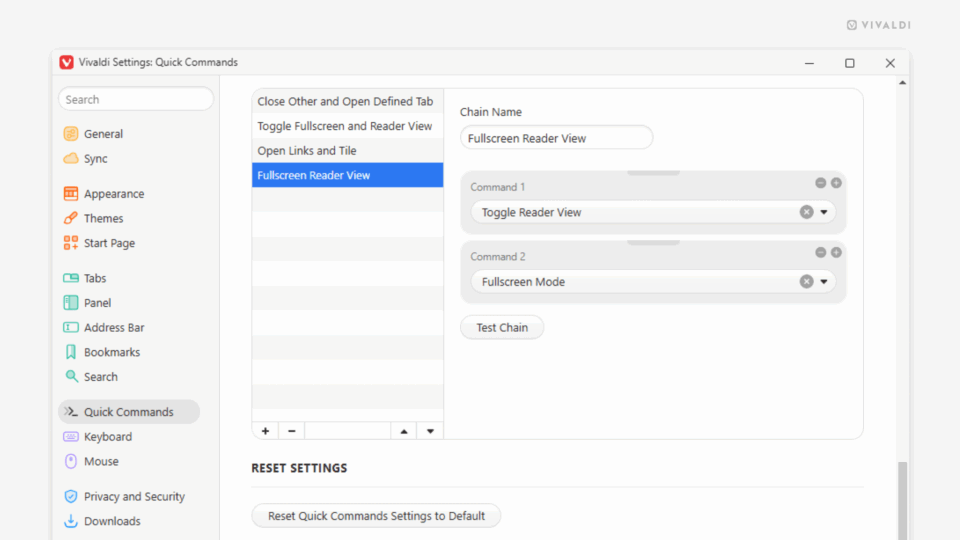
Dive into the article using fullscreen reader mode.
September 25, 2025
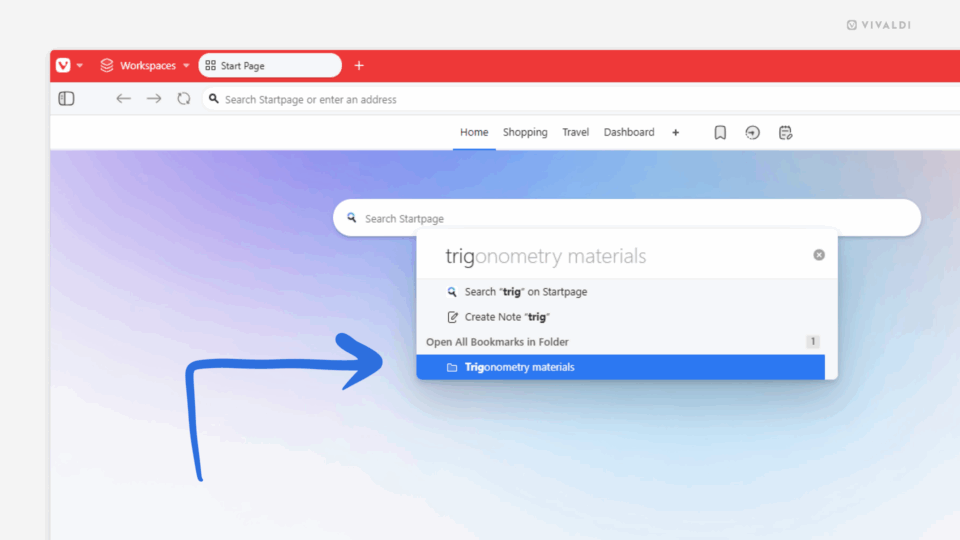
Open a folder full of bookmarks with Quick Commands.
September 23, 2025
Click the Tab Button to find all your tabs in one place.
September 18, 2025
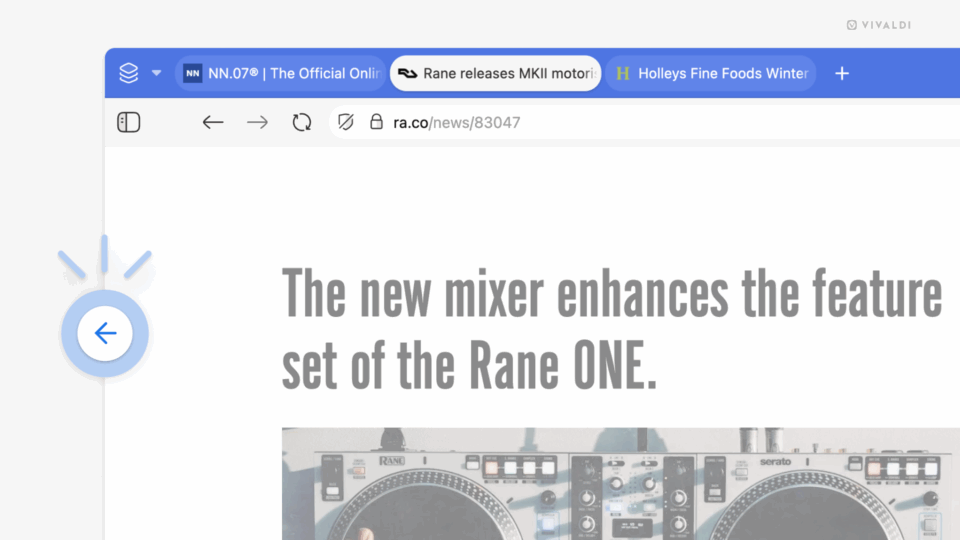
Swipe on the trackpad to move back and forth in history.
September 16, 2025
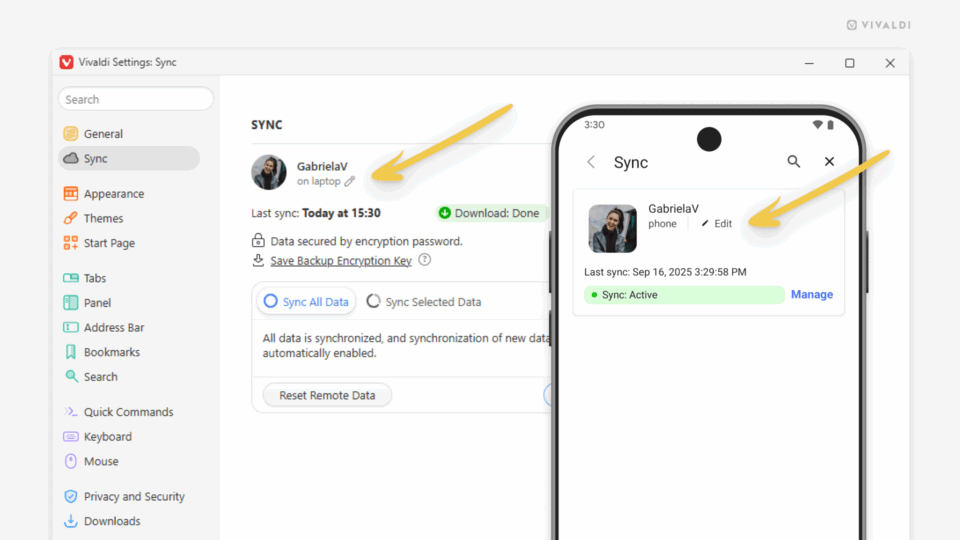
Give your synced devices distinct names.