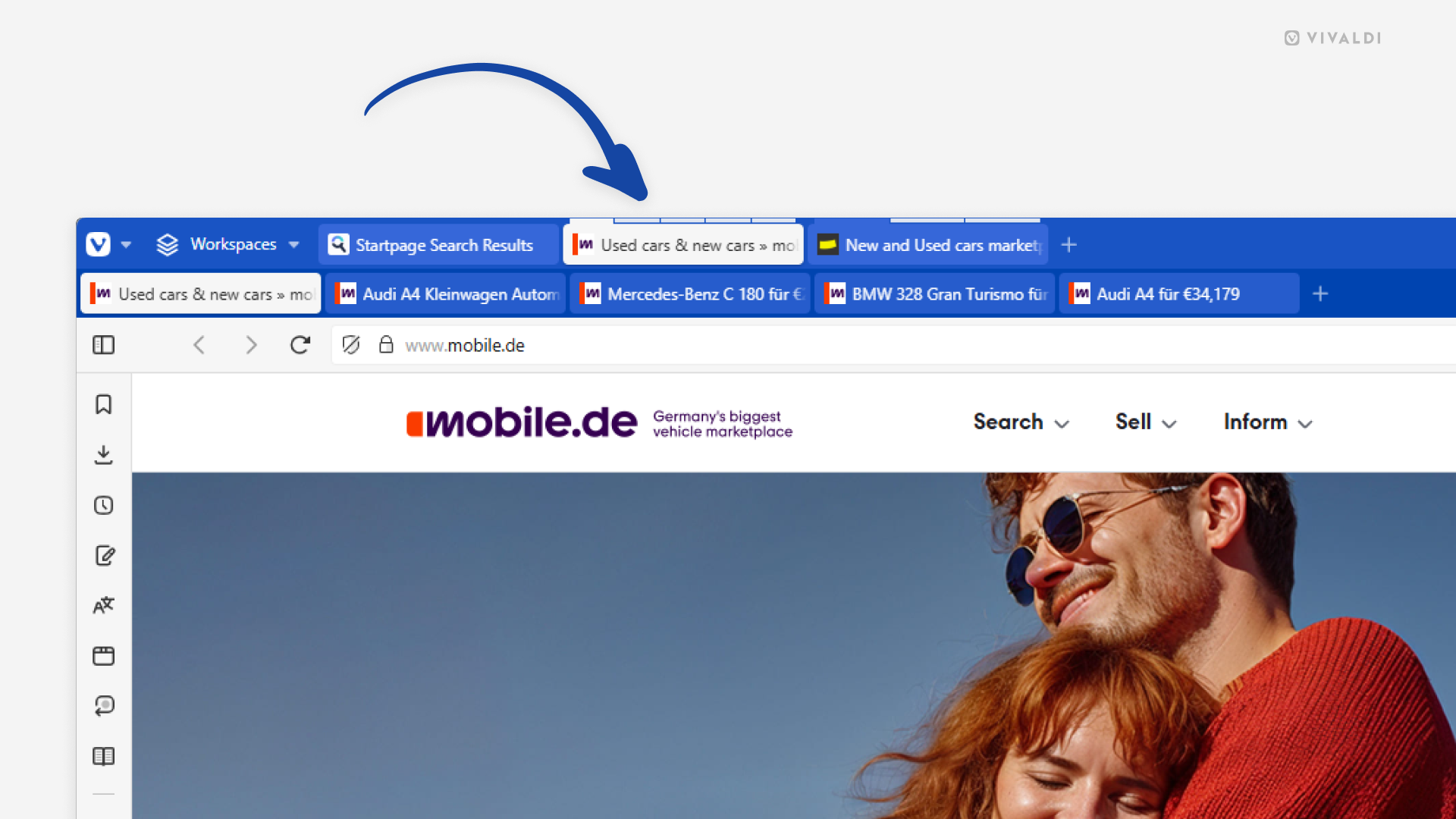

Vivaldi Browser window with Compact Tab Stack style enabled with the Two-Level Tab Bar. An arrow points at one of the stacks.

Tip #727

June 18, 2025

Combine Compact and Two-Level Tab Stacks.

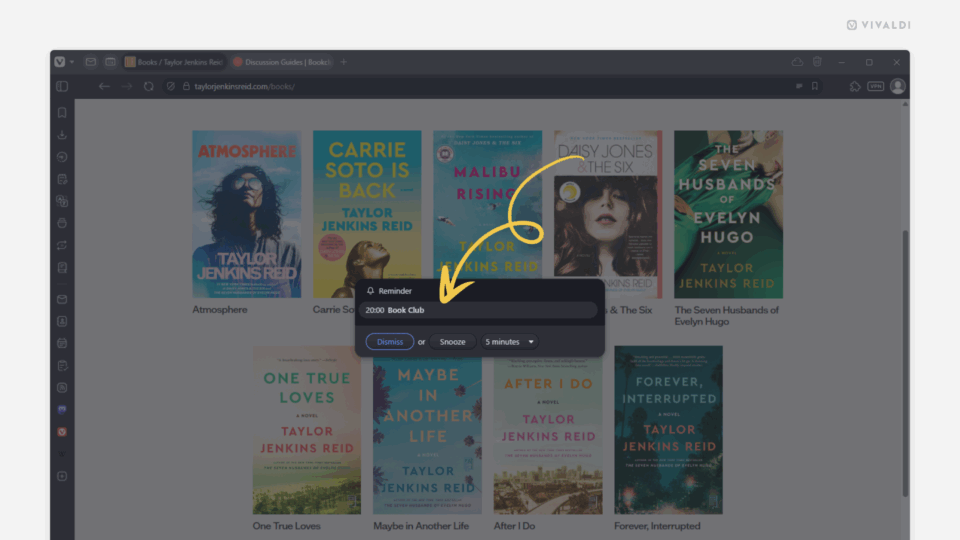
Calendar's reminder notification in the Vivaldi browser. An arrow points at the event title in the notification.

Tip #726

June 17, 2025

Click on the event title on the reminder to open the Calendar.

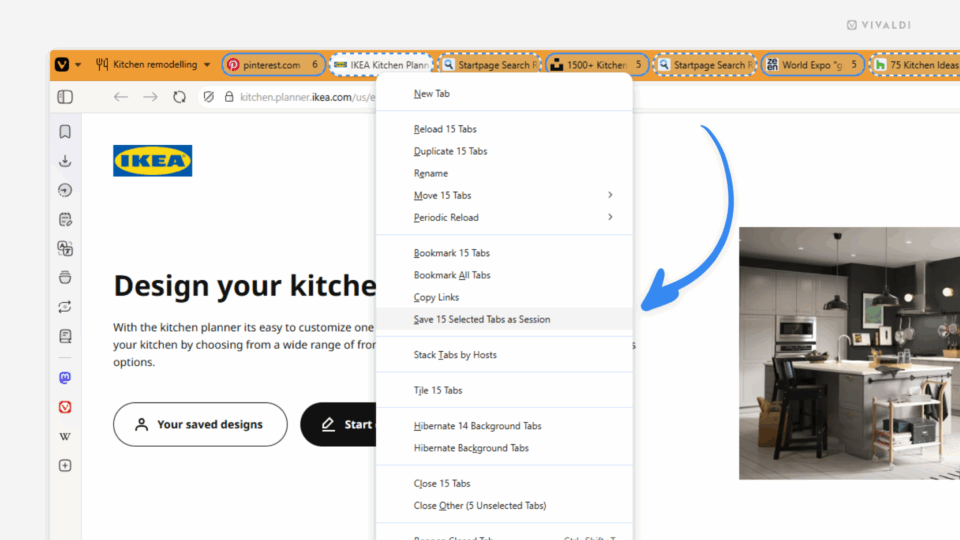
Vivaldi browser with all tabs selected in the open Workspace. Right-click context menu is open and an arrow points at the option "Save Selected 15 Tabs as Session".

Tip #725

June 16, 2025

Create backups of Workspaces by saving them as Sessions.

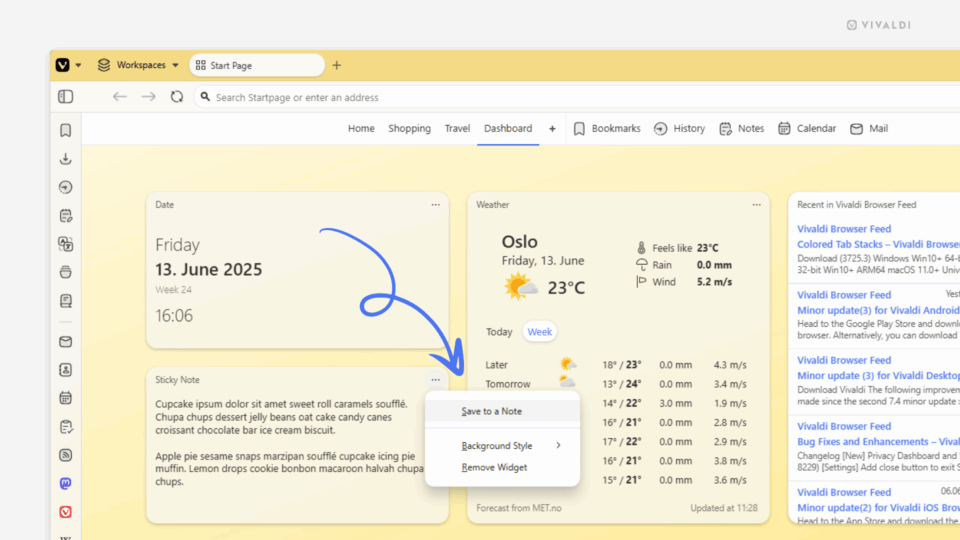
Vivaldi browser's Dashboard. Sticky Note widget's menu is open and "Save to Note" option highlighted.

Tip #724

June 13, 2025

Turn a Sticky Note on the Dashboard into a proper note.

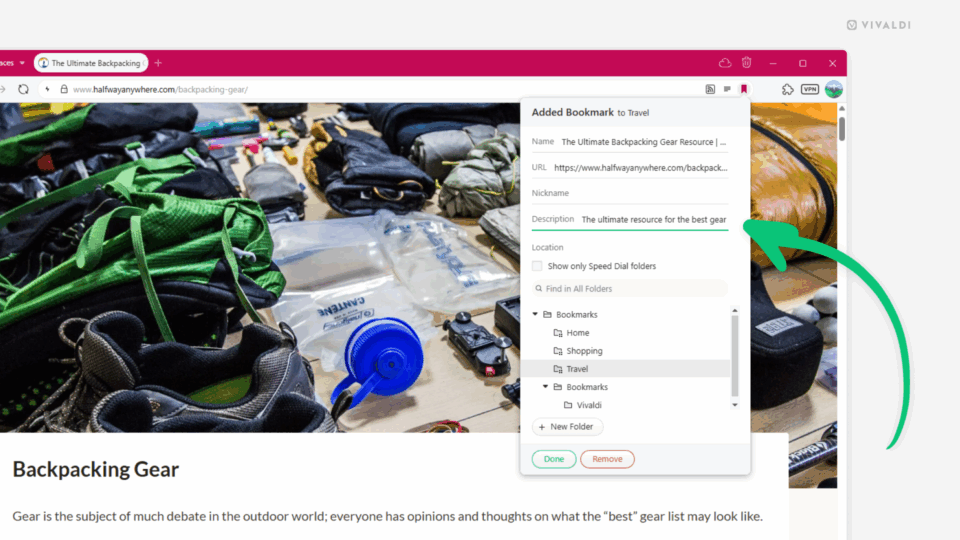
Address Bar's "Bookmark Page" dialog open in Vivaldi. An arrow points at the bookmark's auto-filled description field.

Tip #723

June 11, 2025

Give your bookmarks useful descriptions.

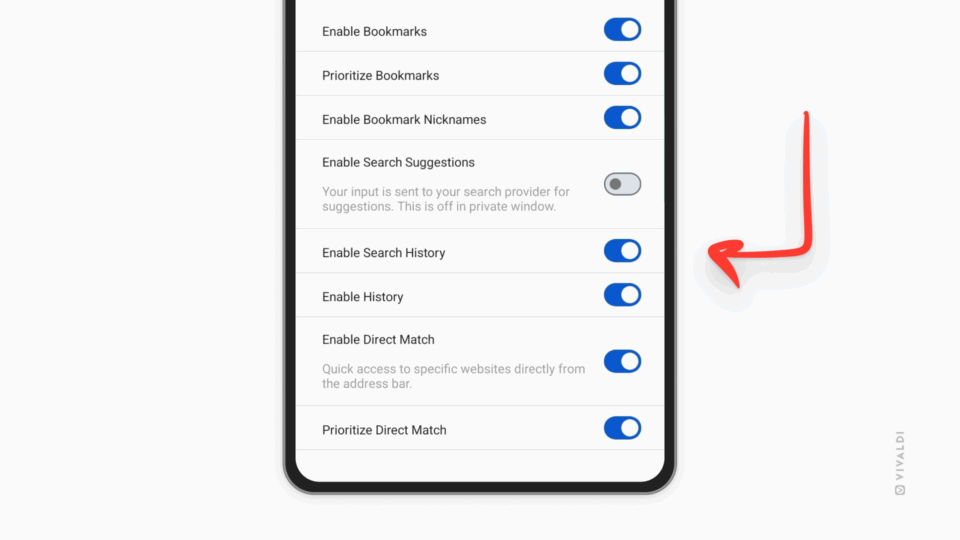
Vivaldi on Android's Address Field settings.. An arrow is pointing at the "Enable Search History" button.

Tip #722

June 9, 2025

Hide past searches in the Address Field drop-down menu on mobile.

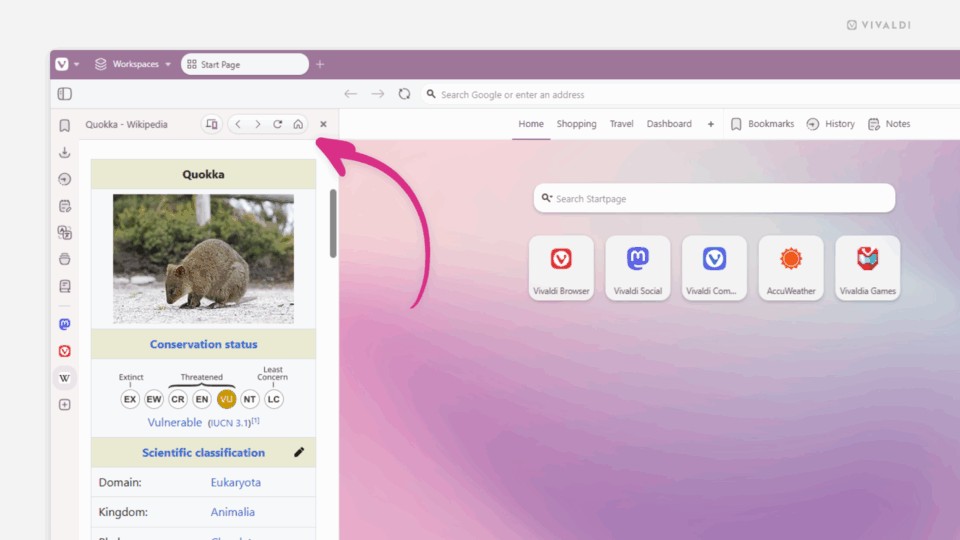
Wikipedia article open in Vivaldi browser's Web Panel. An arrow points at the panel's home button.

Tip #721

June 6, 2025

Return home after wandering off to other web pages in the Web Panel.

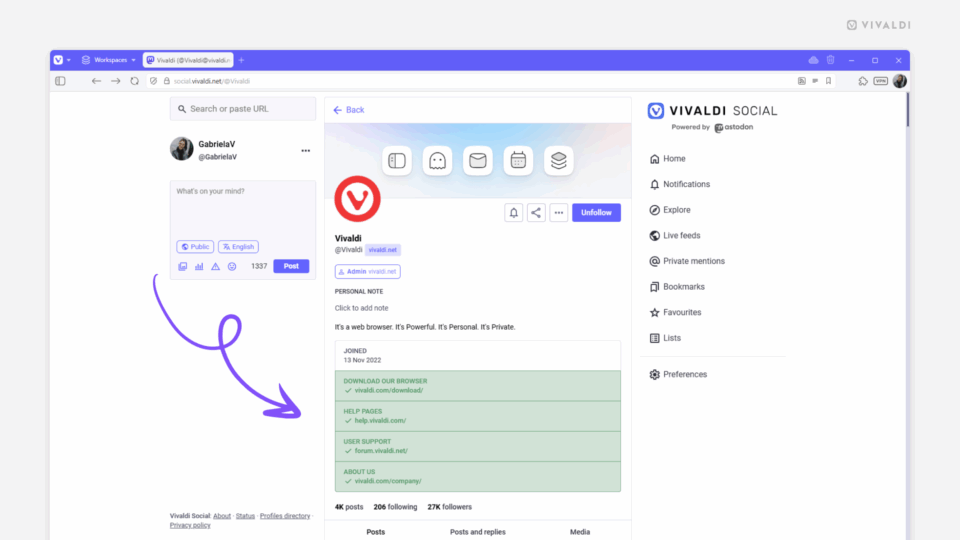
Account on Vivaldi Social with verified links in the profile information.

Tip #720

June 5, 2025

Verify your Vivaldi Social account.

Tip #719

June 4, 2025

Disable notifications for hidden calendars.

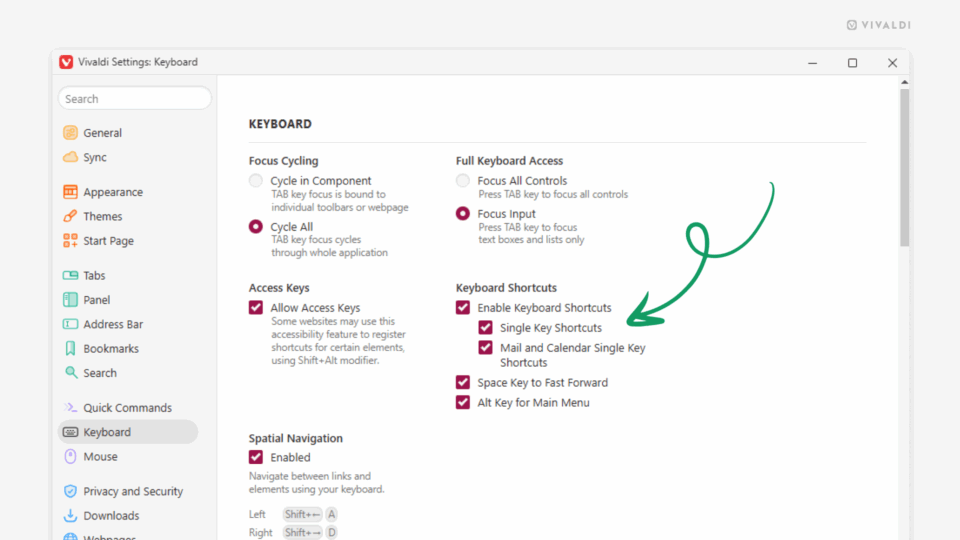
Keyboard Settings in Vivaldi. An arrow points at the Single Key Shortcuts option.

Tip #718

June 3, 2025

Browse one-handed with Single Key Shortcuts.

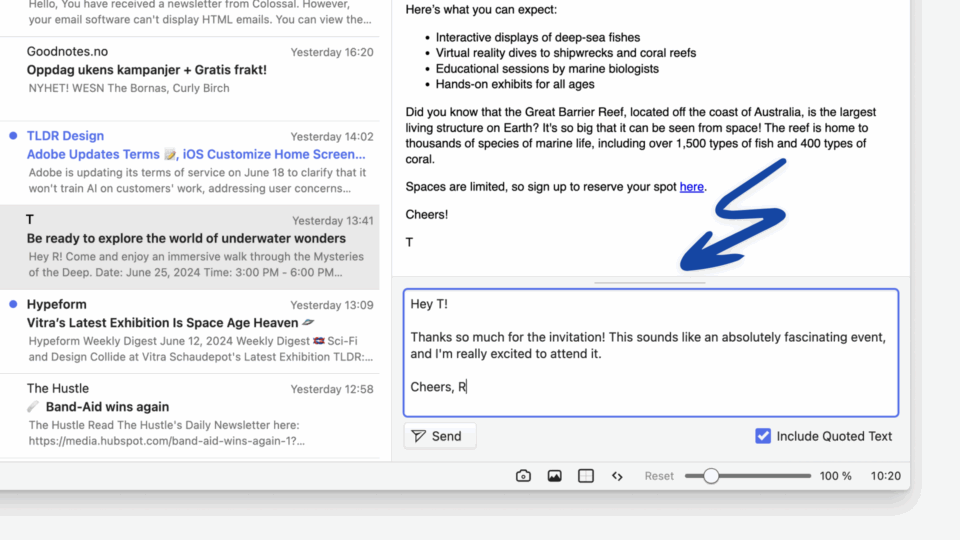
Vivaldi Mail's Quick Reply field. An arrow points at the line that can be used to resize and minimize the section.

Tip #717

June 2, 2025

Quick Reply in Vivaldi Mail is a great way to swiftly send a reply email. The Quick Reply field does take up a bit of space, though, potentially hiding parts of longer emails. Luckily you can resize or hide it altogether. To resize the Quick Reply field: To hide/show the Quick Reply field:
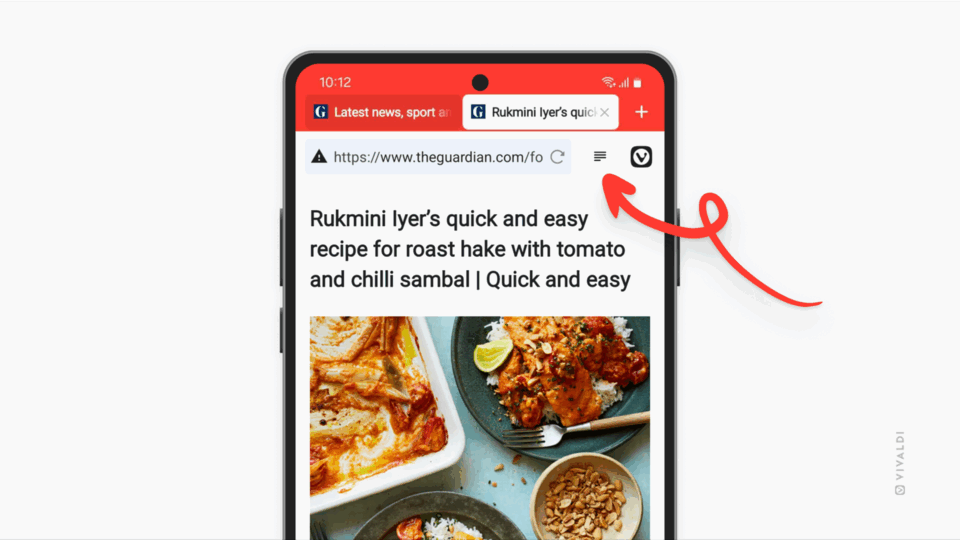
Vivaldi on Android. An arrow is pointing at the Reader View button on the Address Bar.

Tip #716

May 29, 2025

Add a shortcut to quickly toggle Reader View on and off in Vivaldi on Android.