The only web browser powerful enough for you!
Give a donation to help us keep building the most amazing browser.

 “The best browser”
 “Web's best browser”
 “Fantastic for power users”
 “Packed with helpful, innovative features”

CEO, Vivaldi Technologies
Fighting for a better web
We’re building an alternative to Big Tech that puts people first. No tracking. No investors demanding your data. Answerable only to you. As an independent European company, we don't treat Privacy as just a feature. To us, it’s a philosophy.
The web needs to stay free, open, and for everyone. By using Vivaldi you’re not just choosing a browser, you’re joining the fight for a better web.
Read morePowerful
Vivaldi is packed with powerful built-in features, built for you, who demand more. Whether you're juggling dozens of tabs or need all the tools in the toolbox, Vivaldi lets you conquer the web.
Read more


Personal
You can personalize every feature, every shortcut, every theme to match your style and workflow. Want a sleek minimal look or a bold, vibrant interface? It’s your call, with Vivaldi, you’re browsing the web your way.
Read more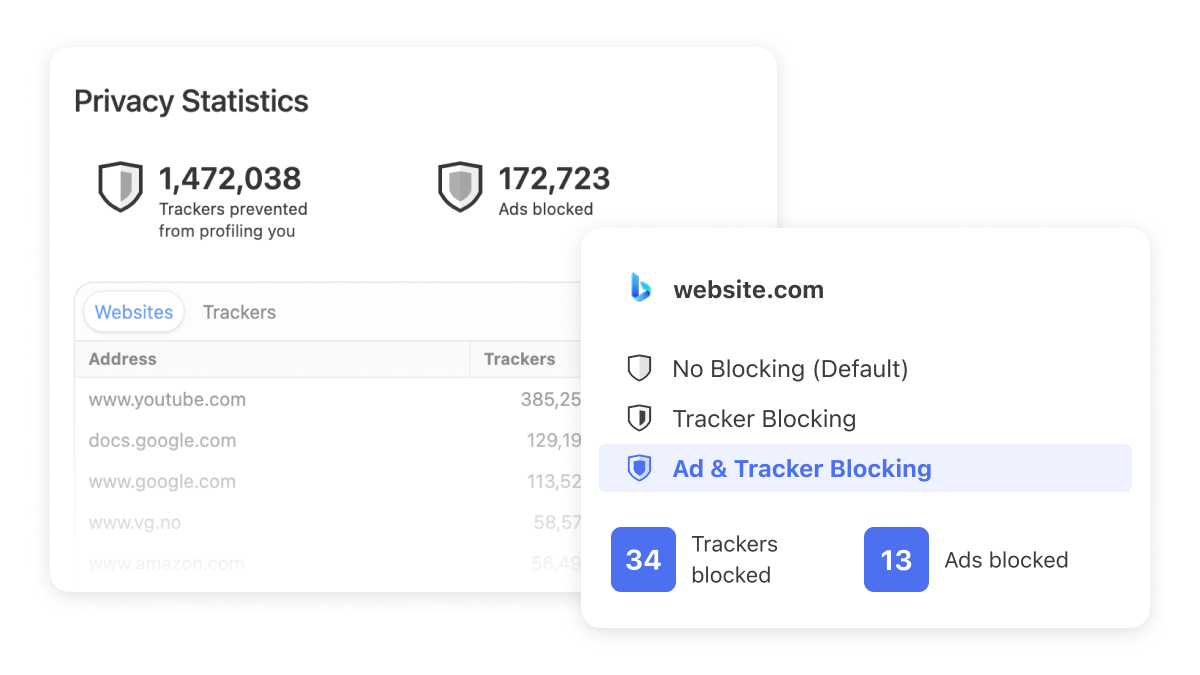
Private
Privacy isn’t just a feature at Vivaldi, it’s a philosophy. No profiling, no data mining, no-nonsense. With built-in ad and tracker blockers, plus end-to-end encryption for synced data.
Read moreEverything you need, and more
Vivaldi is packed with all the features and tools you need, built-in.

Manage emails from multiple accounts, mailing lists and feeds in a unified inbox, with this powerful, built-in email client.


Feed Reader
Use this built-in, algorithm-free feed reader to build a private news feed that is based on your interests, not what you do online.


Tab Stacking
Sort out your tabs by grouping them in two-level Tab Stacks. Stacks are a great way to keep things tidy when you have a lot of open tabs.


Pop-out Video
Display videos in a floating window, so you can continue watching, while you work or play.

Mouse Gestures
Do just about anything in Vivaldi - open, close and switch Tabs, create Notes, and much more - all with movements of the mouse.

Command Chains
Save time and boost productivity by building your own shortcuts, workflows and browser modes. Trigger a custom sequence of commands with a single keystroke or gesture.

Proton VPN for Vivaldi
With one-click activation, you get enhanced privacy protections and all the VPN functionality you need. Because privacy should always be simple.

What people say about Vivaldi
 Tom Steurer@thomas_steurer
Two weeks using @vivaldibrowser and I'm sold. Best UX of any browser with perfect customization options. Never going back.
 Taggart@mttaggart
I continue to be a happy @Vivaldi user, and this is a big reason why: they've committed to keeping generative AI out of the browser.
 liam gelegar@agngw_
I didn't know a browser could be aesthetically pleasing.
#Vivaldi is at different level.
 Professor the Hunter@bughuntar
Vivaldi's a hidden gem! Insane customization, workspaces, and speed make it top-tier, but it barely gets the buzz it deserves.
 Rayyan@iamrayyaann
Amid the browser chaos, @vivaldibrowser is my rock.
 James@jameshuisang
I love @vivaldibrowser, y'all have to switch over. I feel safe, I feel cozy, and I feel limitless.
 Saints at Play@saintsatplay
Loving using #vivaldi--security, privacy, tab folders, and a fast browsing experience--how did I not learn about this browser sooner?
 Samu3l@0xPixy
Moving from chrome browser to Vivaldi was the best choice ever.
If you ever need a browser that is both light, fast and efficient, then Vivaldi is your best bet.
 Aryan Raj@aryanrajseo
I am really happy with @vivaldibrowser. The new UI, icon looks great. The flexibility and customization options are infinite. You can literally make it your own replacing/repositioning each part of the content. The vivaldi community is top notch.
 notagenius@aileeni365
Vivaldi is a very very good browser. mindblowing actually
 WMouton@wmouton_dev
Your browser affects productivity! 🚀 Tried many, but Vivaldi wins.
✅ Workspaces + keybindings
✅ Organized tab sets
✅ Auto-rules for sorting
No clutter, just efficiency. What’s your go-to browser?
 Dravion@Umbral_Ice
Decided to try and give the mobile Vivaldi browser a try and wow! Fast, smooth, and things just feel intuitive, as in “oh I should just be able to do this and oh look I can”
 Bobby Lyte@BobbyFlowState
I can't believe I didn't switch to @vivaldibrowser sooner 🤦♂️.
My overwhelmed tab brain has completely disappeared. 😌
How is anyone still using Chrome? Why?
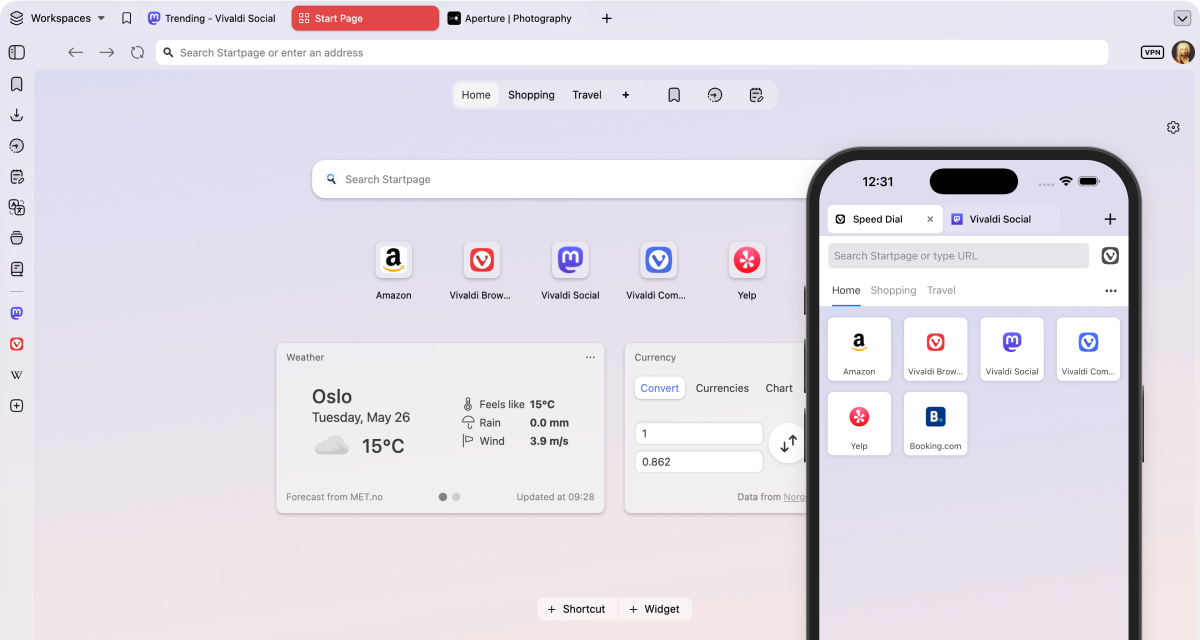
Sync across your devices
Sync your browsing history, passwords, bookmarks, tabs, and more to make Vivaldi work seamlessly across your desktop and mobile devices. Vivaldi Sync has end-to-end encryption to protect your data from being accessed by third parties.

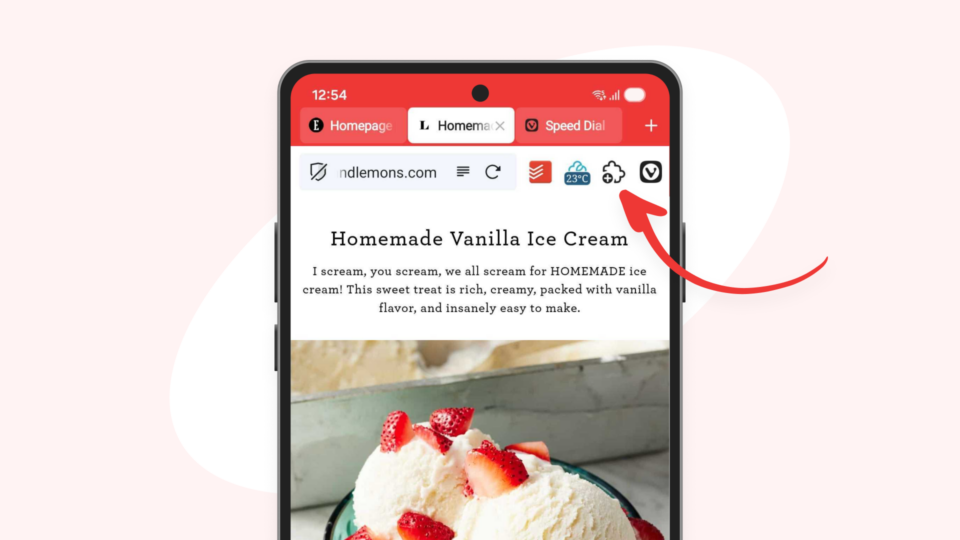
Vivaldi on Mobile
Clutter-free mobile browsing on your terms. Vivaldi on mobile is packed with useful features, including built-in Ad blocker and tracking protection. You can seamlessly sync open tabs, saved logins, and notes to companion Vivaldi on desktop.