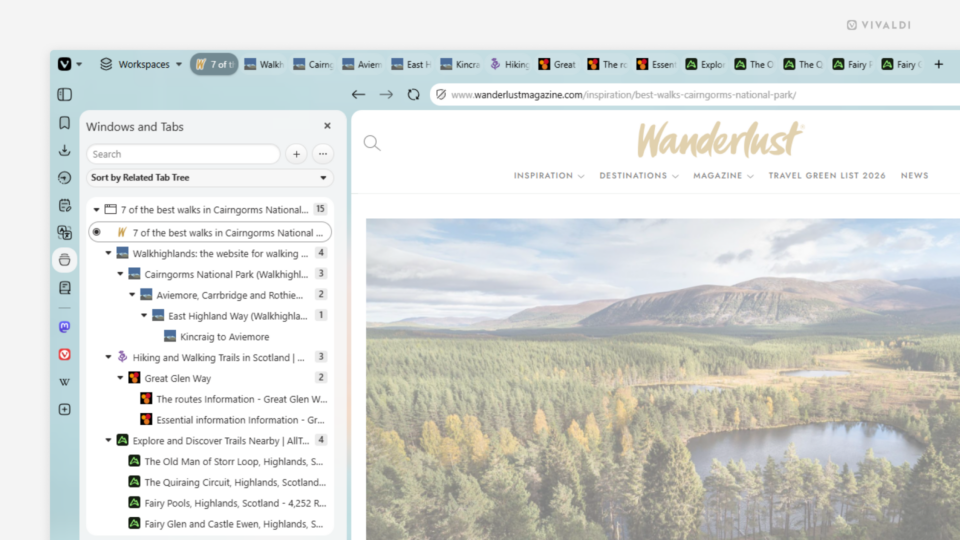
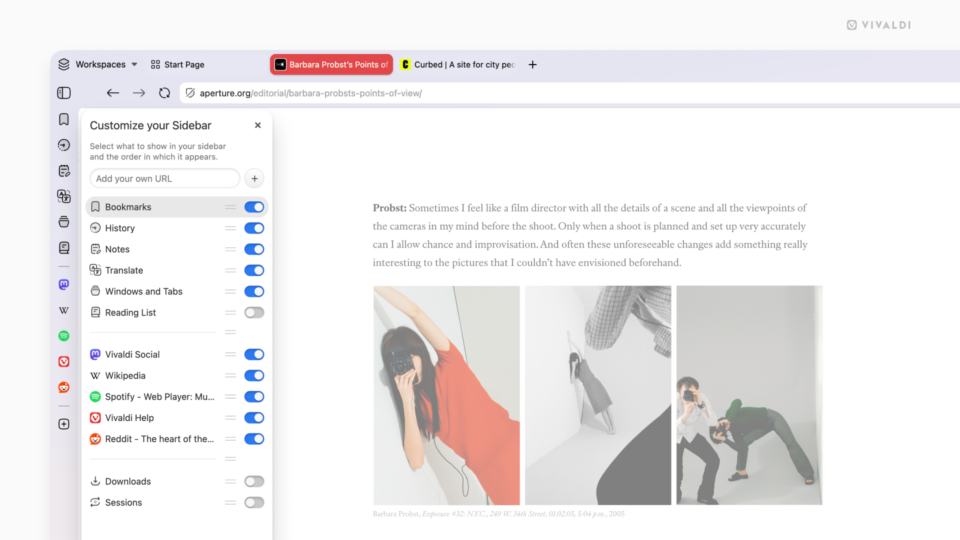
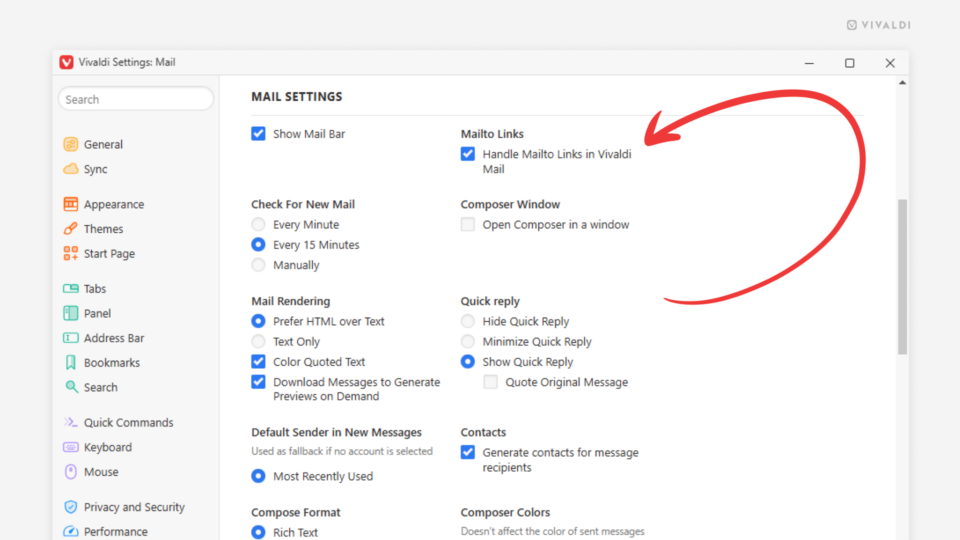
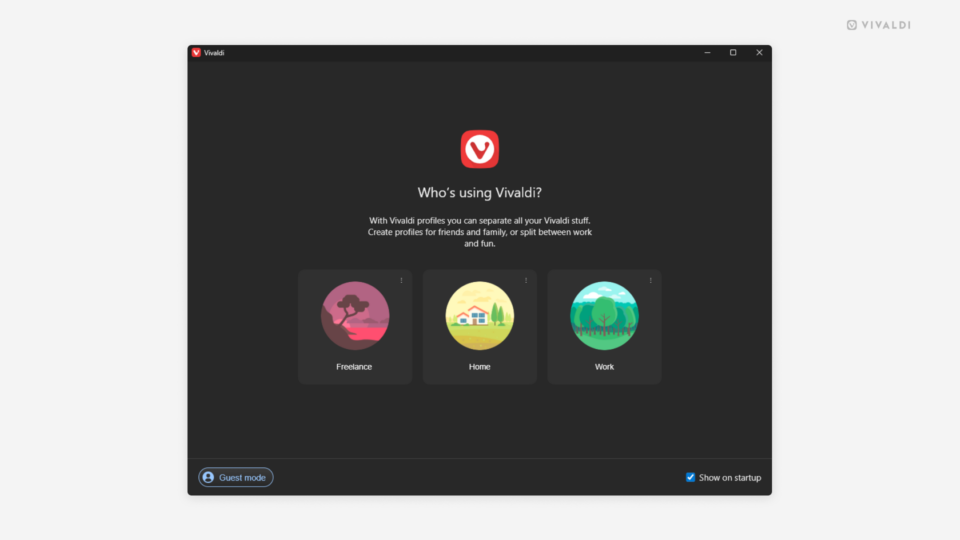
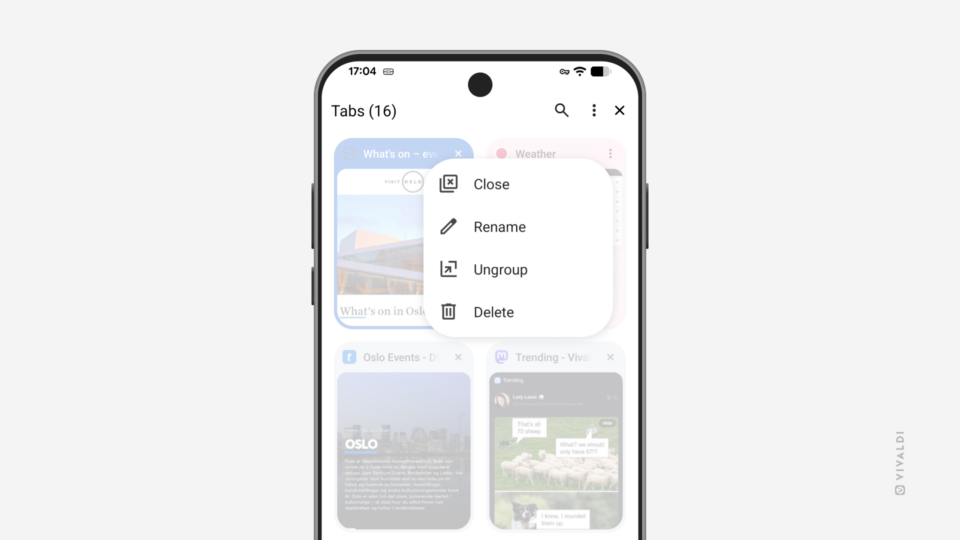
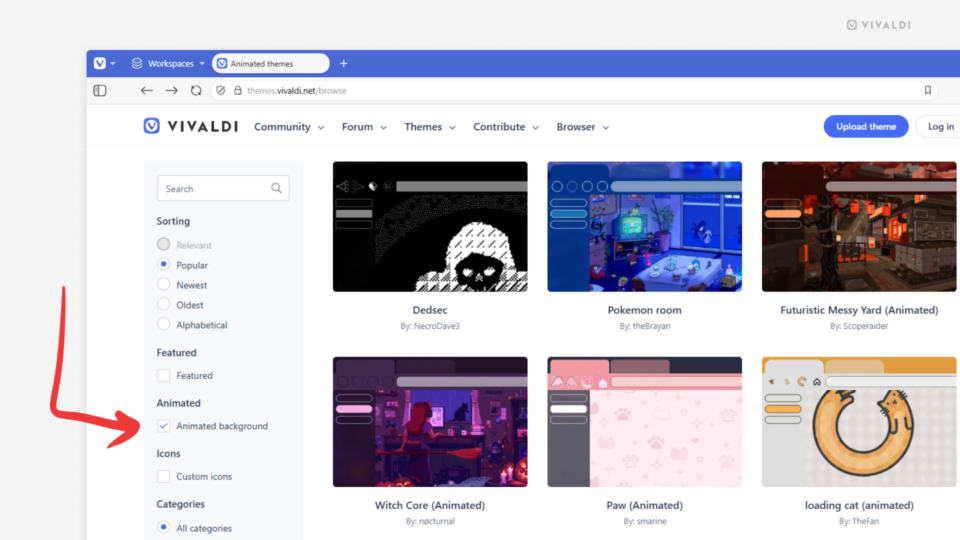
Page for adding a website as a Home Screen shortcut open in Vivaldi on iOS.

Tip #809

April 21, 2026

Create standalone Web Apps from websites on your iPhone and iPad.

New Tab button's right-click context menu showing the options for changing the Tab Bar's positions.

Tip #808

April 16, 2026

Change the Tab Bar’s location directly from the Tab Bar.

Vivaldi Forum's notifications menu is open and an arrow points at the "Unread" button.

Tip #807

April 14, 2026

View only unread Vivaldi Forum notifications.

Vivaldi Social's Trending feed. Post's menu is open and an arrow points at the "Open original page" option.

Tip #806

April 9, 2026

Open posts on Vivaldi Social on their original page.

Two iPhones. The one on the left displays Tab Stacks in the Accordion style and the one on the right in the Two-Level style.

Tip #805

April 2, 2026

Choose your Tab Stack style for Vivaldi on iOS.

Link's context menu in the Vivaldi browser showing the path to open a link as a tiled follower tab.

Tip #804

March 31, 2026

Explore links on a web page without losing sight of the original tab.

Two phones side by side, showing two different daily images as background.

Tip #803

March 26, 2026

Get a new Start Page look on mobile every day with Daily Images.

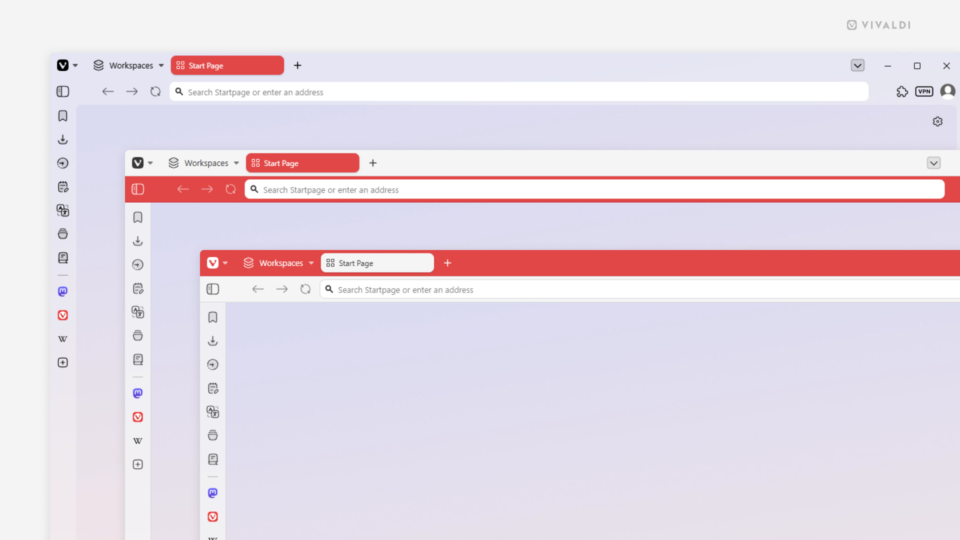
Two Vivaldi windows. The one in the background is the regular browser window, the one in the foreground is the Mail composer window.

Tip #802

March 24, 2026

A tab or a window – write your emails in the space you prefer.

A zoomed in view of the UI Auto-hide button: a square with a diagonal arrow pointing to both corners.

Tip #801

March 19, 2026

Enable automatic hiding of the browser’s user interface.

Corner of a Vivaldi browser window with Edit Tab Stack dialog open.

Tip #800

March 17, 2026

Skip Tab Stack naming prompts by disabling them in Settings.

3 tiled tabs in a Vivaldi browser window. The leftmost tab is being dragged over the middle one to change the order of tiled tabs.

Tip #799

March 12, 2026

Use drag and drop to reorder Tiled Tabs.

Extension settings page in the Vivaldi browser. An arrow points at the enabled incognito mode option.

Tip #798

March 10, 2026

Allow the use of trusted Extensions in Private Windows.