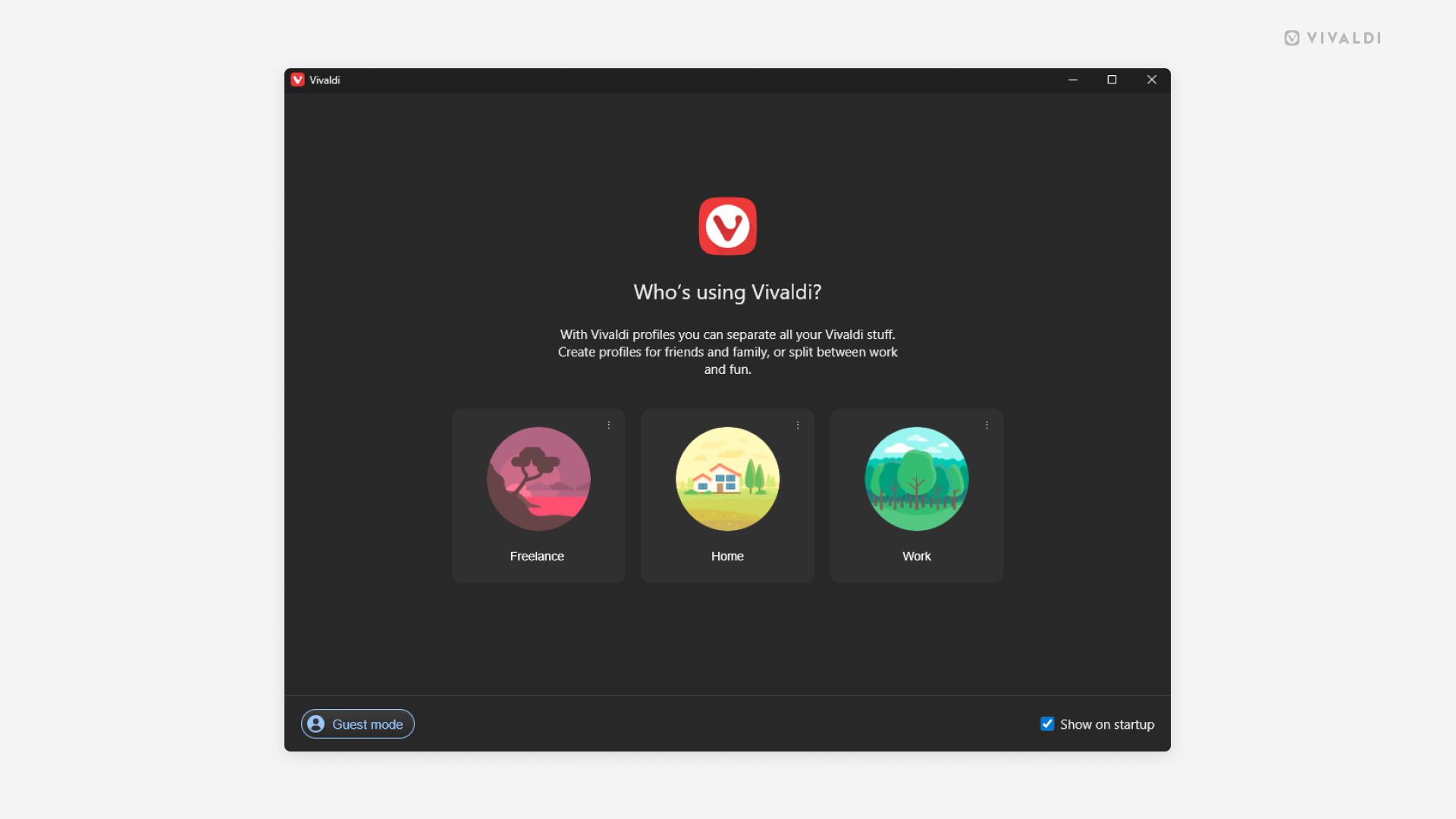
View and edit User Profiles from the Profile Manager.
User Profiles are a great way to compartmentalize your browsing data (Bookmarks, Passwords, etc.) based on use case (personal, school, work, etc.) or when sharing the computer with someone.
When you’ve created multiple profiles, every time you open Vivaldi, you’ll first see the Profile Manager, which allows you to pick the profile you want to use. Naturally, you can disable it, if it doesn’t fit your workflow.
To view the Profile Manager when the browser is already open:
- Go to Settings > General > Startup > Profile Management, and click on “Manage Profiles”.
- Type “Manage Profiles” in Quick Commands.
- Create a Keyboard Shortcut or a Mouse Gesture for the action.
Additionally, you can switch and manage profiles from the User Profiles button on the Address Bar.