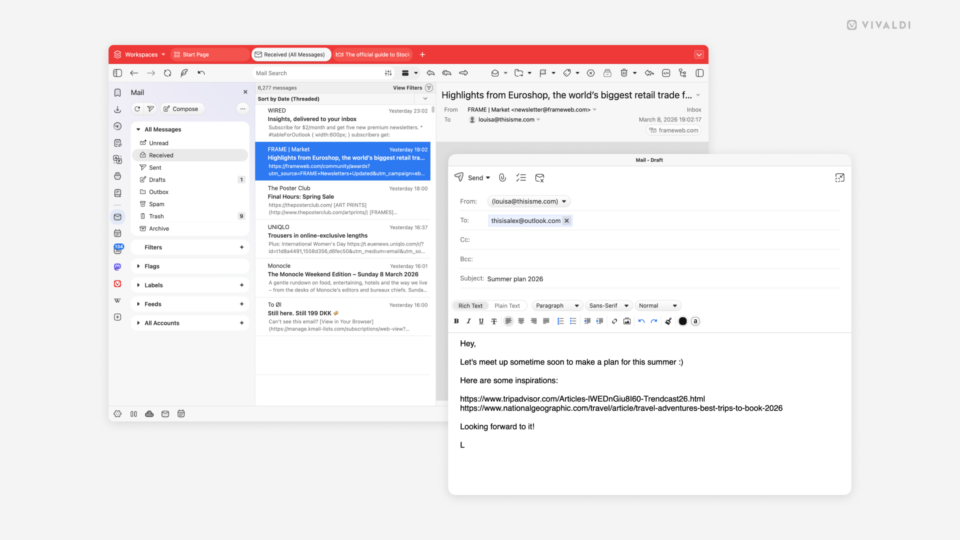
Agenda view in Vivaldi Calendar.

Tip #797

March 5, 2026

Get a clean chronological view of upcoming events and tasks in Vivaldi Calendar’s Agenda view.

Quick Command settings in Vivaldi browser. An arrow points at the "Open Bookmarks on Nickname Match" option.

Tip #796

March 3, 2026

Open bookmarks automatically when the search keyword matches the bookmark nickname.

Settings in Vivaldi on Android. Autofill services section is highlighted.

Tip #795

February 26, 2026

Automatically fill login fields in Vivaldi on Android with the password manager of your choice.

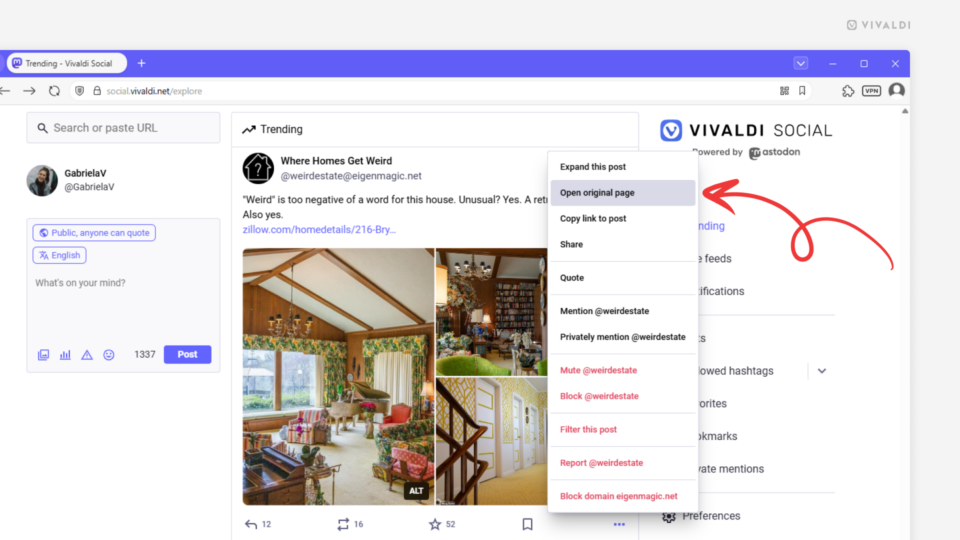
Follow recommendations page on Vivaldi Social.

Tip #794

February 19, 2026

Discover new accounts to follow on Vivaldi Social.

Tip #793

February 17, 2026

Create a split-screen view by tiling tabs with drag and drop.

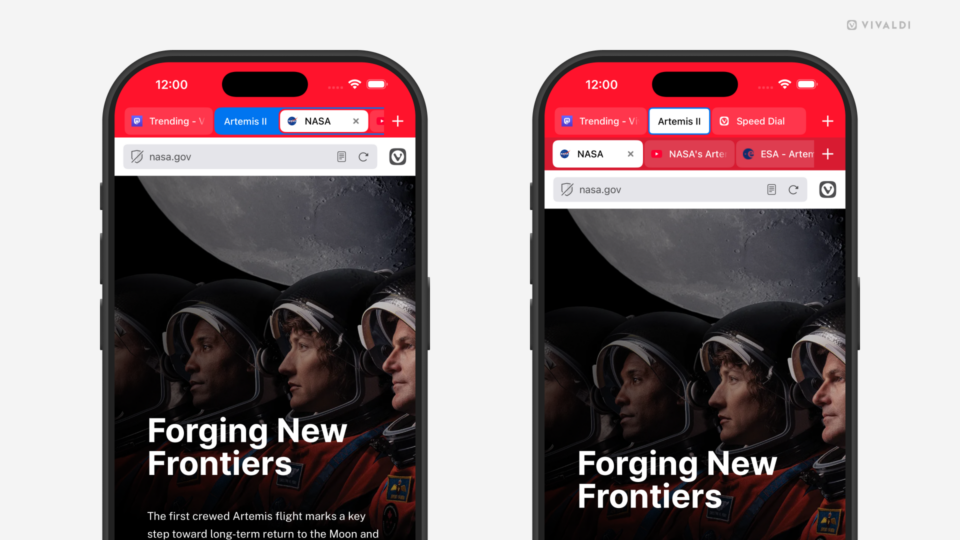
Two iPhones with Vivaldi open in them. One shows a web page with a drag motion from the Address Bar, the other shows the Tab Switcher.

Tip #792

February 12, 2026

Open the Tab Switcher in Vivaldi on iOS with a swipe on the Address Bar.

Start Page and its Quick Settings open in the Vivaldi browser.

Tip #791

February 10, 2026

Get a new Start Page look every day with Daily Images.

Two phones with Vivaldi open, the one on the left having the menu for one of the tabs open, and the option "Pin Tab" highlighted. The one on the right shows that tab being pinned. The website that is open shows a picture of a brown couch nd different prints on the wall behind it.

Tip #790

February 5, 2026

Keep the most important tabs in Vivaldi on Android within easy reach by pinning them.

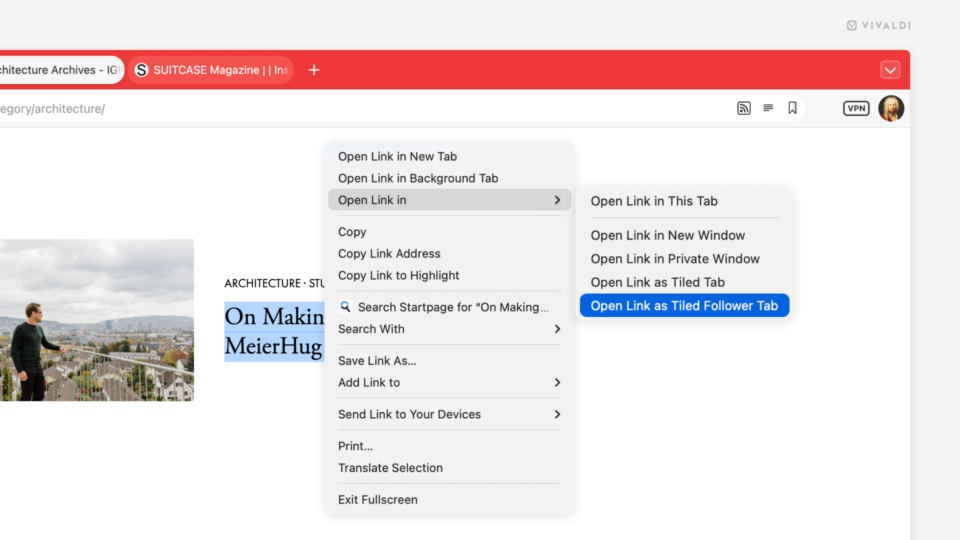
Link's right-click context menu on a website open in the Vivaldi browser. The option "Open as Tiled Tab" is highlighted.

Tip #789

February 3, 2026

Tile a tab opened from a link with its parent tab in one move.

Tip #787

January 29, 2026

Restrict pinned tabs to the current site.

Two Vivaldi browser windows. In the one in the background the close button i on the right. In the one in the foreground the close button is on the left,

Tip #786

January 27, 2026

Place the Tabs close button where it’s convenient for you.

Vivaldi browser window with the Workspaces menu open. An arrow points at the edit and delete options.

Tip #785

January 22, 2026

Reuse or delete Workspaces that no longer serve a purpose.