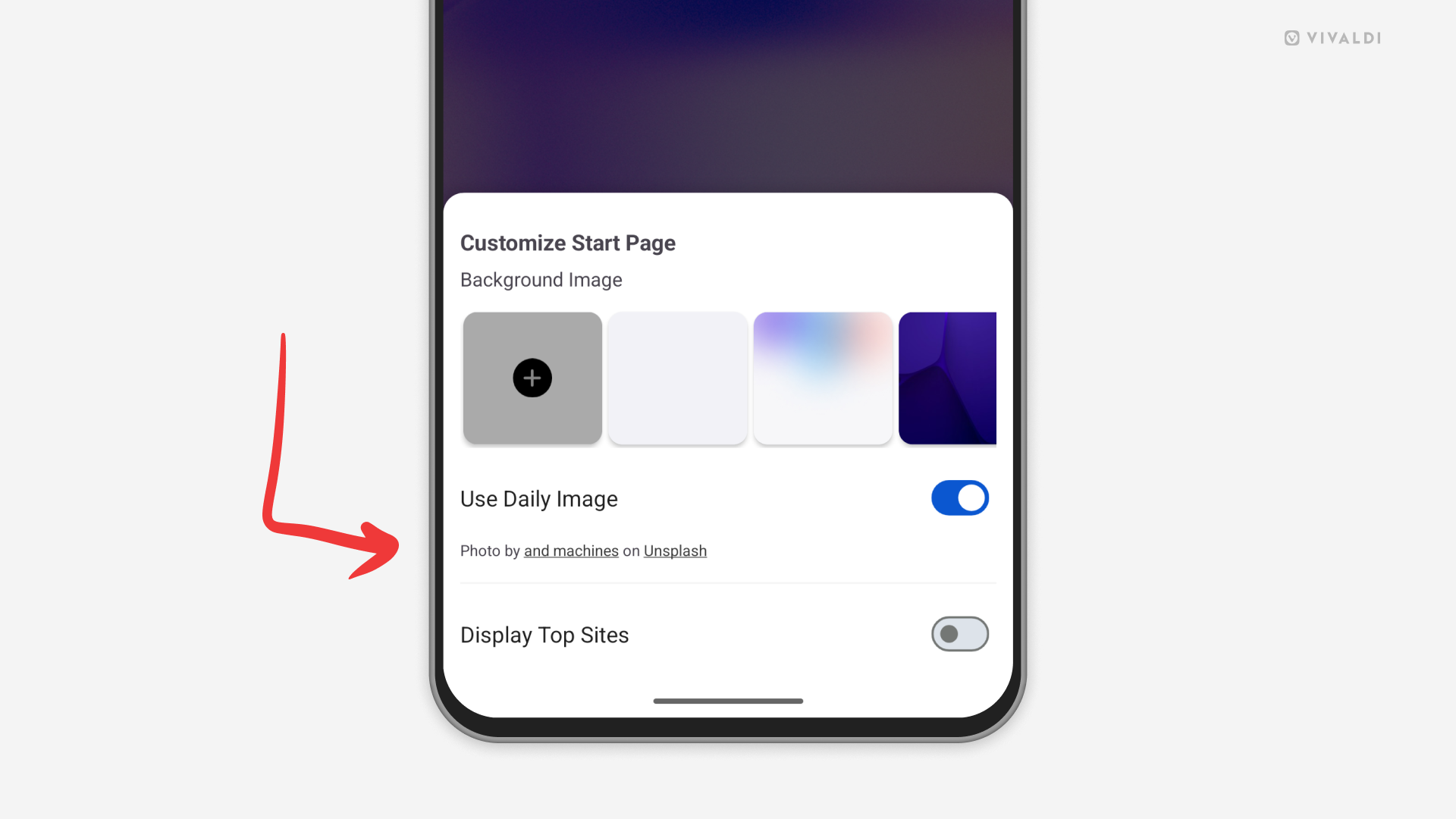
An arrow points at the Daily Image credits in Vivaldi on Android's Start Page customization menu.

Tip #836

July 30, 2026

Find more images from the authors of Daily Images.

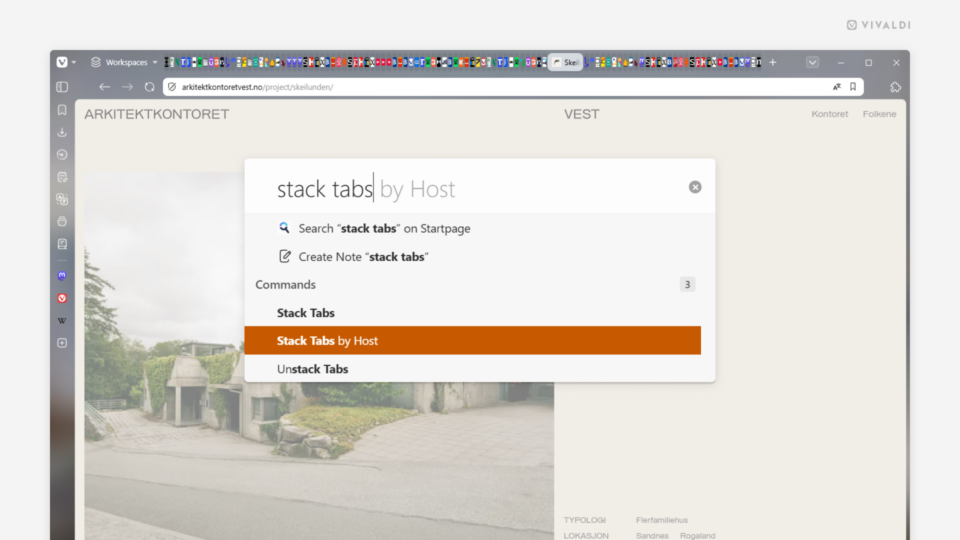
Vivaldi browser window with over a 100 tabs open on the Tab Bar. In the foreground, Quick Commands are open with the "Stack Tabs by Host" command highlighted.

Tip #835

July 28, 2026

Declutter a crowded Tab Bar by stacking all tabs by hosts.

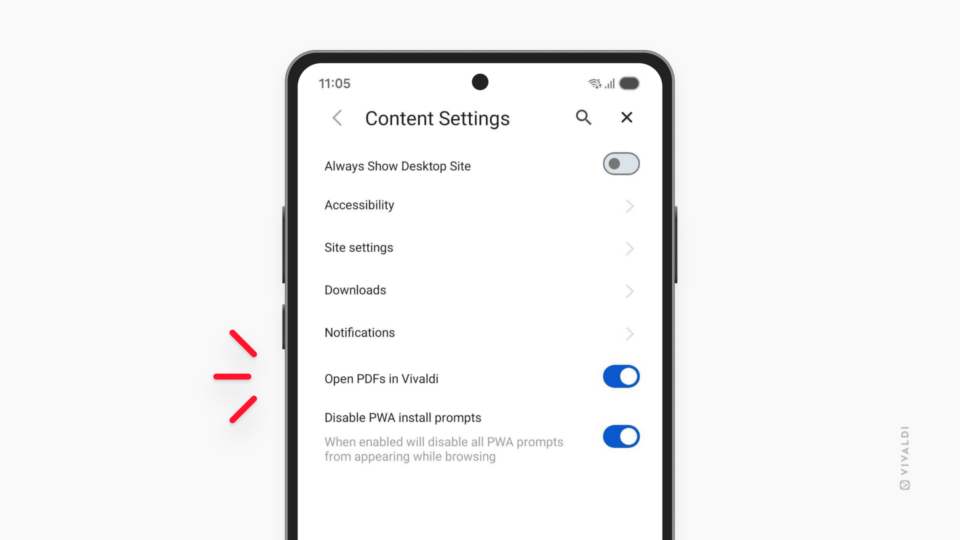
Content Settings in Vivaldi on Android. "Open PDFs in Vivaldi" setting is highlighted.

Tip #834

July 23, 2026

Choose whether to open PDF files in Vivaldi on Android or a third-party app.

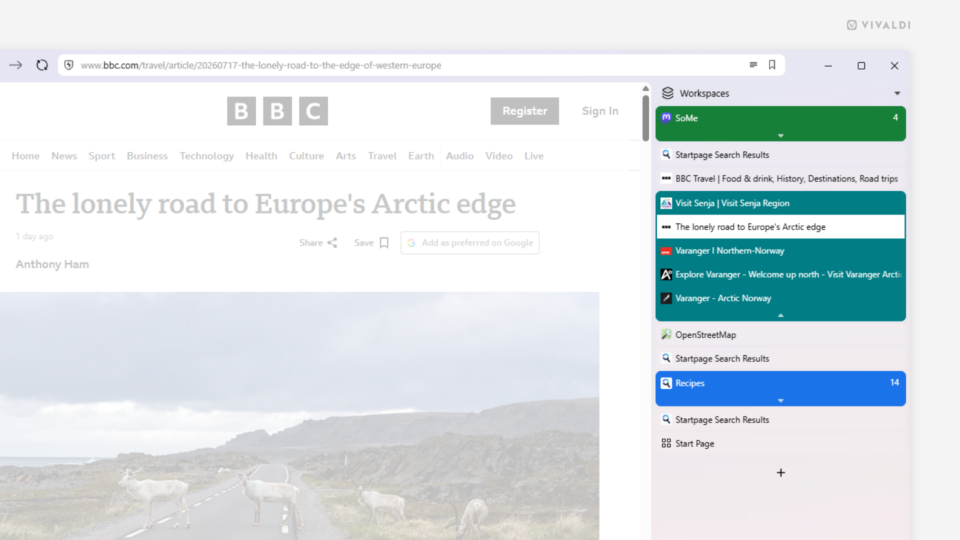
Vertical Tab Bar on the right side of the Vivaldi browser window with Accordion style Tab Stacks.

Tip #833

July 21, 2026

Combine the vertical Tab Bar with Accordion Tab Stacks to create an organized and space-efficient browser layout.

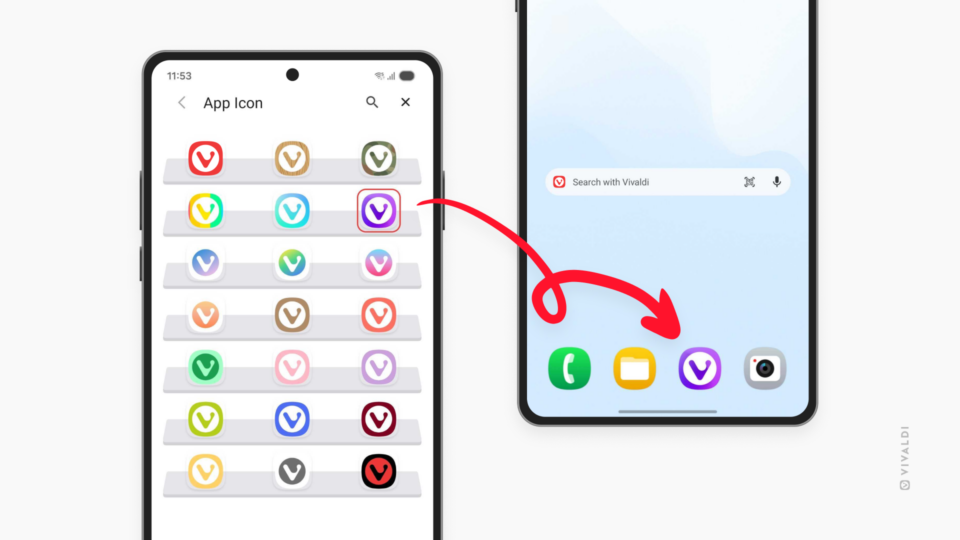
Two Android phones. One showing App Icons settings page in Vivaldi. The other showing how a custom icon looks on the phone's Home screen.

Tip #832

July 16, 2026

Match Vivaldi’s App Icon with your Android phone’s and tablet’s style.

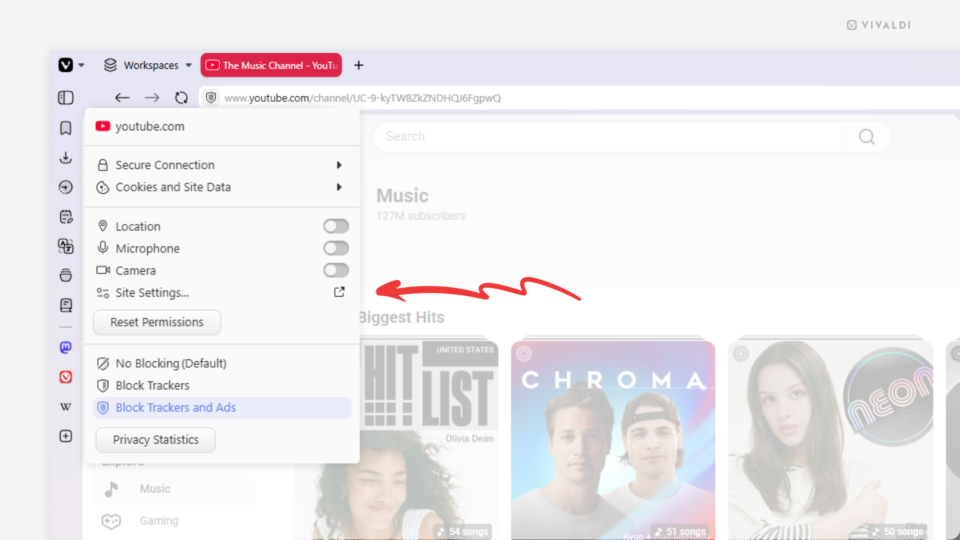
Vivaldi browser window with the Site Info menu open. An arrow points at the Site settings link in the menu.

Tip #831

July 14, 2026

Review and update website’s permissions from the Site Info menu.

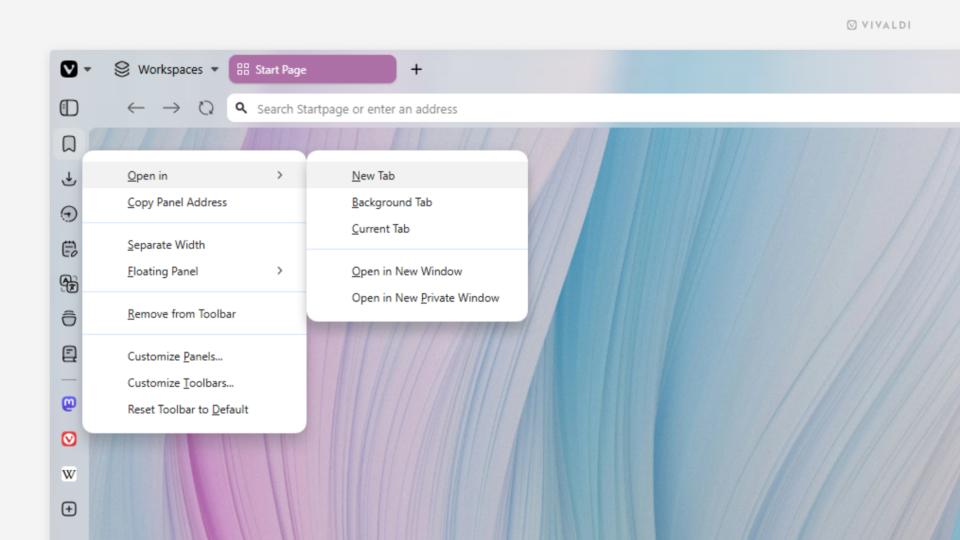
Bookmarks Panel's right-click context menu open in the Vivaldi browser window.

Tip #830

July 9, 2026

When the narrow sidebar view doesn’t cut it, open the panel in a tab.

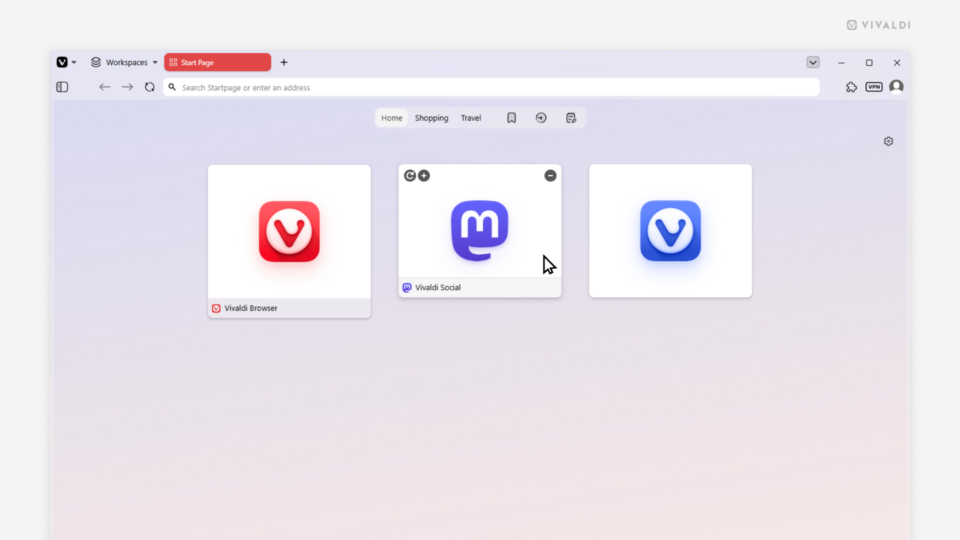
Start Page with 3 Speed Dials. Each displaying a different Speed Dial title display option (show, show only on hover, hide).

Tip #829

July 7, 2026

Choose whether to display Speed Dials with or without titles.

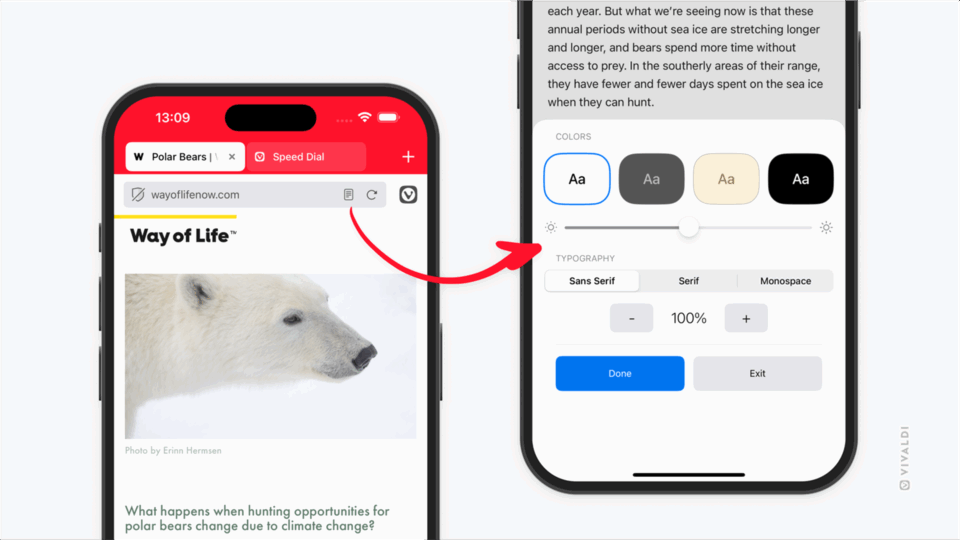
Two iPhones with Vivaldi on iOS open. One shows an article with the Reader View button on the Address Bar and the other Reader View settings.

Tip #828

July 2, 2026

Make reading more comfortable by adjusting Reader View settings on mobile.

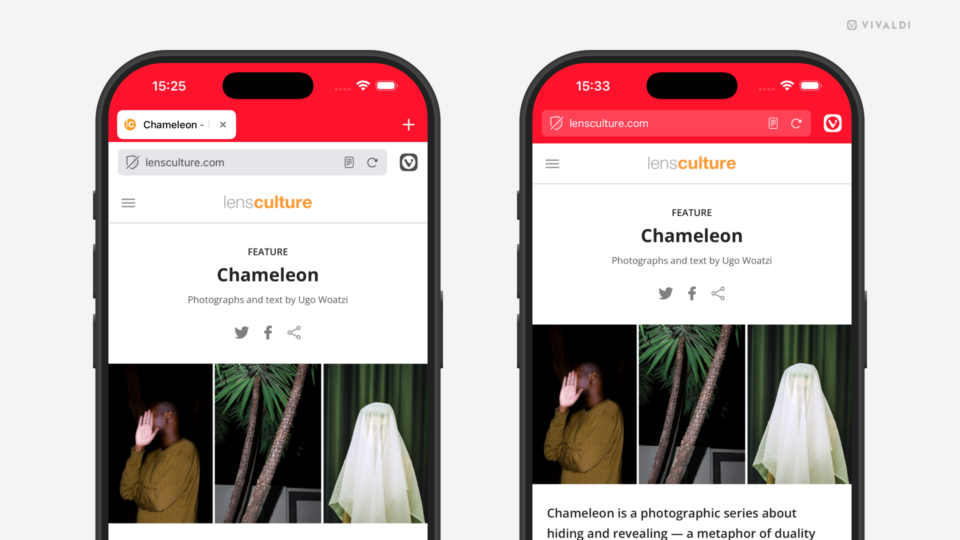
Two iPhones with Vivaldi open on them. On the phone on the right the Tab Bar is visible, on the left one it's hidden.

Tip #827

June 30, 2026

Give more space for page content by hiding the Tab Bar in Vivaldi on iOS.

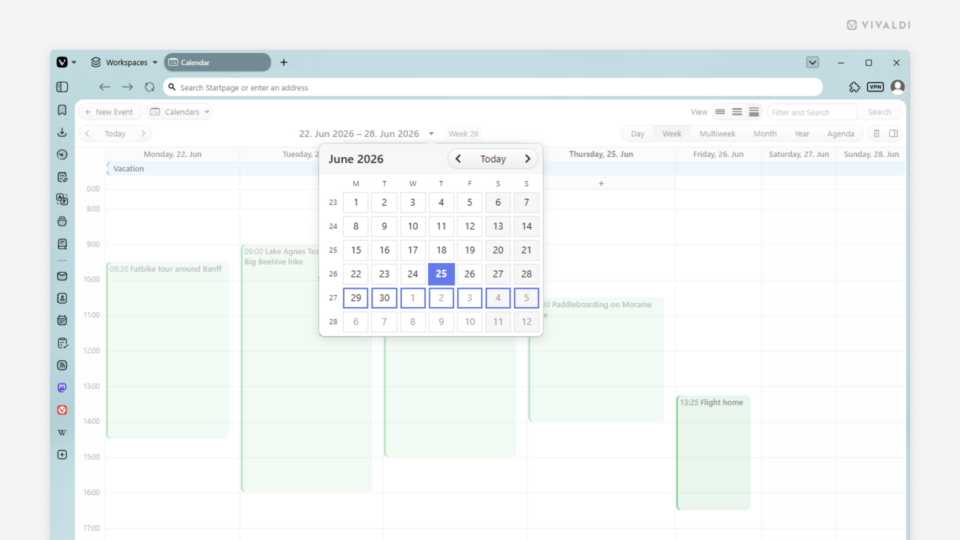
Vivaldi Calendar with the day picker menu open.

Tip #826

June 25, 2026

Press G to open the date picker in the Vivaldi Calendar.

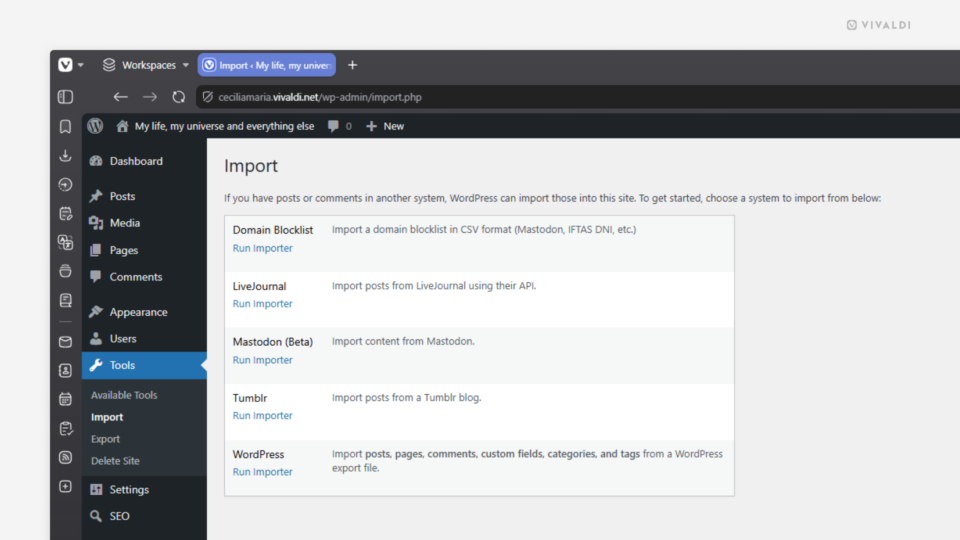
Import section on the blog's Dashboard.

Tip #825

June 18, 2026

Import your posts from your old blog to your Vivaldi Community blog.