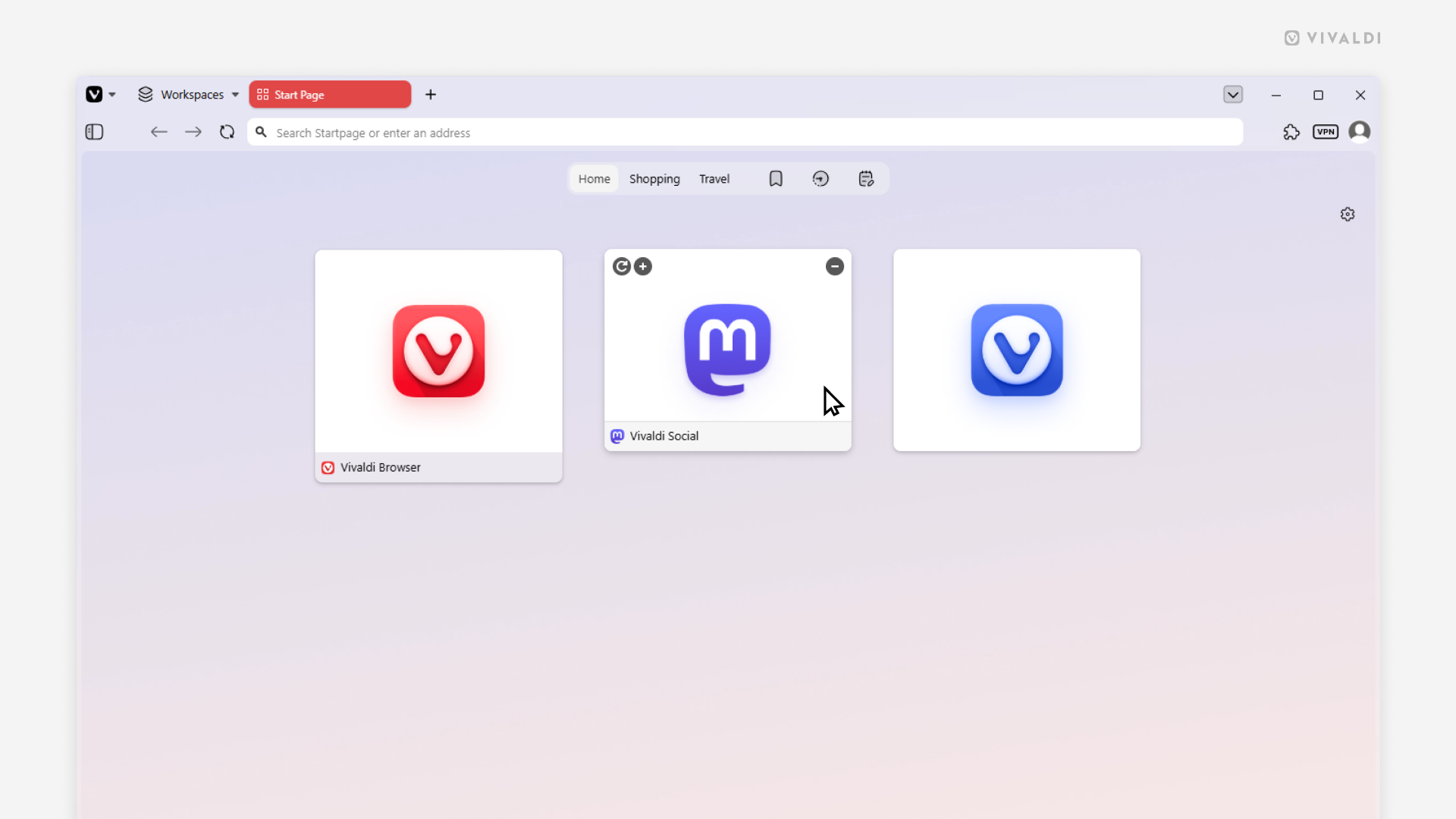
Choose whether to display Speed Dials with or without titles.
Speed Dials in Vivaldi allow you to quickly access your favorite websites from the Start Page. On desktop you can customize Speed Dials to display the title or not, or only show it when you hover over the Speed Dial.
To pick your preferred Speed Dial look:
- Go to Settings > Start Page > Speed Dial > Speed Dial Appearance.
- Choose between:
- Show Title
- Show Title on Hover
- Hide Title