March 15, 2023
Press Tab followed by Space to mark a selected task as done without opening it.
March 14, 2023
Start every browsing session with the same set of tabs.
March 13, 2023
Long press on the Tab Switcher button in Vivaldi on Android to open a new tab.
March 10, 2023
Add multiple contacts at once when composing messages in Vivaldi Webmail.
March 9, 2023
Change the default web camera used by websites in Vivaldi browser.
March 8, 2023
Make use of the browser’s Sync feature to add custom Search Engines to Vivaldi on Android
March 7, 2023
Hold down Shift or Ctrl / Cmd key to select multiple tabs.
March 6, 2023
Enable developer mode to add extensions to Vivaldi from your computer.
March 3, 2023
Delete specific form autofill entries with a simple keyboard shortcut.
March 2, 2023
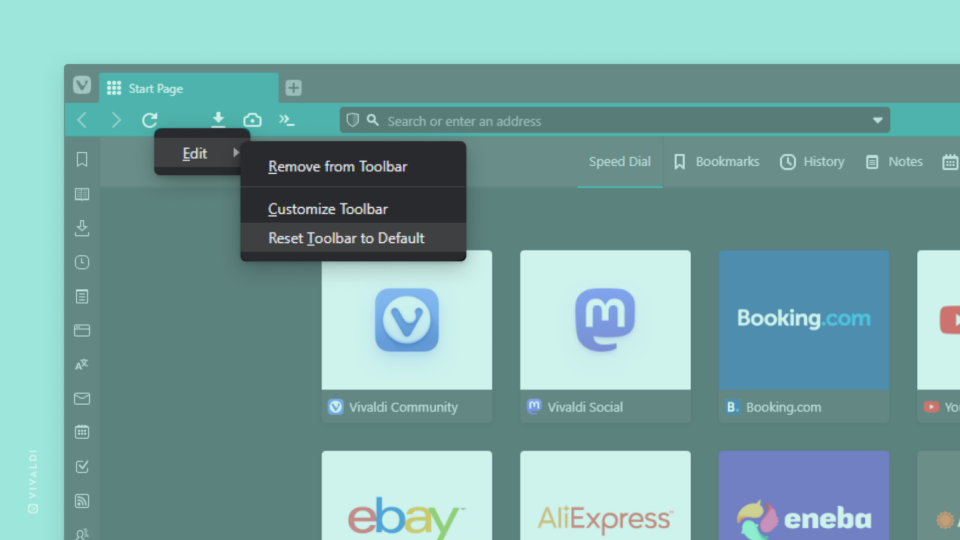
Reset toolbar customizations to start fresh.
March 1, 2023
Subscribe to posts from users you follow on Vivaldi Social only in the languages you understand.
February 28, 2023
Reload pages in Vivaldi on Android with a long swipe.