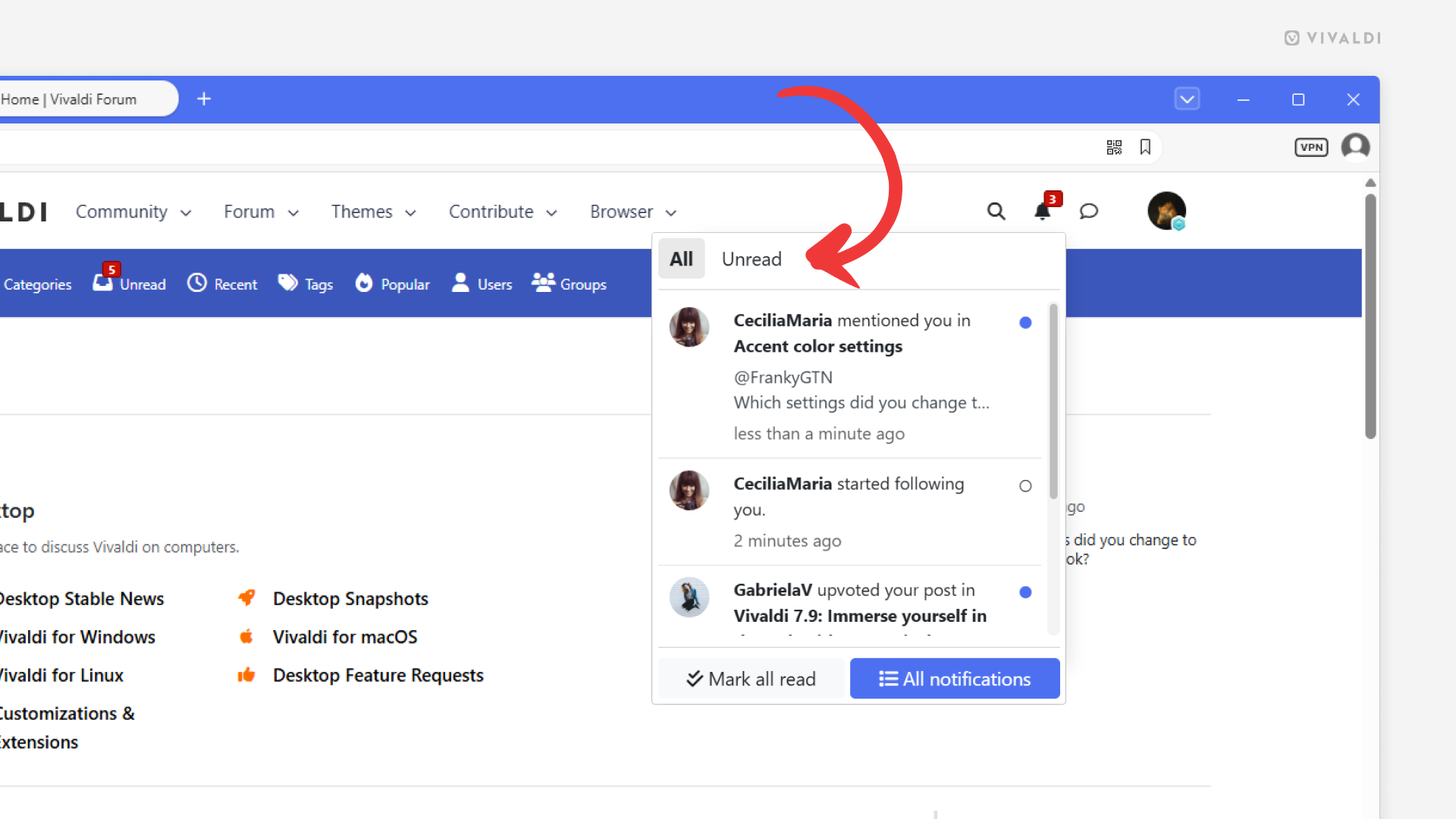
View only unread Vivaldi Forum notifications.
New comments, upvotes, mentions, etc. – there are many different notifications you can receive on the Vivaldi Forum. If there are many, switching to the Unread view in the notifications menu helps to go through your notifications faster.
To view unread notifications:
- Click the Notifications’ bell icon in the top right corner of the page.
- Click “Unread” on the notifications menu.