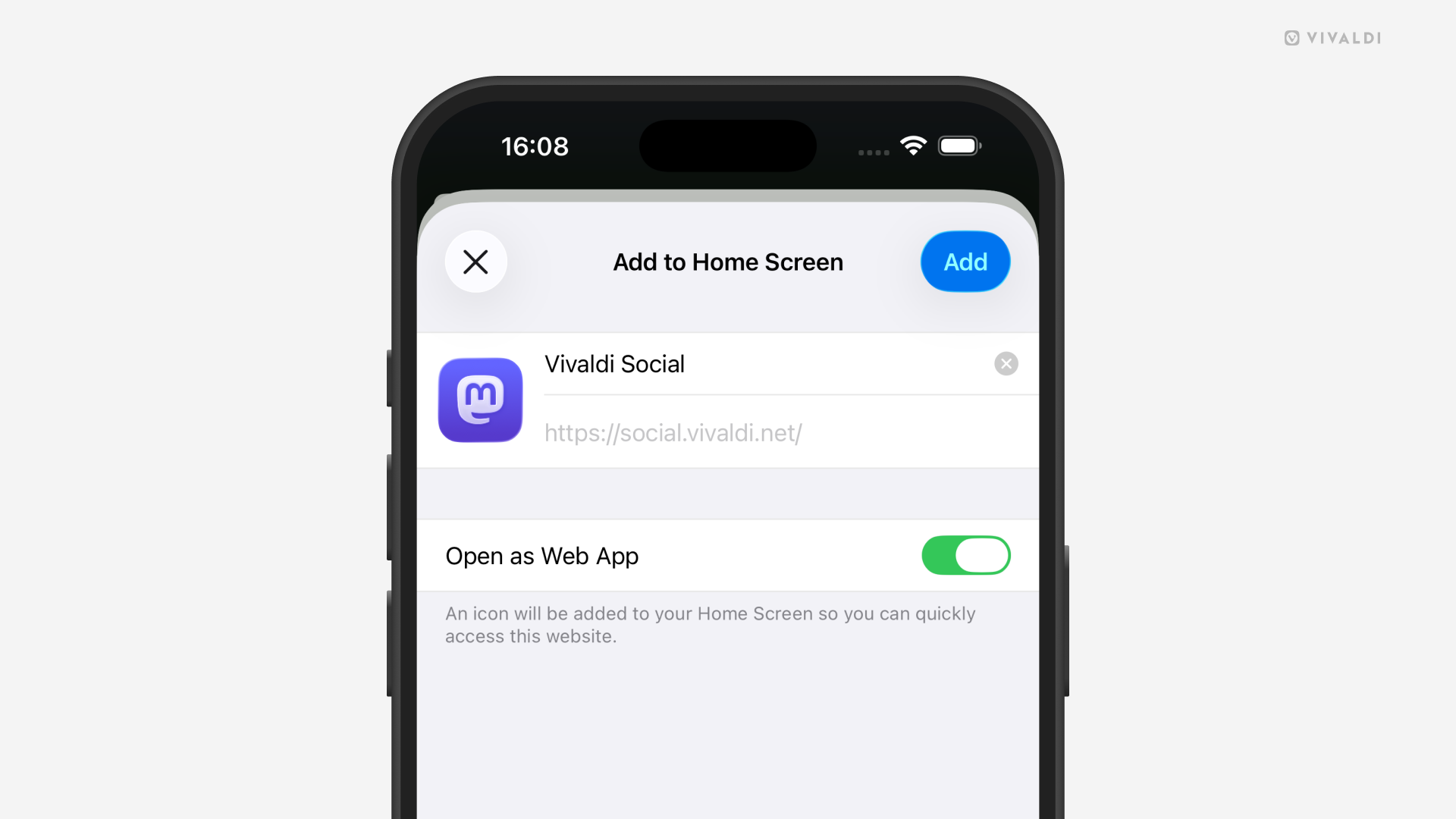
Create standalone Web Apps from websites on your iPhone and iPad.
Instead of installing numerous large apps from the App Store, you can create a lightweight home screen shortcut from any website with Vivaldi on iOS.
To create a web app:
- Open the website in Vivaldi.
- Go to the Vivaldi menu > Share Page.
- From the menu select “Add to Home Screen”.
- Review and, if needed, update the web app’s name.
- Keep “Open as Web App” enabled.
- Tap “Add”.
An icon using the website’s favicon will be added to the Home Screen. When you tap it, it opens the site in its own window, just like a regular app. If you disable “Open as Web App” while creating the shortcut, the website will open in a new tab in the main Vivaldi window.