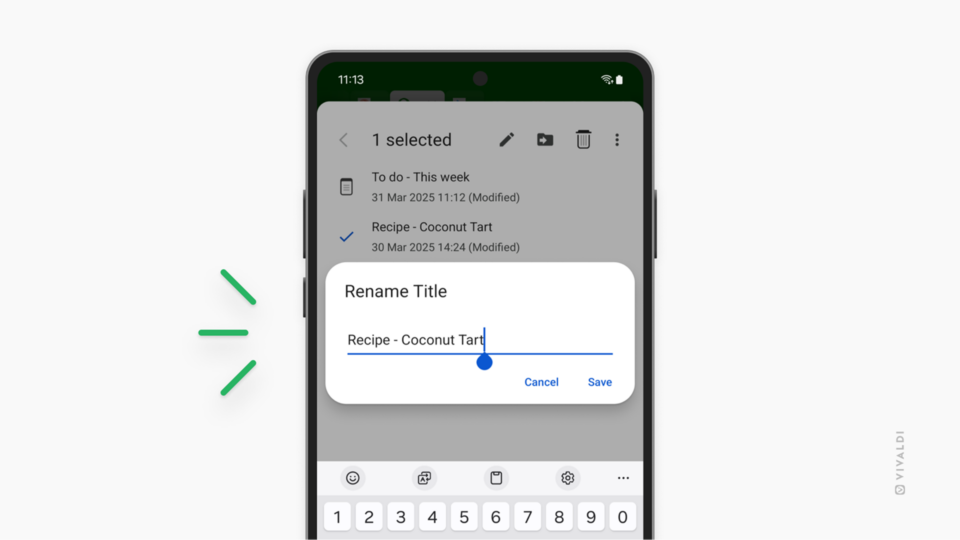
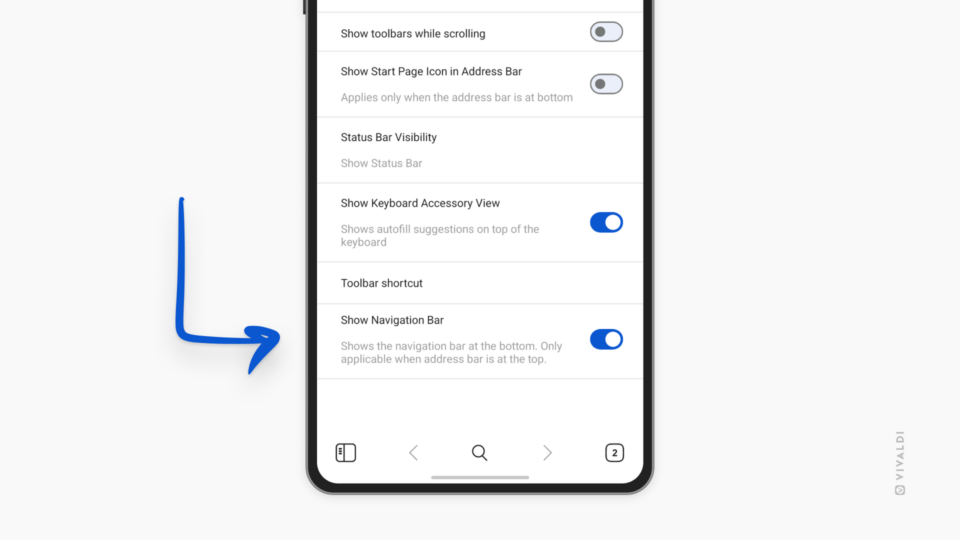
Vivaldi on Android's settings open on the "Reopen Start Page with" page with "Last Visited Group" enabled.

Tip #664

March 5, 2025

Choose which Speed Dial Group to display when going to the Start Page on mobile.

Vivaldi Browser window with a Tab Bar where the main menu and window control buttons have been moved, and Workspaces menu, Synced Tabs and Closed Tabs buttons have been hidden.

Tip #663

March 4, 2025

Keep the Tab Bar only for tabs by moving or hiding the other buttons.

Tip #662

March 3, 2025

Create a Command Chain to copy the active tab’s link with a single shortcut.

Vivaldi Browser's private window with the introduction page.

Tip #661

February 28, 2025

Get straight to your Start Page by disabling the Private Window Introduction.

Closed Tabs page in Vivaldi on Android's Tab Switcher. Context menu offering to remove all closed tabs is open in the foreground.

Tip #660

February 27, 2025

Clear the list of recently closed tabs in Vivaldi on Android’s Tab Switcher.

Panels settings in Vivaldi Browser. An arrow is pointing at Contacts Panel setting.

Tip #659

February 26, 2025

Start composing a new email with one click in the Contacts Panel.

Tip #658

February 25, 2025

Open the Notes Panel automatically when creating a new note from text selection.

One corner of the Vivaldi Browser window with Vivaldi Social open in a tab. An arrow points at the Trending Now section at the corner of the page.

Tip #657

February 21, 2025

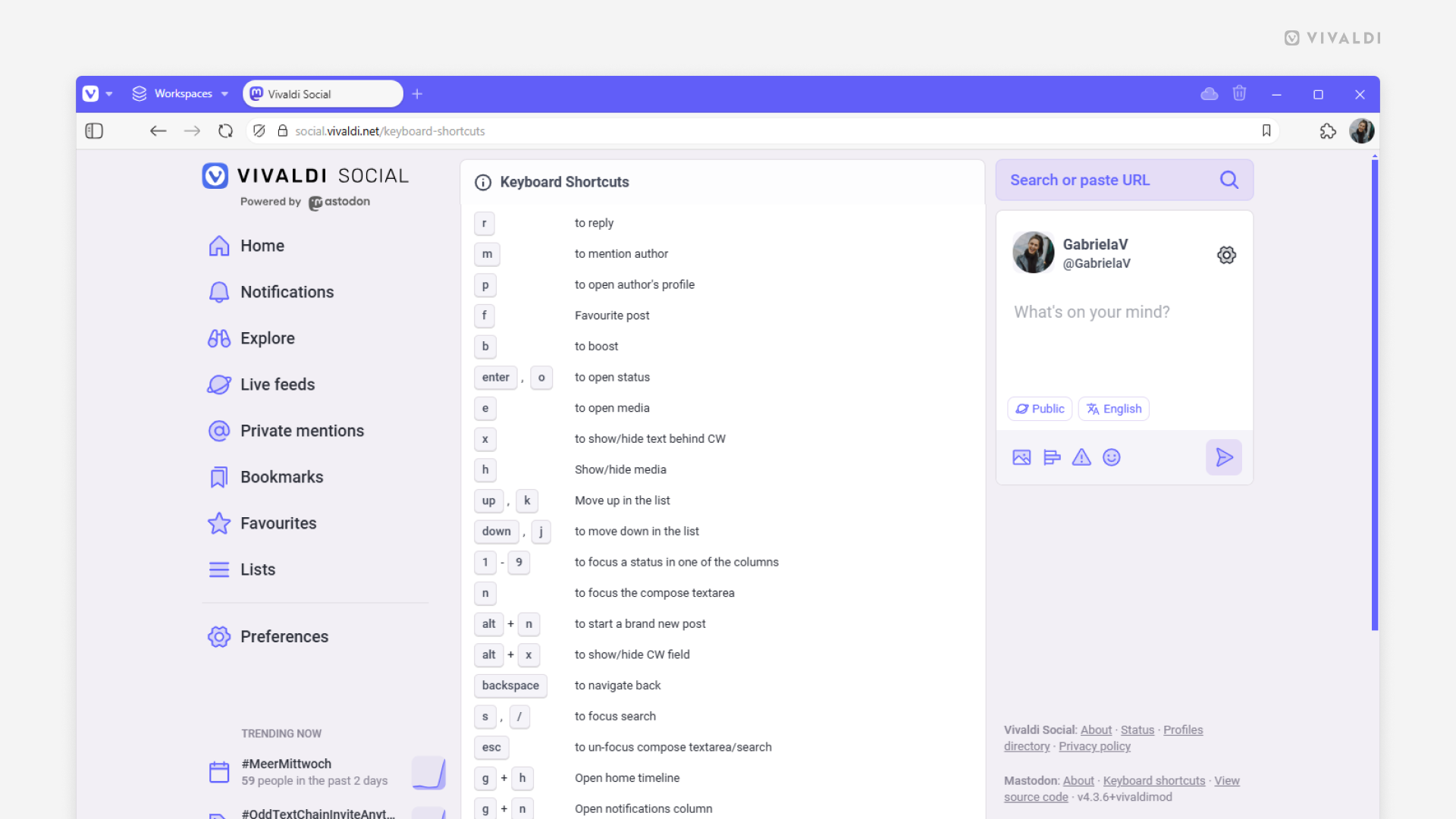
Check out top trends on Vivaldi Social with a quick glance at the corner of the page.

Vivaldi on Android's Tab Switcher. An arrow is pointing at the search button in the top right corner.

Tip #656

February 20, 2025

Find open tabs on mobile instantly with Tab Switcher’s search function.

Vivaldi Community Blogs open on the followed blogs page, with an arrow pointing at the "Following" link in the menu.

Tip #655

February 19, 2025

Keep an eye on new posts from your favorite bloggers in the Vivaldi Community.

Tip #654

February 18, 2025

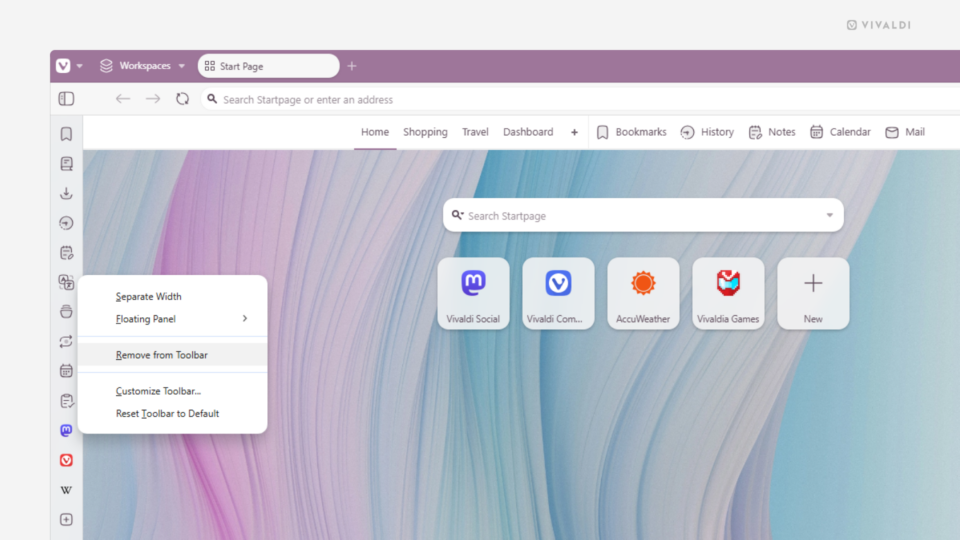
Everyone knows that right-clicking on elements in the browser and on web pages opens a menu with a myriad of useful options. But there’s a lesser-known option in Vivaldi that works well on Vivaldi’s toolbar buttons and in Vivaldi Mail. To open toolbar button context menus, simply click on the button with the left mouse […]

Vivaldi Browser with Quick Commands open over an open Tab Stack. The word "Reload" has been entered and the suggestions "Reload Tab Stack" is highlighted.

Tip #653

February 17, 2025

Reload all tabs in a Tab Stack with one move.