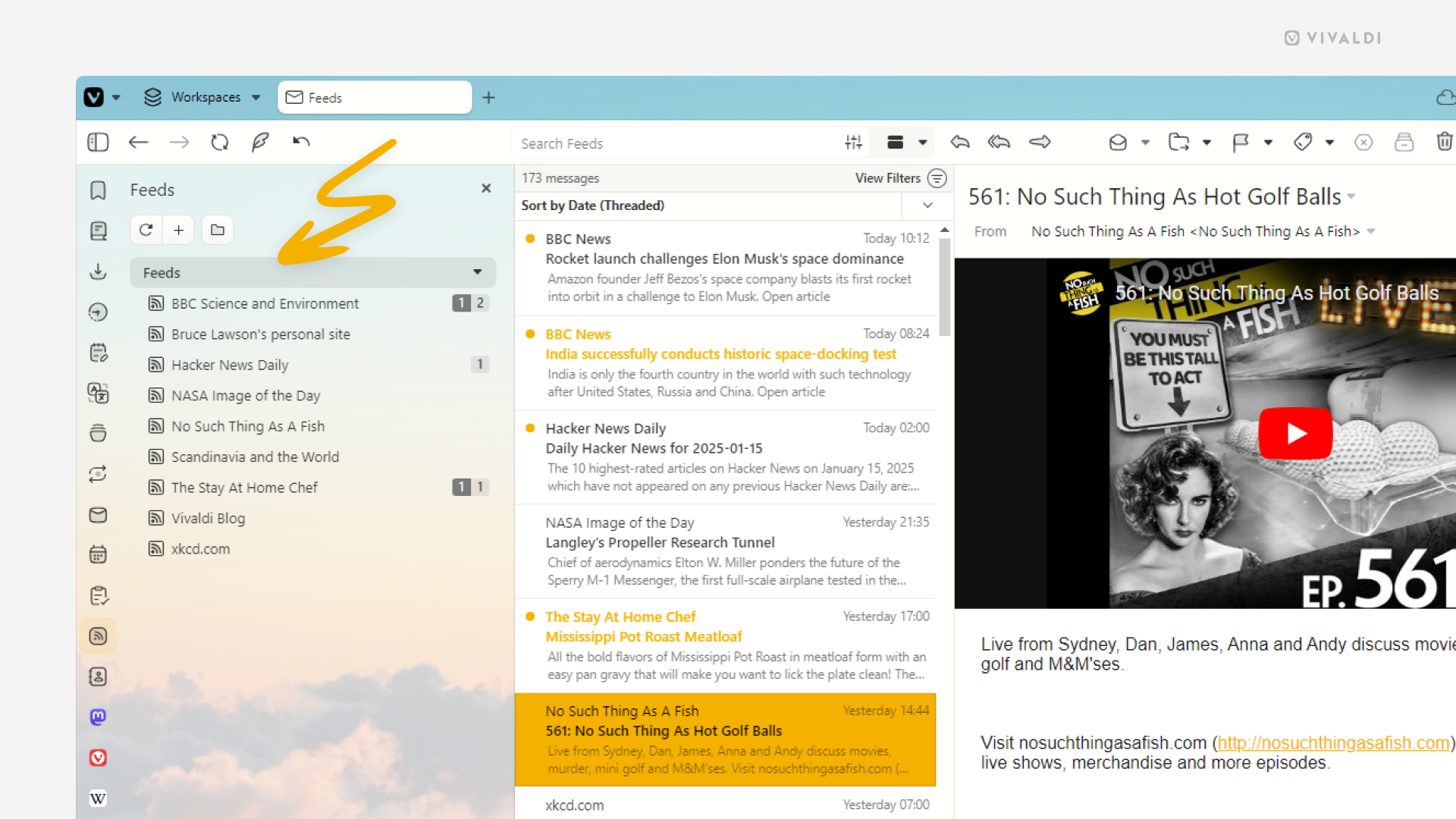
Vivaldi Feeds showing all posts in one chronologically sorted list.

Tip #631

January 16, 2025

View all posts in Vivaldi Feed Reader in one list.

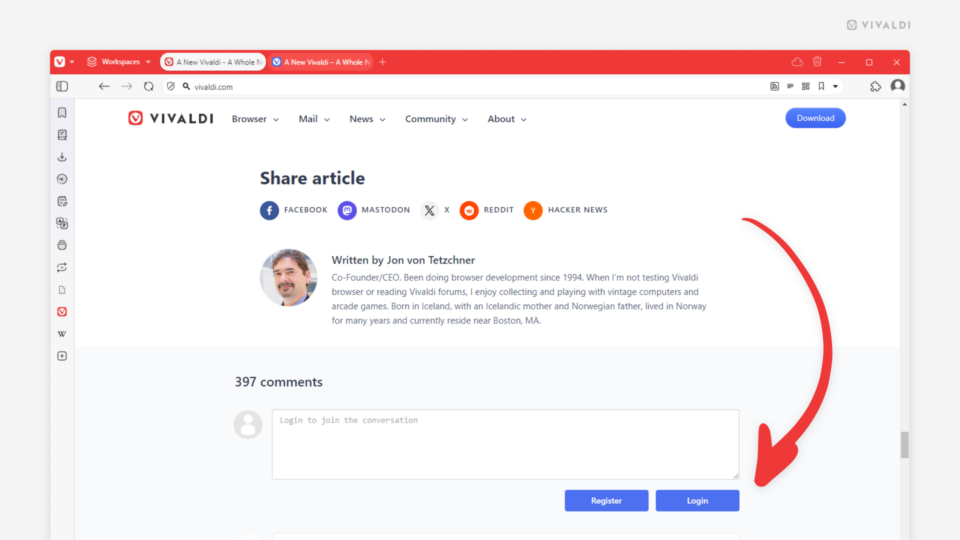
Vivaldi Blog's article open in Vivaldi Browser. An arrow is pointing at the Login button to be ablet to post a comment.

Tip #630

January 15, 2025

Join in the conversation on Vivaldi Team’s blog posts.

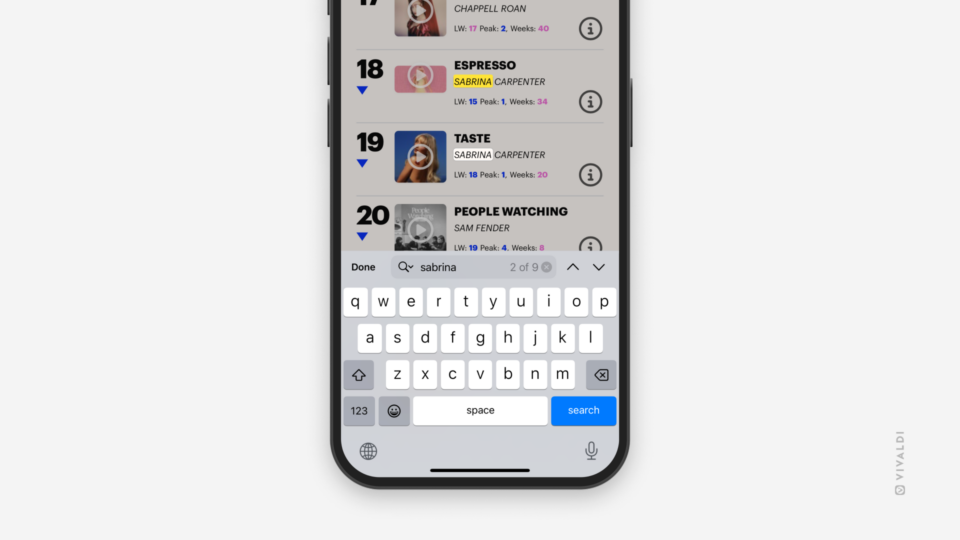
Find in Page feature being used in Vivaldi on iOS, showing 2 out of 9 results on the screen matching the search keyword.

Tip #629

January 14, 2025

Search for specific words on the open web page in Vivaldi on iOS with Find in Page.

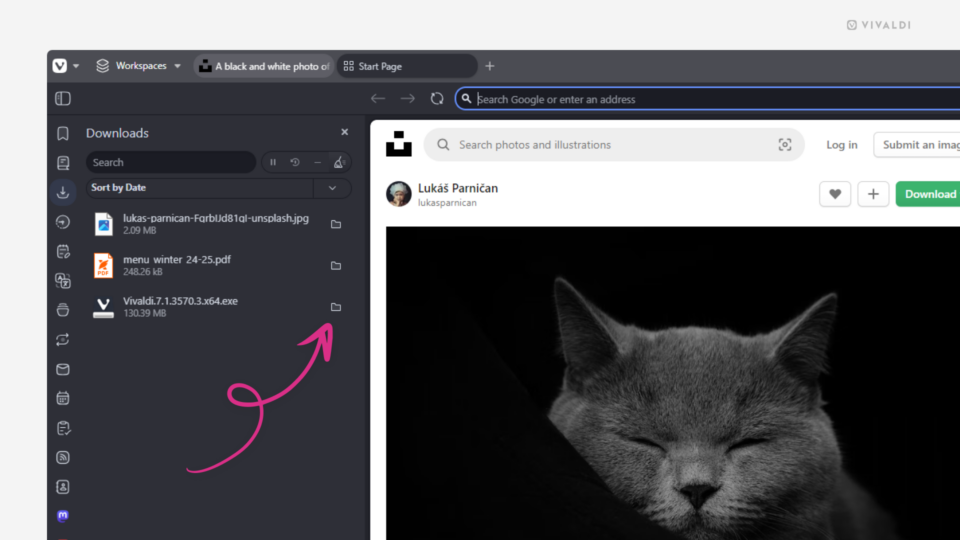
Vivaldi browser's Downloads Panel. An arrow is pointing at the "Show in File Manager" button.

Tip #628

January 13, 2025

Open the downloaded file’s location with one click in the Downloads Panel.

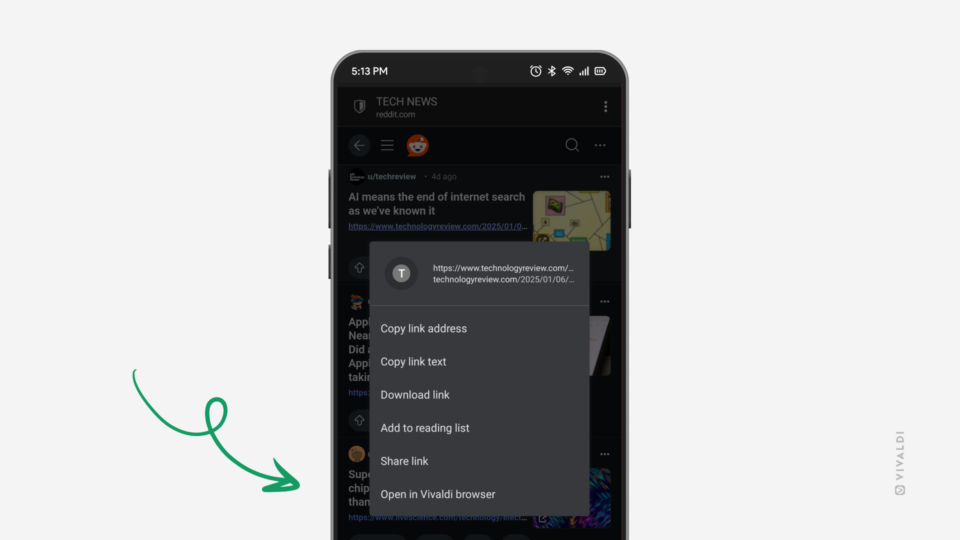
PWA of a website open on an Android phone. Link's context menu is open in the foreground and an arrow is pointing at the option "Open in Vivaldi Browser".

Tip #627

January 10, 2025

Long press on links in Progressive Web Apps to open them in Vivaldi.

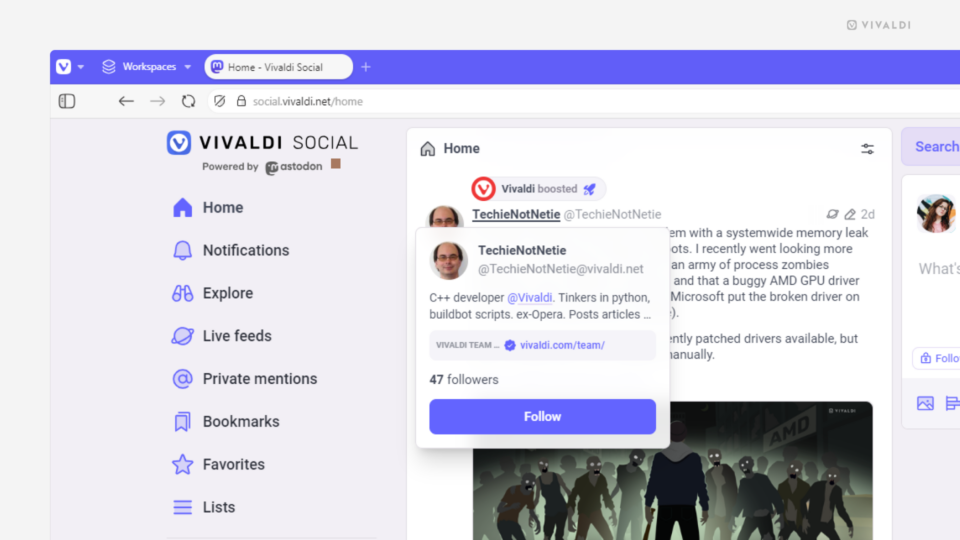
Home feed open in Vivaldi Social. Little preview window of a profile is open on top of the author's post.

Tip #626

January 9, 2025

Quickly find out more about people on Vivaldi Social from profile previews.

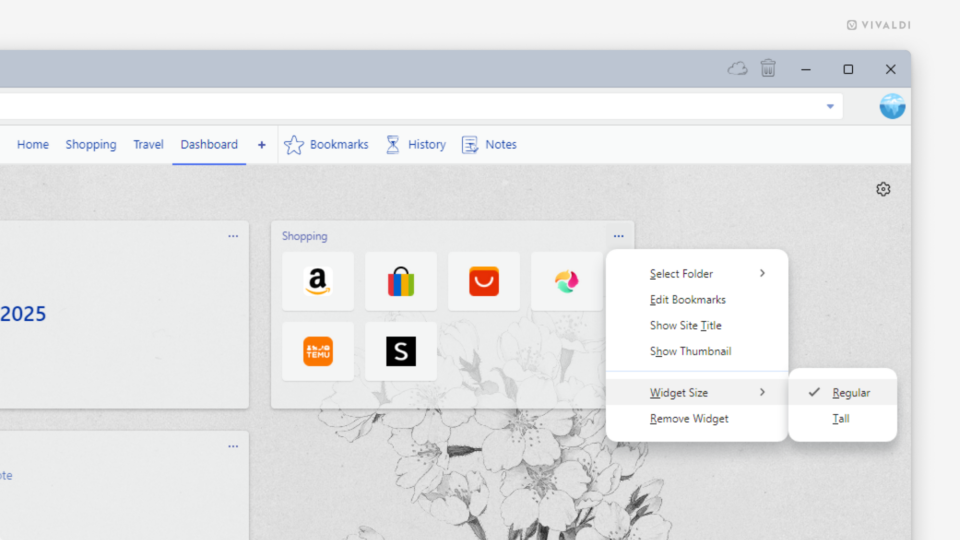
Vivaldi browser's Dashboard. A widget's menu is open on the widget's size sub section.

Tip #625

January 8, 2025

Pick a different size for the Widgets on your Dashboard.

Vivaldi browser window with Bitwarden extension's pop out menu turned into a Web Panel.

Tip #624

January 7, 2025

Turn Extension pop-out dialogs into Web Panels.

Tip #623

January 6, 2025

Follow Tips on vivaldi.com from now on.

Tip #622

December 20, 2024

Match Vivaldi browser’s theme with your iPhone’s theme.

Tip #621

December 19, 2024

Find out when you last visited a website in Vivaldi on Android from Site Info.

Tip #620

December 18, 2024

Be in control of who gets to follow your account on Vivaldi Social.