iOS Tips
Tip #361
October 5, 2023
Set Vivaldi as the default browser on iOS.
You might not be ready to commit to making Vivaldi the default browser right after installation, but after using the app for a bit, you’ll likely want to use Vivaldi as your main browser.
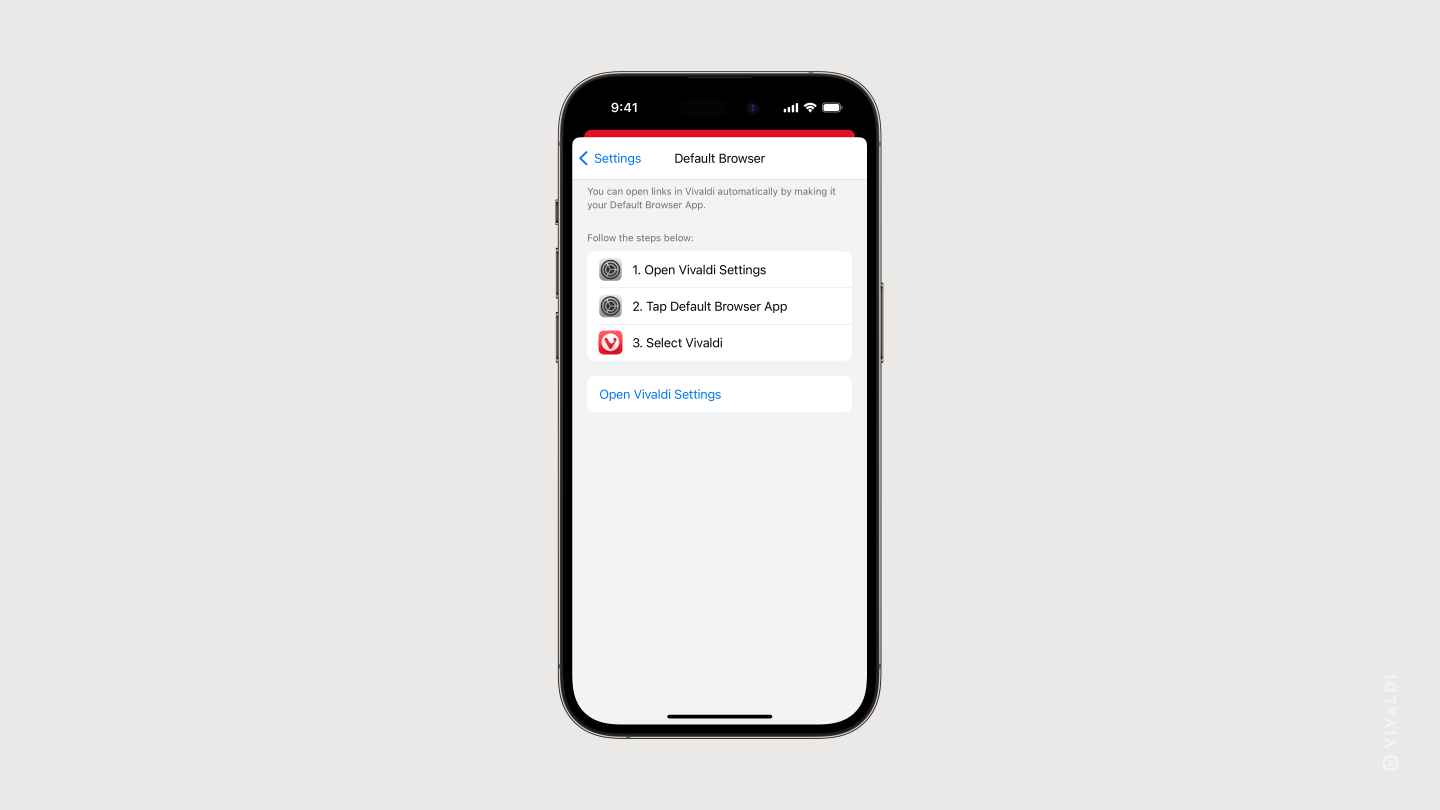
To make Vivaldi your default browser on iOS:
- Go to
 Vivaldi menu > Settings > Default browser.
 - Tap on Open Vivaldi Settings.
- Tap on Default Browser App.
- Select Vivaldi.
Tip #357
September 29, 2023
Install Vivaldi on your iPhone and iPad!
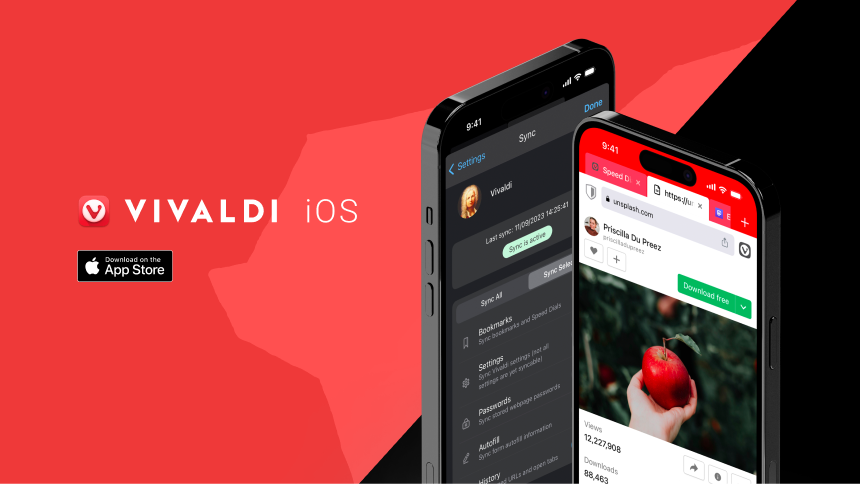
The day has arrived when you no longer need to wait for an invitation to get your hands on a preview of Vivaldi on iOS. Now you can go to the App Store and install the official first version of Vivaldi on iOS on all your Apple devices.
Once you’ve done this, tell your family and friends to install Vivaldi on their phones and tablets as well.
Tip #330
August 22, 2023
Read Vivaldi’s Help pages in your language.
On help.vivaldi.com we have a large selection of articles teaching you about the countless features of the Vivaldi browser and services. With the help of our amazing volunteer translators, in addition to English, we’re able to offer Help pages in a few different languages.
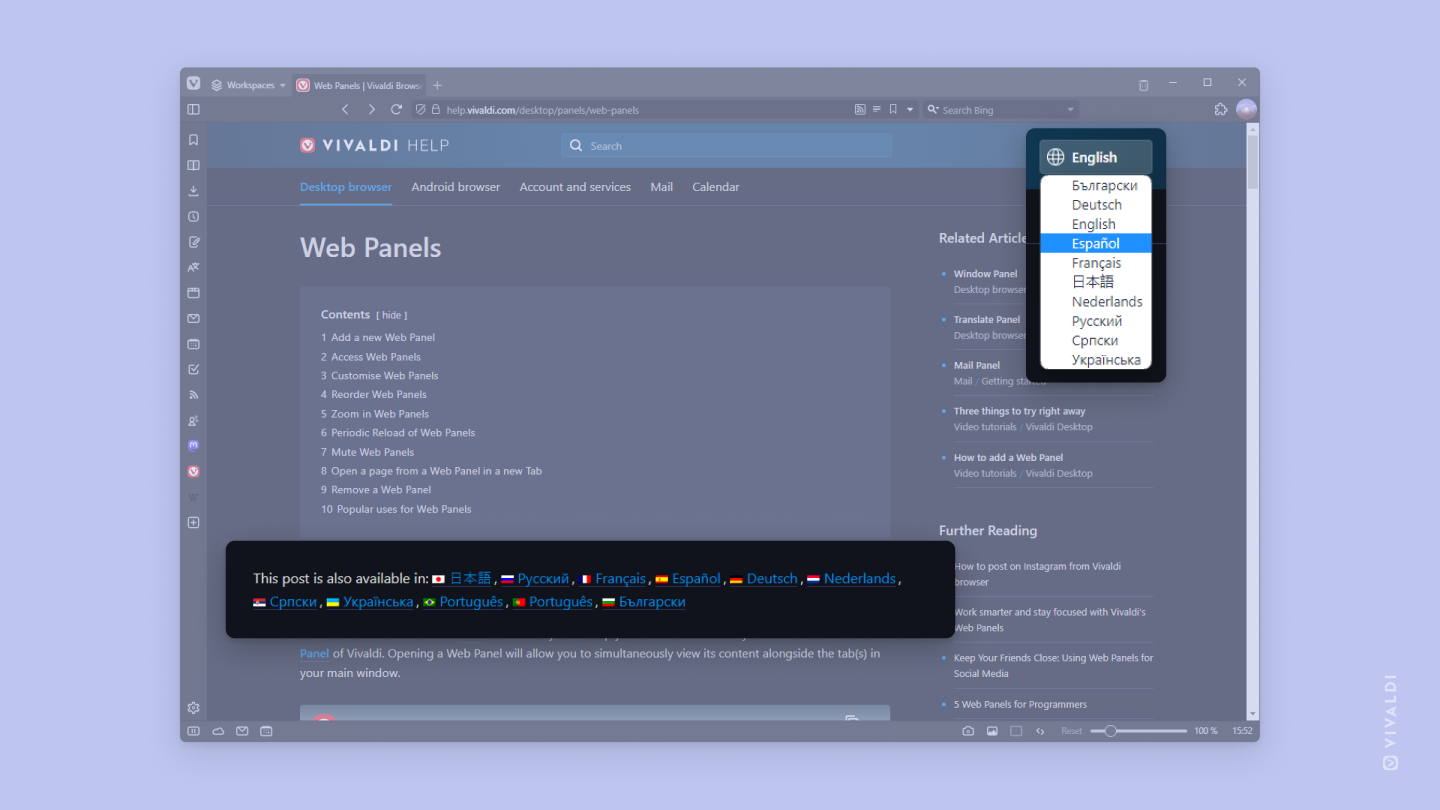
When viewing an article, look below the title and table of contents to see in which languages the article is available in. Click on the language to switch to the translated version.
Where we have translated more than half of the articles, you can also select the language from the menu in the top right corner of the page and view the whole site in it.
In case we haven’t translated Vivaldi Help into a language you’d like to read the articles in, you can use the browser’s built-in translation tool or a translation Extension of your choice.
Tip #253
April 10, 2023
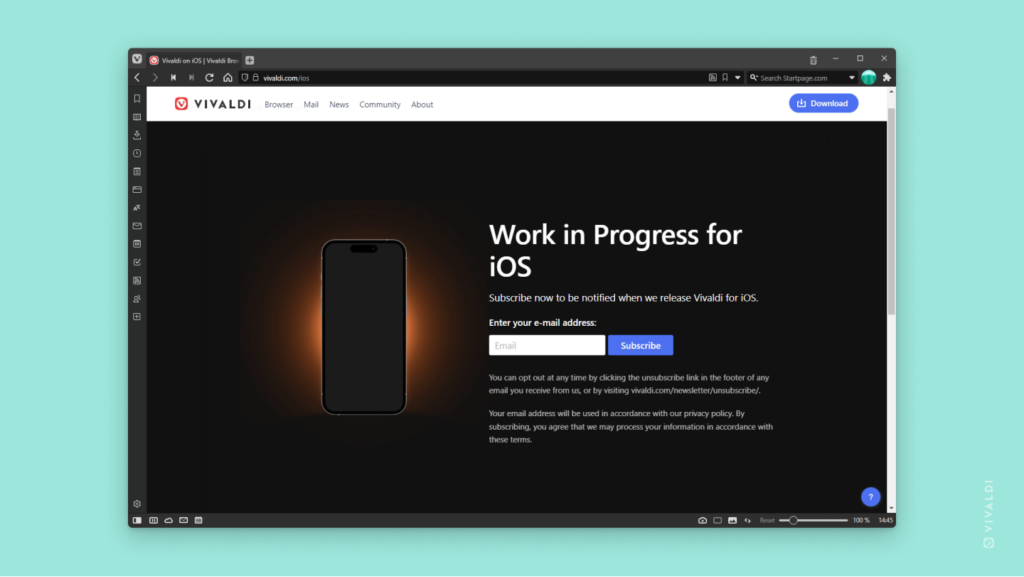
Subscribe to the iOS newsletter to be notified when Vivaldi for iOS is released.
It’s happening!!! 🎉 There will be an iOS version of Vivaldi. 🥳
The team is working hard on developing Vivaldi for iOS, but there are unfortunately too many factors in play to know when the first version will be released.
That’s why we’ve set up a newsletter subscription you can sign up to. As soon as the first public version sees daylight you’ll be notified via email, so you can take Vivaldi for a spin on your iOS device.