
Read this article in Français, język polski.
Our team has been battling the summer heat to polish your favourite browser and get it ready for the holidays. With a comprehensive number of fixes, Vivaldi on mobile is now better than ever. But there’s more!
Android
Time to show your true colours
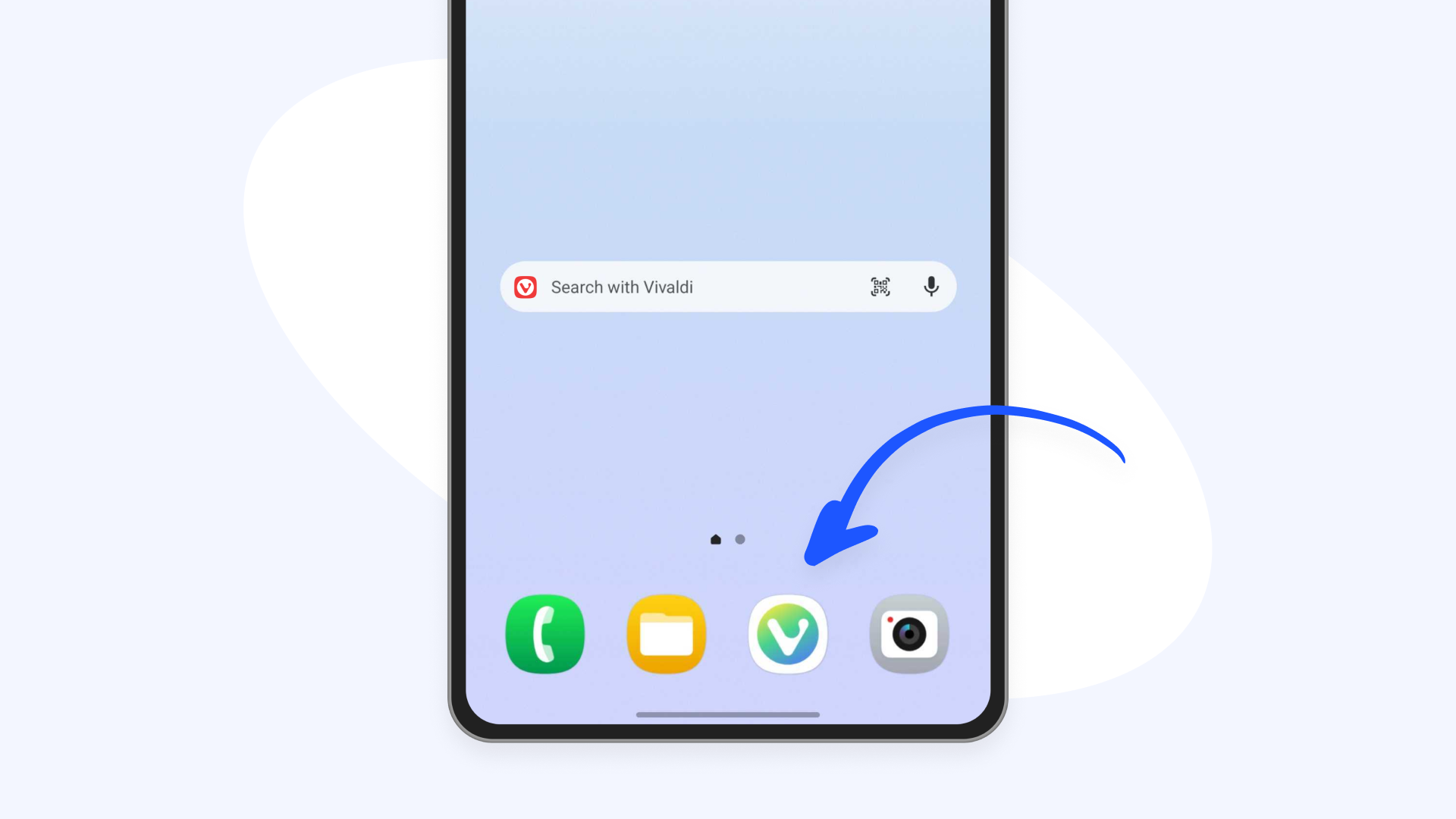
Android users had been asking for it, since this customization option was already available on iOS. So we got to work! With a big selection of custom app icons, you can now finally match your Vivaldi icon with your device’s aesthetic.
Not a fan of the Vivaldi red? Choose your favourite from the 20 other different icons we offer, ranging from solid pastels to camouflage, from wood-style to rainbow gradient.
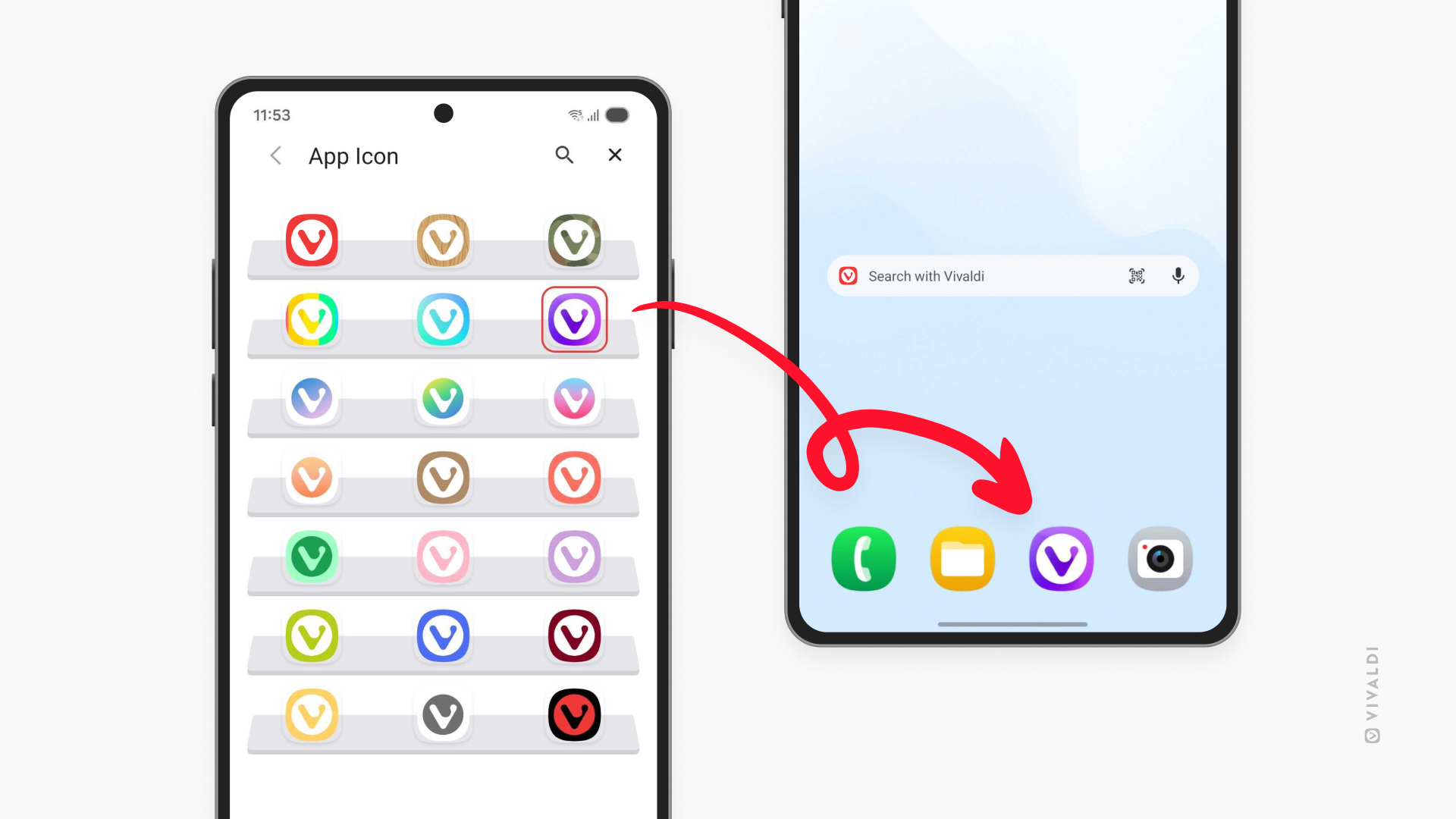
Try on the different looks from Settings > App Icon. And if you change your mind (or your mood)…you can always change it back!
The choice, always yours
With our previous update we brought you a built-in PDF reader, so you wouldn’t need to switch apps every time you want to check a restaurant menu, or when you need to look through your washing machine instruction manual to find out what that E10 error code means.
After listening to your feedback, we’ve now added an option to our Content Settings to let you decide whether you want to use the PDF reader built into Vivaldi, or open the files in another app on your phone.
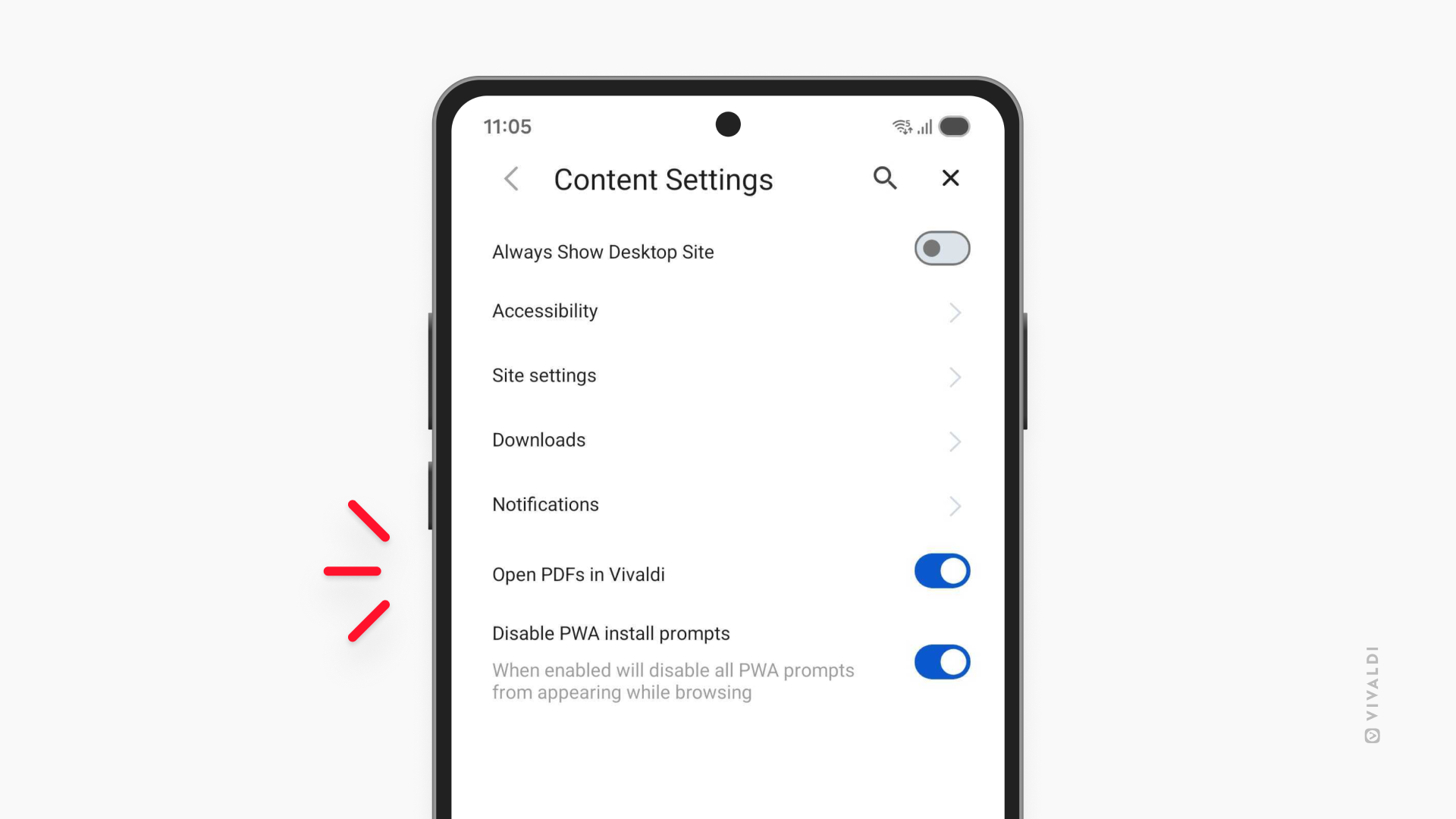
It’s easy: your browser, your choice.
Restore default search engines
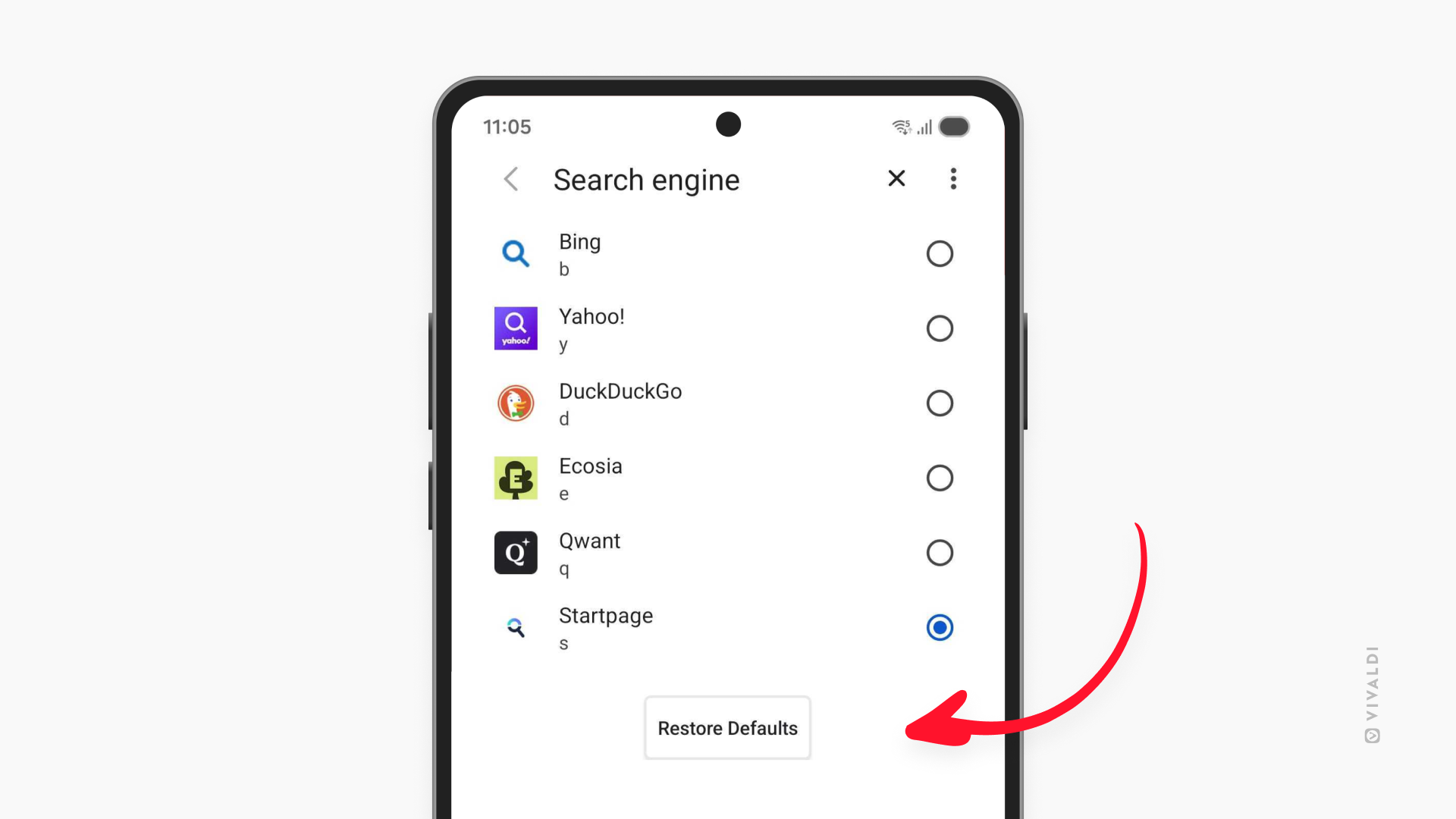
In our work towards feature parity between iOS and Android, we’ve also added a new setting for Android that allows you to restore the default search engines by simply clicking a button. Be mindful that going back to the default state will remove any custom search engines you might have added.
iOS
Switch in seconds and level up your browsing
With this update we’ve also polished our iOS version where it matters, so you can browse as smoothly as ever.
Earlier this year we added easy import from Safari to Vivaldi on iOS. Who said you need to say goodbye to your data to start using this privacy-friendly European browser? With a few clicks, you can bring your bookmarks, passwords, history, and more, right into Vivaldi. It takes a mere moment, and you’ll feel right at home.
To import your browsing data from Safari, go to Settings, and scroll your way down until you see the “Safari import” entry.
And if you’re attached to your emotional support tabs, Vivaldi on mobile has powerful tools to keep them handy without getting overwhelmed. Group them in Stacks and choose to display them in two levels —with stacks sitting in the top row of the Tab Bar, and tabs inside them in a row below; or go for the Accordion style if you prefer a more compact look with more space for web content.
***
Vivaldi 8.1 on Mobile is available now. Update through the Play Store or App Store:


As always, thank you for being part of the Vivaldi community. Together, we’re fighting for a better web, one release at a time.
Changelog Vivaldi on mobile 8.0 to 8.1
Get the full list of changes in this release: