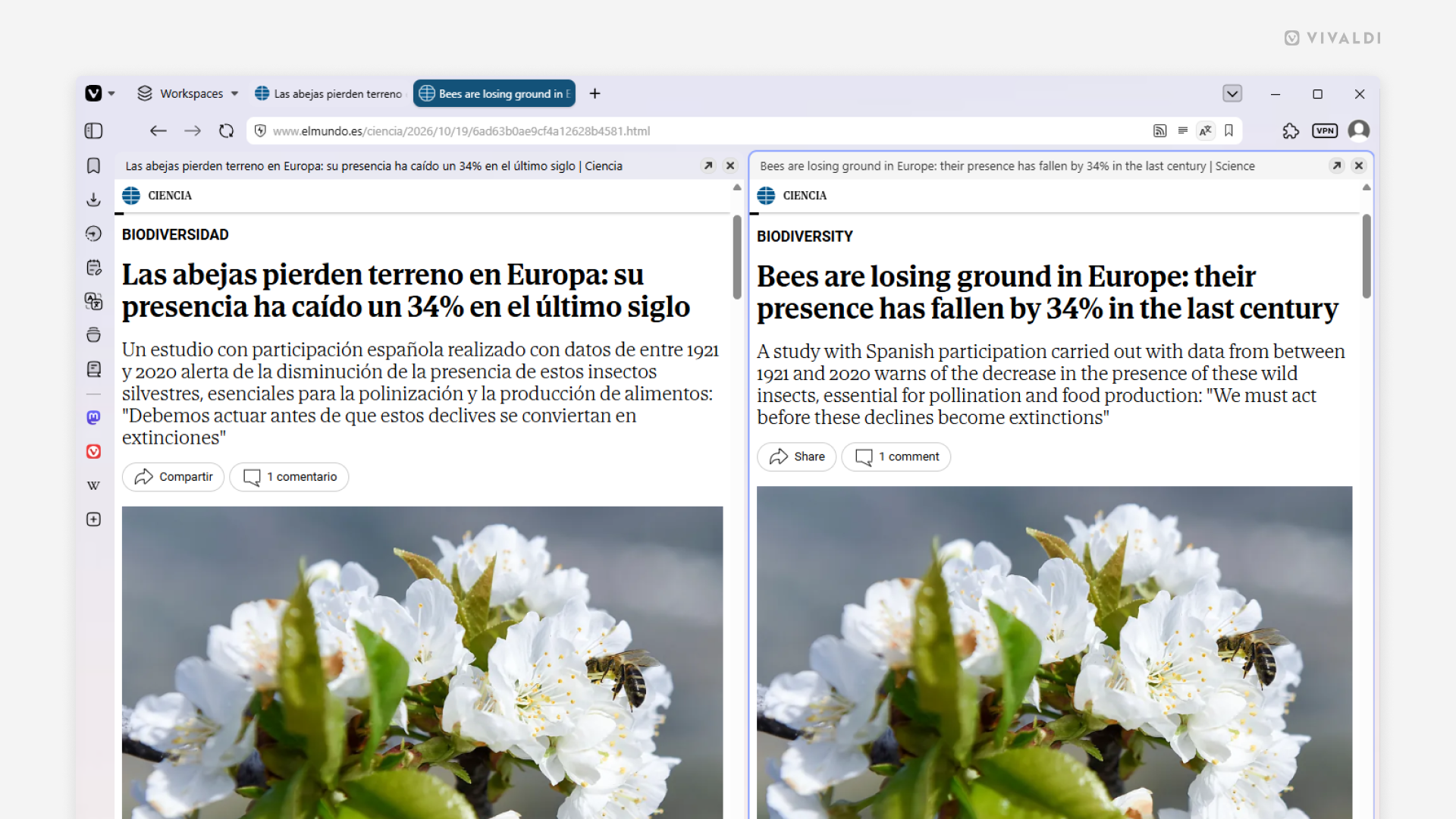
Use Command Chains to make language learning easier.
When learning a new language reading texts in the other language and trying to understand them is a big part of the process. With Vivaldi’s Command Chains you can make it easier by cloning and translating the page and tiling it with the original.
To create the Command Chain:
- Go to Settings > Quick Commands > Command Chains.
- Click on “Add Command Chain”.
- Give the new chain a name.
- Change “Command 1” to “Duplicate Tab”.
- Click on the little
+(Add Command) button on the right side to add the next command in the sequence. - Command 2 – Delay
- Command 3 – Tile Vertically
- Command 4 – Delay
- Command 5 – Translate Page
Once set up, use Quick Commands, Keyboard Shortcuts, Mouse Gestures or custom