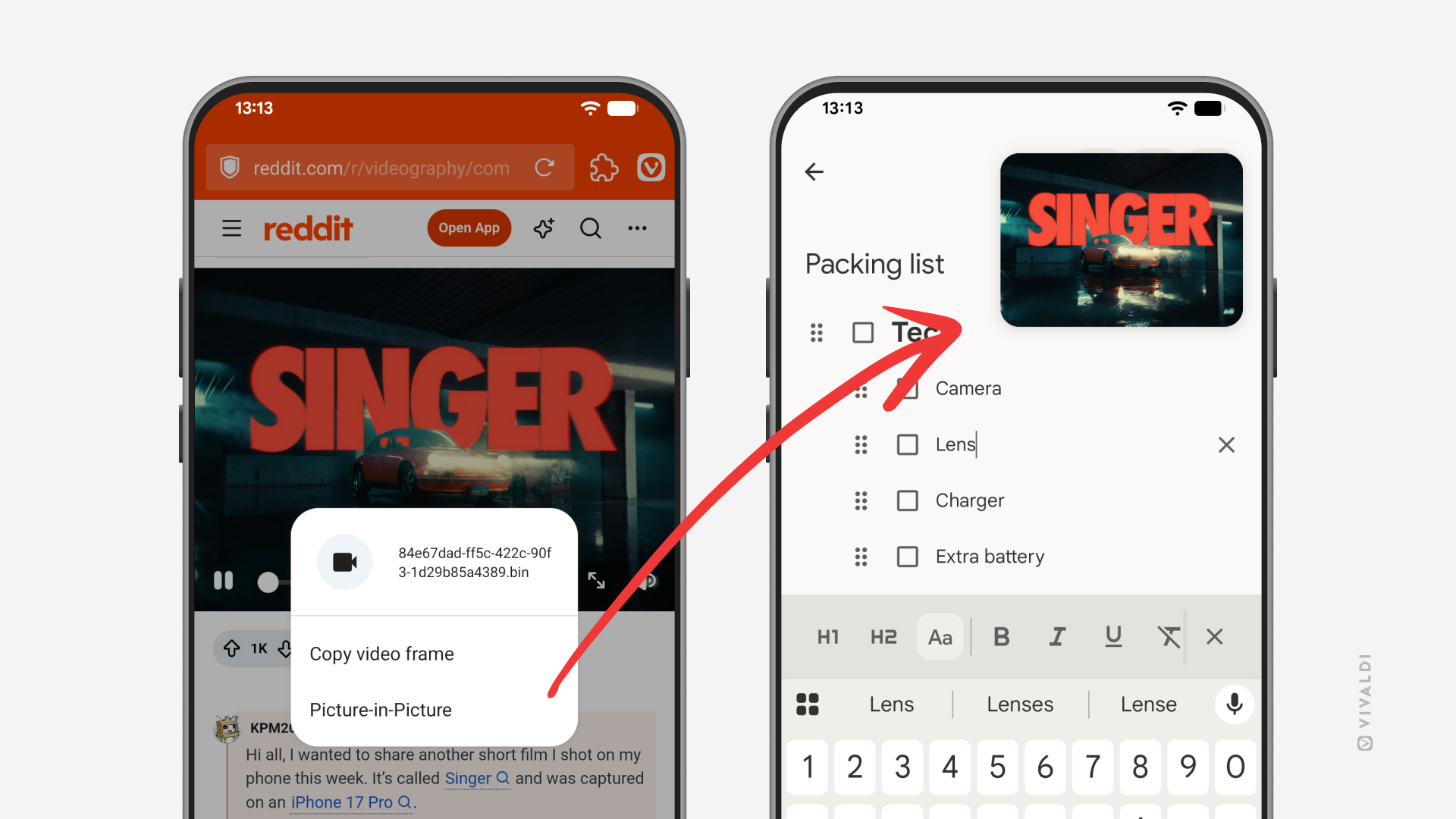
Long-press on a video in Vivaldi on Android to open it in a pop-out video player.
Picture-in-picture (PiP) displays a video in a small floating window, allowing you to multitask across tabs or apps while it continues playing.
There are a few ways to enable Picture-in-Picture in Vivaldi on Android. Some video players have a special button for PiP, in full screen mode you can go to the home screen to trigger the PiP video player, but on many websites, there’s also a third option.
To open a PiP window from a context menu:
- Long-press on the video.
- Select “Picture-in-Picture”.