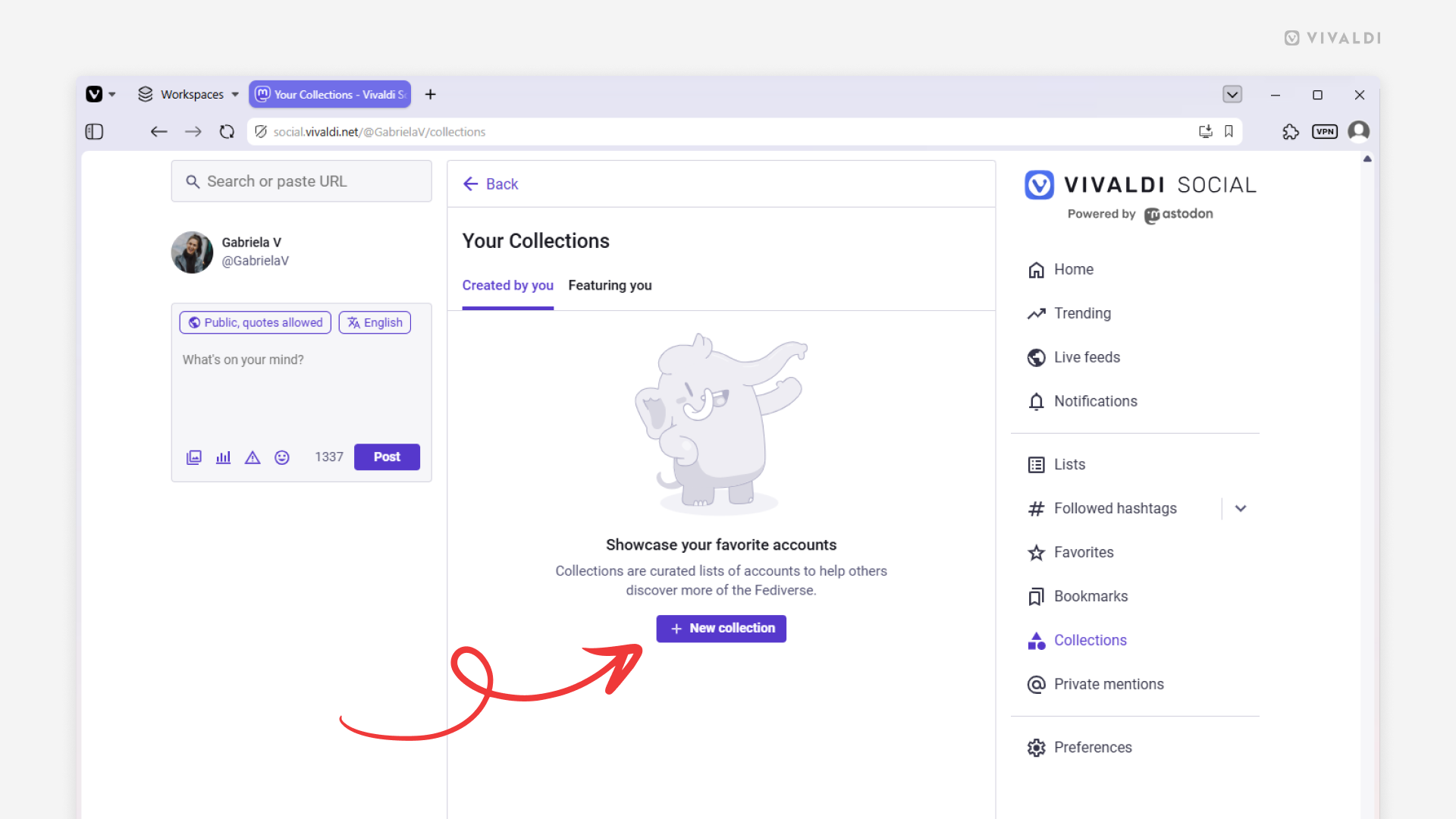
Create collections on Vivaldi Social to help others find interesting accounts more easily.
There are no algorithms on Vivaldi Social that would suggest accounts for you to follow based on your usage habits. Instead, people can create curated collections, thus helping (new) people in the community discover interesting accounts.
To create your own collection:
- Go to the “Collections” page from the vertical menu on the side of the page.
- Click “New collection”.
- Search for accounts you want to add to the collection.
- Click “Continue”.
- Give the collection a name, add a description and a hashtag.
- Choose the language, collection’s visibility, and if needed, hide the collection behind a content warning.
- Click “Create collection”.