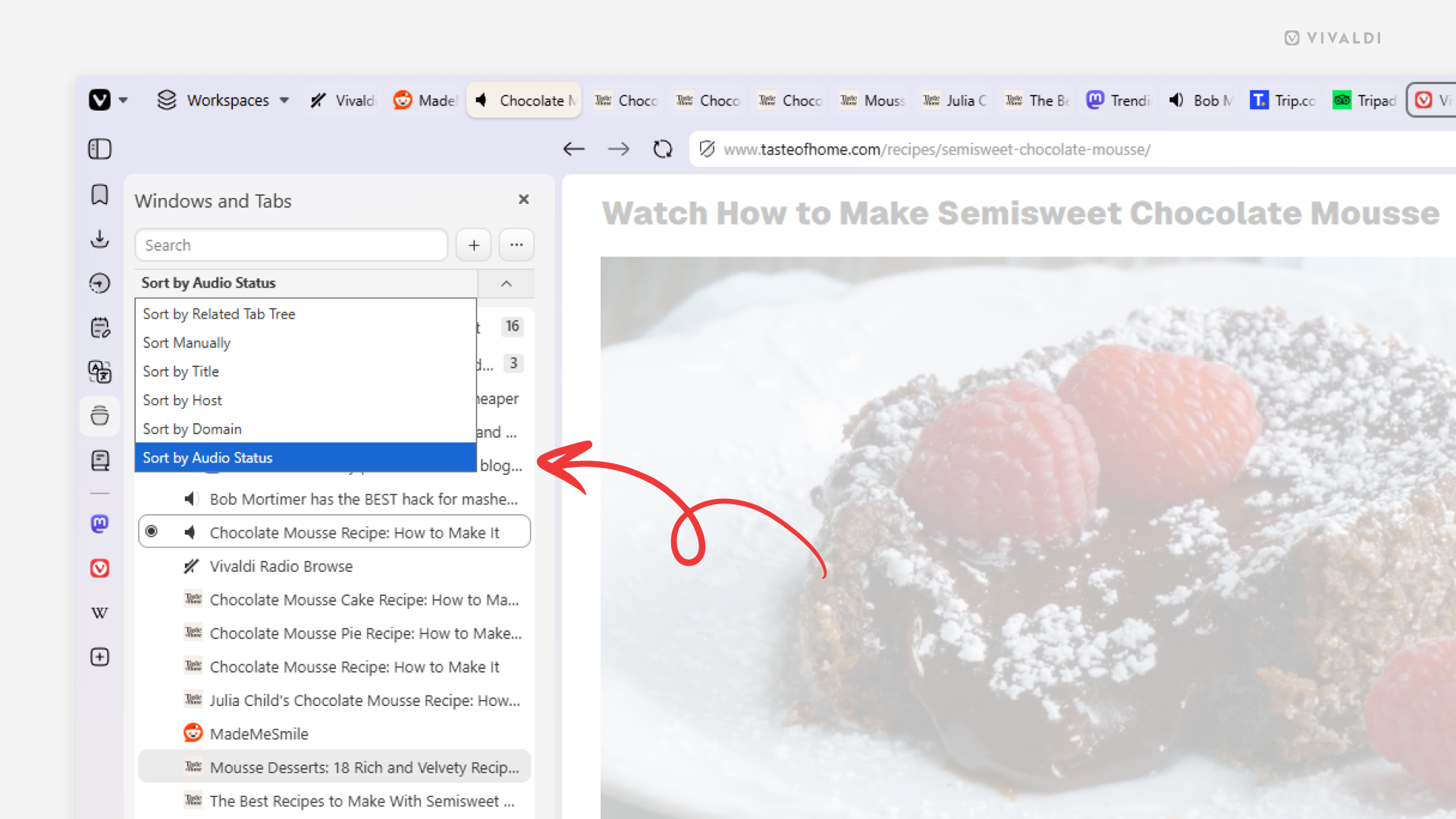
Find where the sounds come from by sorting tabs by audio status.
Tabs playing audio can be spotted by the speaker icon on the tab, but with tens if not hundreds of tabs open, it can still be cumbersome to find from which tabs the sounds are coming from. Vivaldi’s Windows and Tabs Panel comes in handy here by allowing you to sort tabs in a way that makes them easy to spot.
To sort tabs by audio status:
- Open the Windows and Tabs Panel.
- Click on the sort menu between the search field and the list of open tabs.
- Select “By Audio Status”.