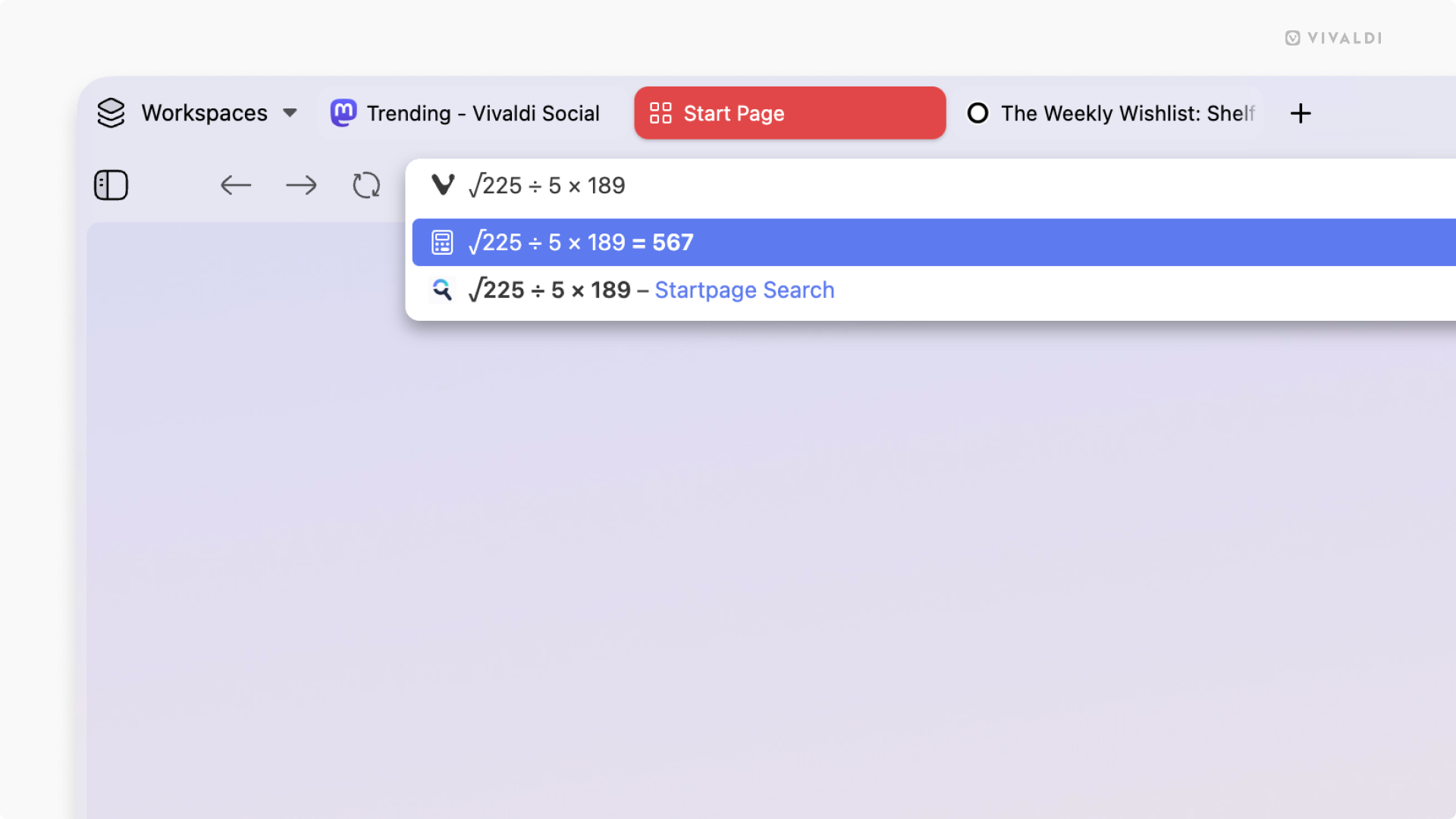
Solve a quick math problem using the Calculator in the Address Field.
With the Vivaldi browser on desktop, Android and iOS, you don’t need to switch apps or go to a website with a calculator to do a quick calculation. Simply use the calculator built into the browser’s Address Field.
To calculate something:
- Focus on the Address Field.
- Start typing the equation. For example, “888/37”, “sqrt 1764”, etc.
The result will be displayed automatically in the Address Field’s drop-down menu. If you need to use the result, press Enter or click the Copy button on the right side.