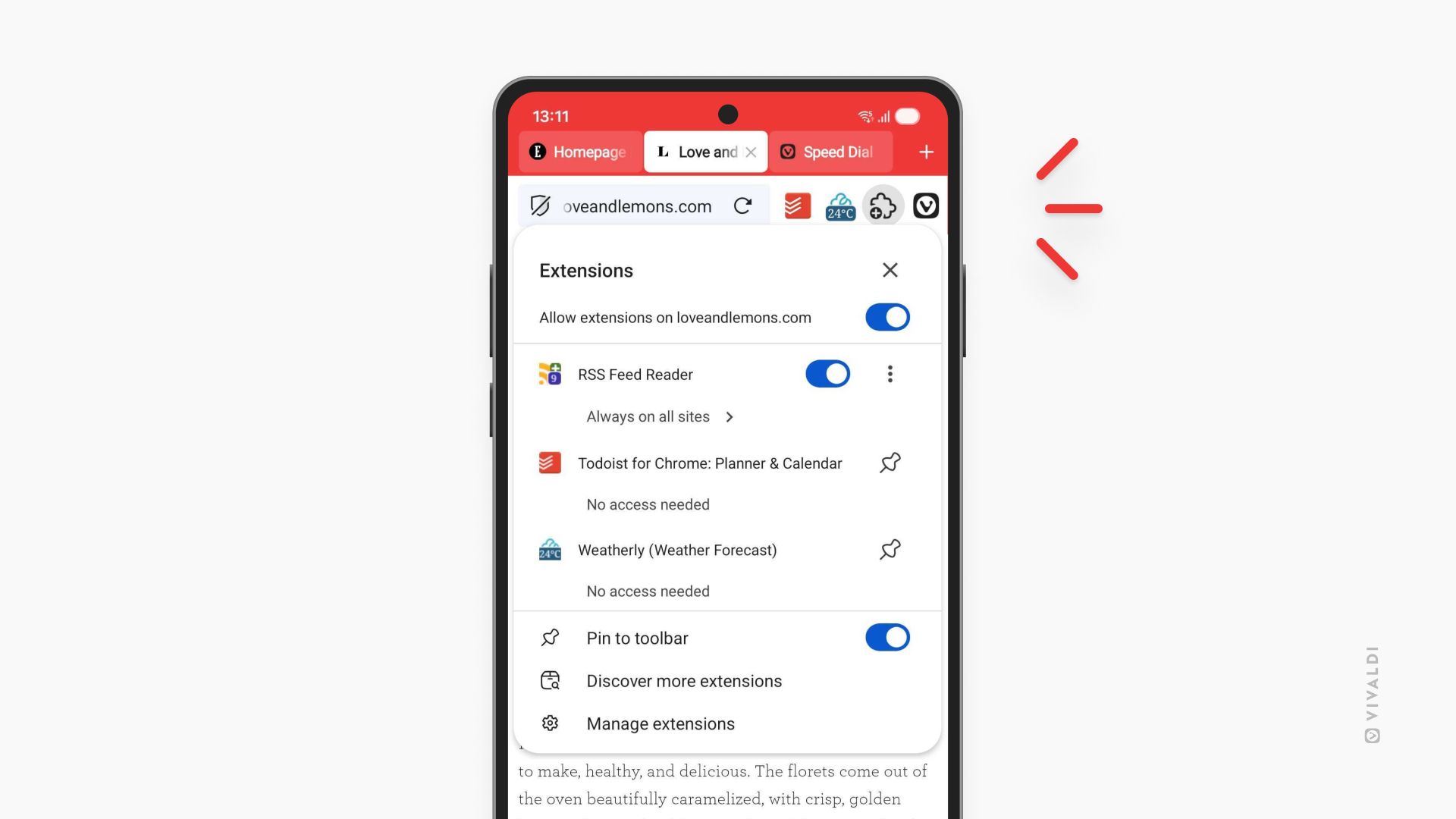
Get more from Vivaldi on Android with Extensions.
An extension is a small software program that can be installed to give added functionality to your browser. To Vivaldi on Android, you can add Extensions from the Chrome Web Store.
To install an extension:
- Tap the Extensions button on the Address Bar.
- Tap on “Open Chrome Web Store” in the menu. If you already have some extensions installed, tap “Discover more extensions”.
- Browse or search for extensions.
- On the extension’s profile, tap “Add to Vivaldi”.
- In the confirmation dialog, tap “Add extension”.