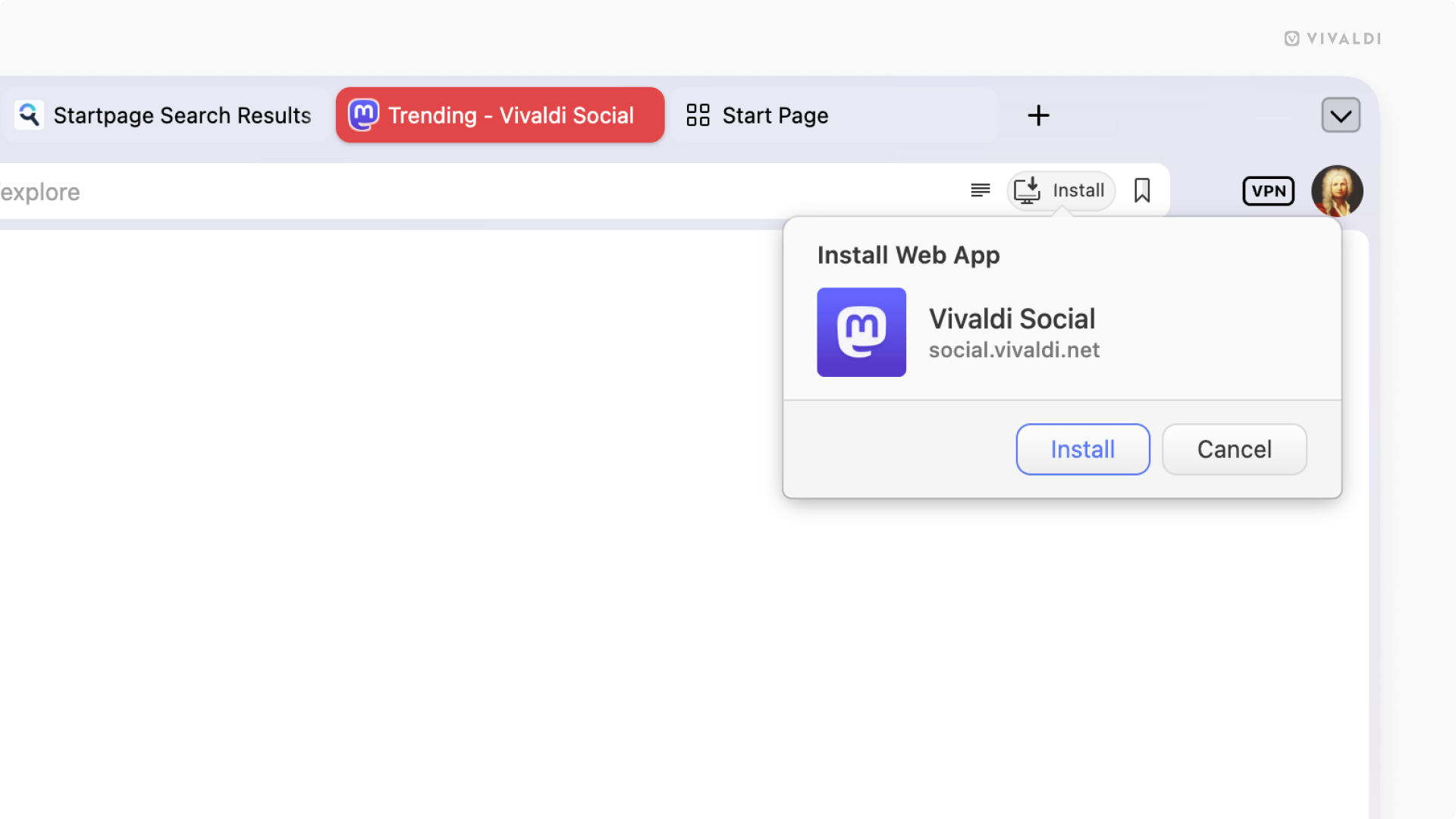
Check the Address Bar to see if the website can be installed as a Progressive Web App.
When you use a website often enough that you wish it were its own app, look no further than the Vivaldi browser’s Address Bar. If you see an “Install” button on the right side of the Address Field, the website is also available as a Progressive Web App (PWA).
To install a website as a PWA:
- Click the “Install” button on the right side of the Address Field.
- Click “Install” in the small menu asking you to confirm your action.
Alternatively, right-click on the tab and select Progressive Web Apps > Install [website name].