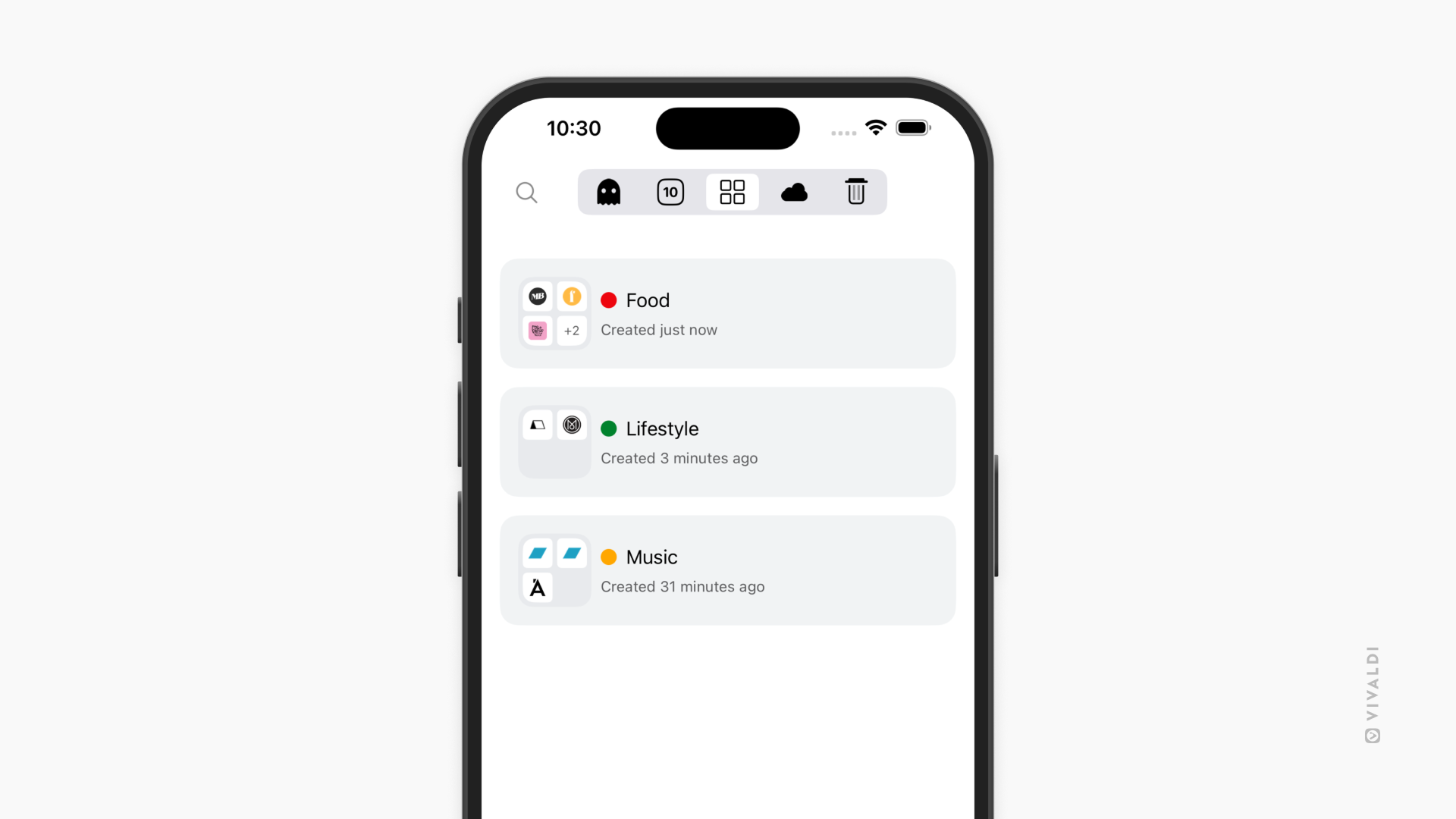
View and manage your Tab Stacks in Vivaldi on iOS from the Tab Stacks pane.
When you group tabs in Vivaldi on iOS you can see the Tab Stacks in a separate section in the Tab Switcher. With this organized view, you can easily switch between the stacks without needing to find them in the mix of tabs and stacks in the main tabs view of the Tab Switcher. It’s perfect for users who manage multiple tasks or projects at once.
In the Tab Stacks pane, you can:
- View Tab Stacks and the tabs in them.
- Add, reorder, remove and close tabs.
- Rename Tab Stacks.
- Edit the stacks’ colors.
- Unstack Tab Stacks.
- Close and delete Tab Stacks.