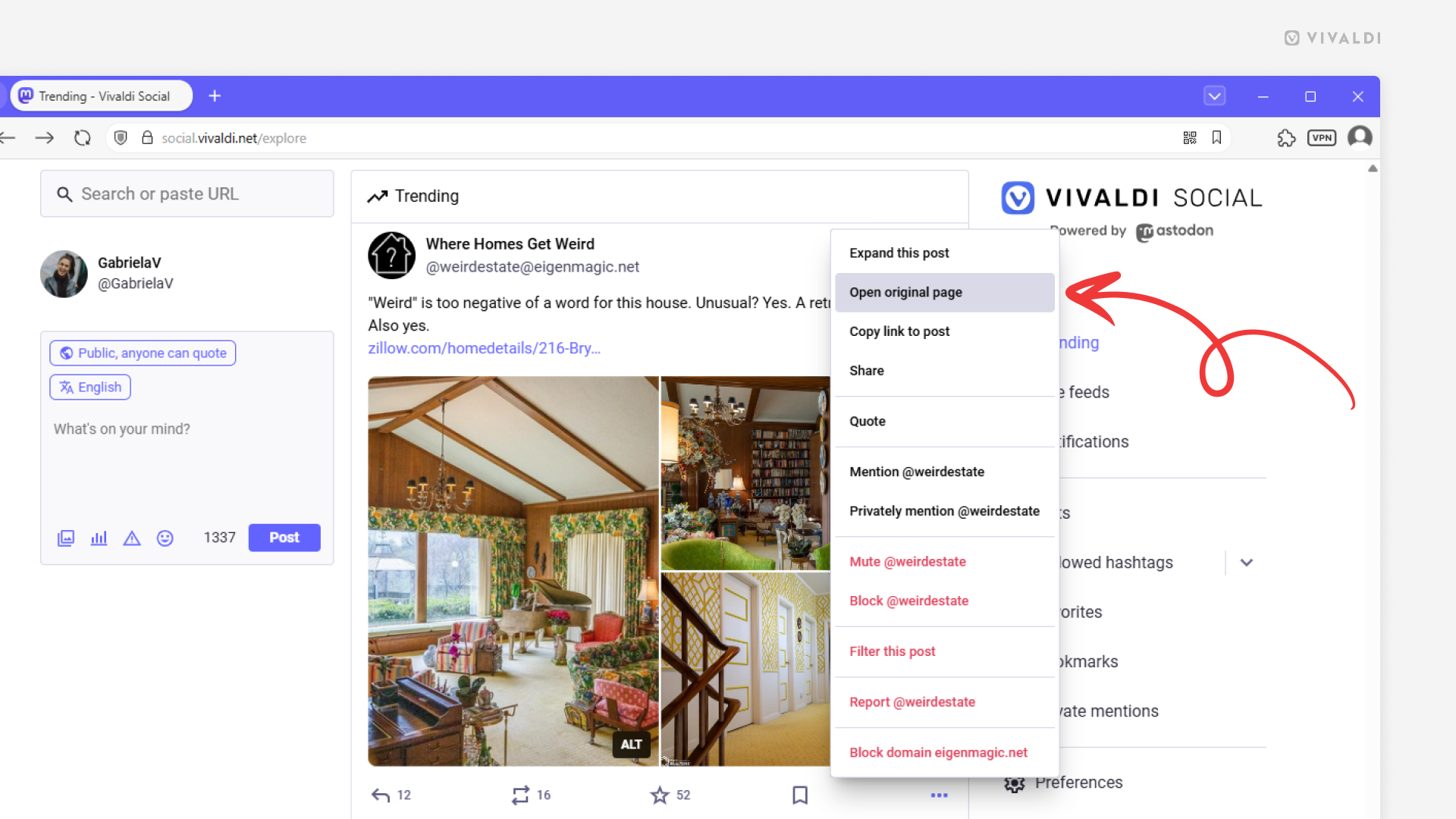
Open posts on Vivaldi Social on their original page.
Most of the posts you see on Vivaldi Social are from accounts on other federated servers. Either you follow the users or the hashtags they’re using, they come up in search results, or they’re trending in the Vivaldi community. To see the original version of the post with the latest version of the comment thread, you need to open the post on the author’s host server.
To open a post on it’s original server:
- Click on the 3-dot menu in the bottom right corner of the post.
- Select “Open original page” from the menu.