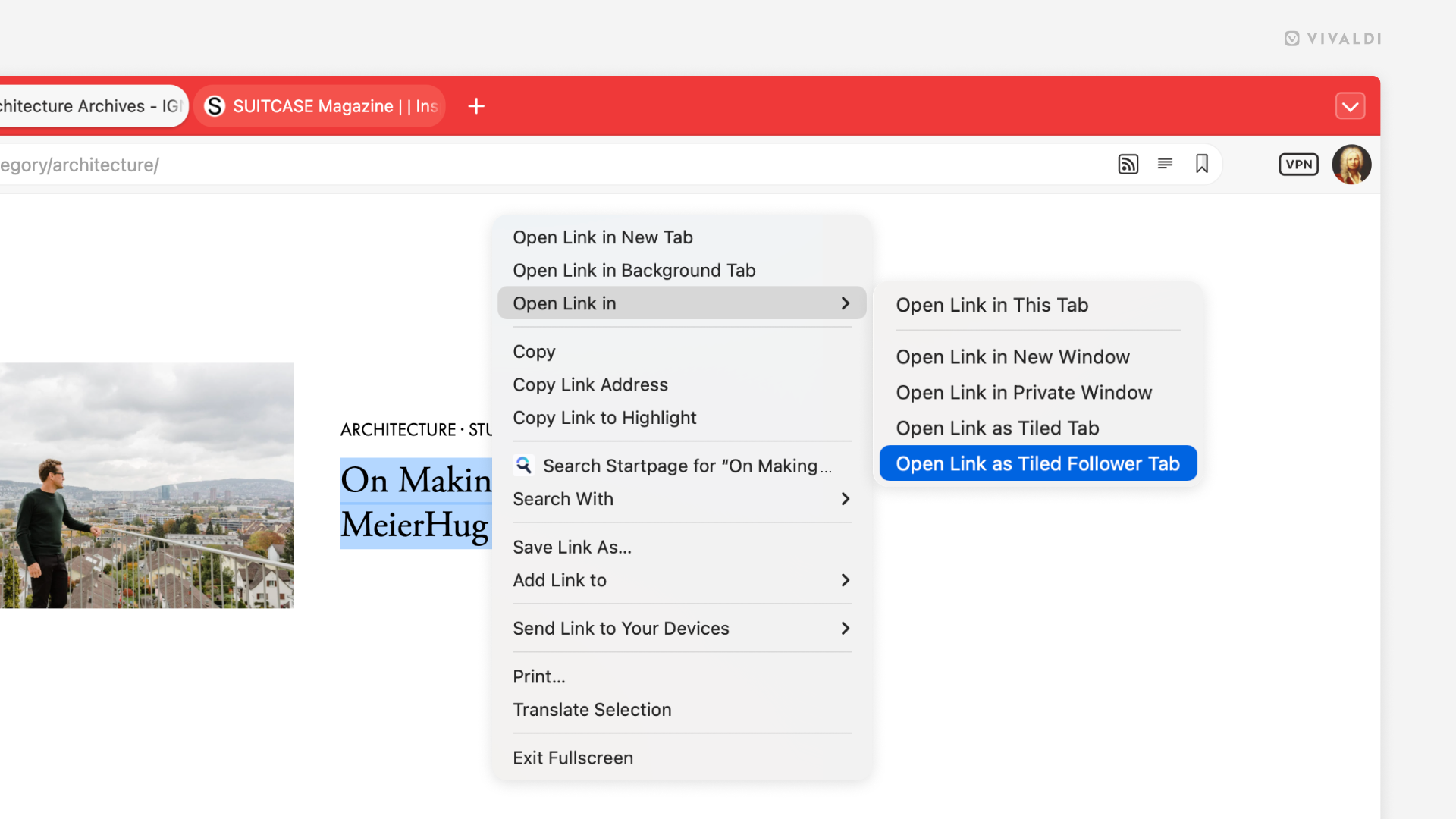
Explore links on a web page without losing sight of the original tab.
With the Follower Tab feature in Vivaldi, you can quickly preview everything you want and need to know about pages linked on the site you’re browsing. When you create a follower tab, it will open in a tiled tab next to the source tab and any other link you click in the source tab will replace the page in the follower tab.
To open the first link as a follower tab:
- Right-click on a link on a web page.
- Hover over the Open Link in option to open the sub-menu.
- Select Open Link as Tiled Follower Tab.
To open other links in the Follower Tab, simply click on a link on the web page as if you wanted to open it in the active tab.