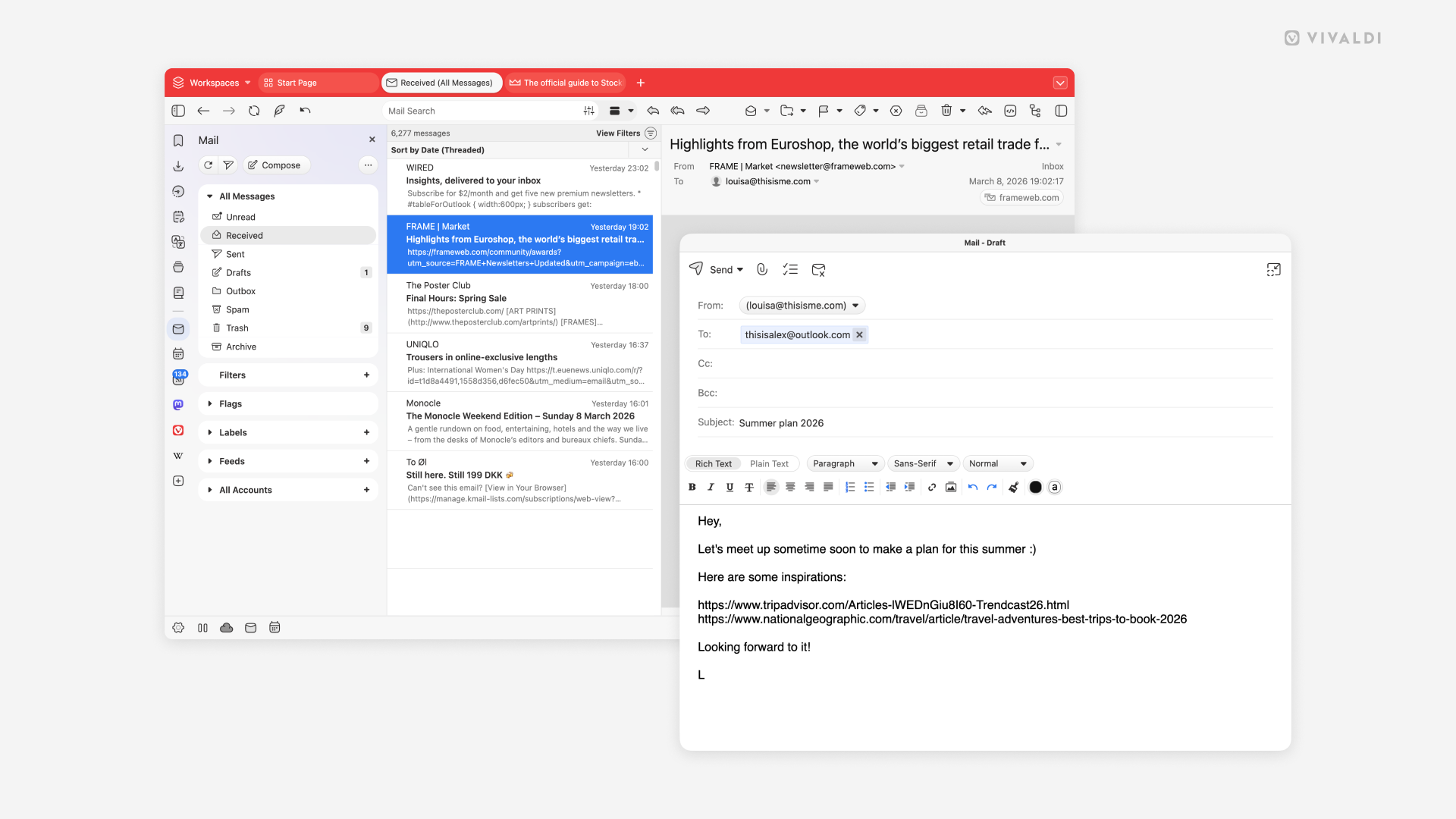
A tab or a window – write your emails in the space you prefer.
By default when you start writing a new message, or replying or forwarding an email in Vivaldi Mail, the composer will open in a new browser tab. But there’s also a composer window option available.
To enable the window option:
- Go to Settings > Mail > Mail Settings > Composer Window.
- Enable Open Composer in a window.