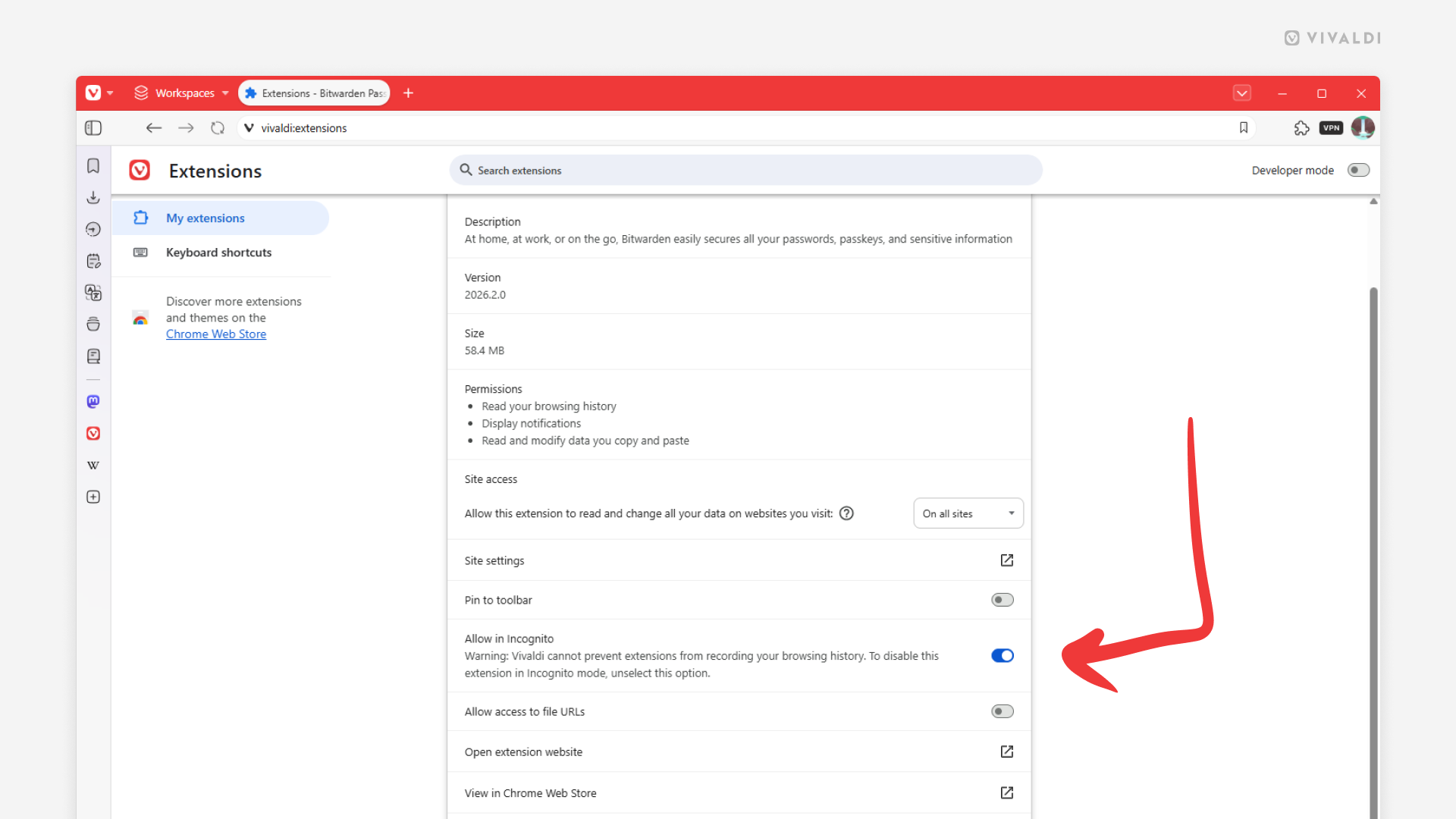
Allow the use of trusted Extensions in Private Windows.
For privacy and security reasons, Extensions added from the Chrome Web Store are not enabled by default in Private Windows. But if you want to use a trusted extension in incognito mode, you can enable it by following the steps below.
To enable an extension in Private Windows:
- Go to the Vivaldi menu > Tools > Extensions.
- Find the extension you want to use in Private Windows.
- Click on “Details”.
- Enable “Allow in Incognito”.