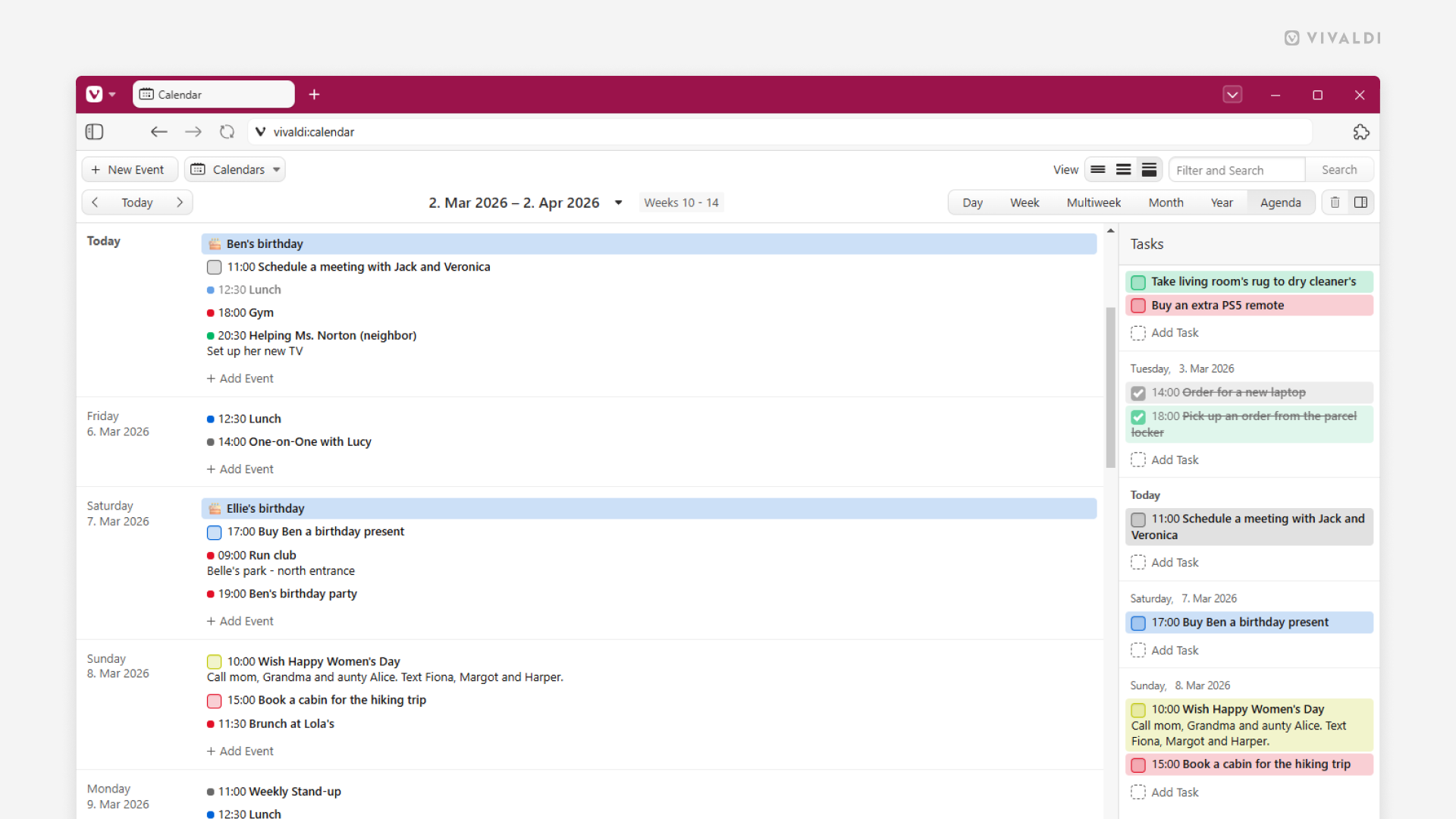
Get a clean chronological view of upcoming events and tasks in Vivaldi Calendar’s Agenda view.
While the day’s and week’s grid views in your Vivaldi Calendar are great for time-blocking, allowing you to visually organize your days and weeks, sometimes a linear list of the Agenda view is best to tackle those busy days. Just a simple chronological list of upcoming events and tasks that you can tackle one after the other.
To switch your calendar to Agenda view, look for the “Agenda” button on the calendar view menu in the top right corner of the page or simply press A on your keyboard (single-key shortcuts need to be enabled).