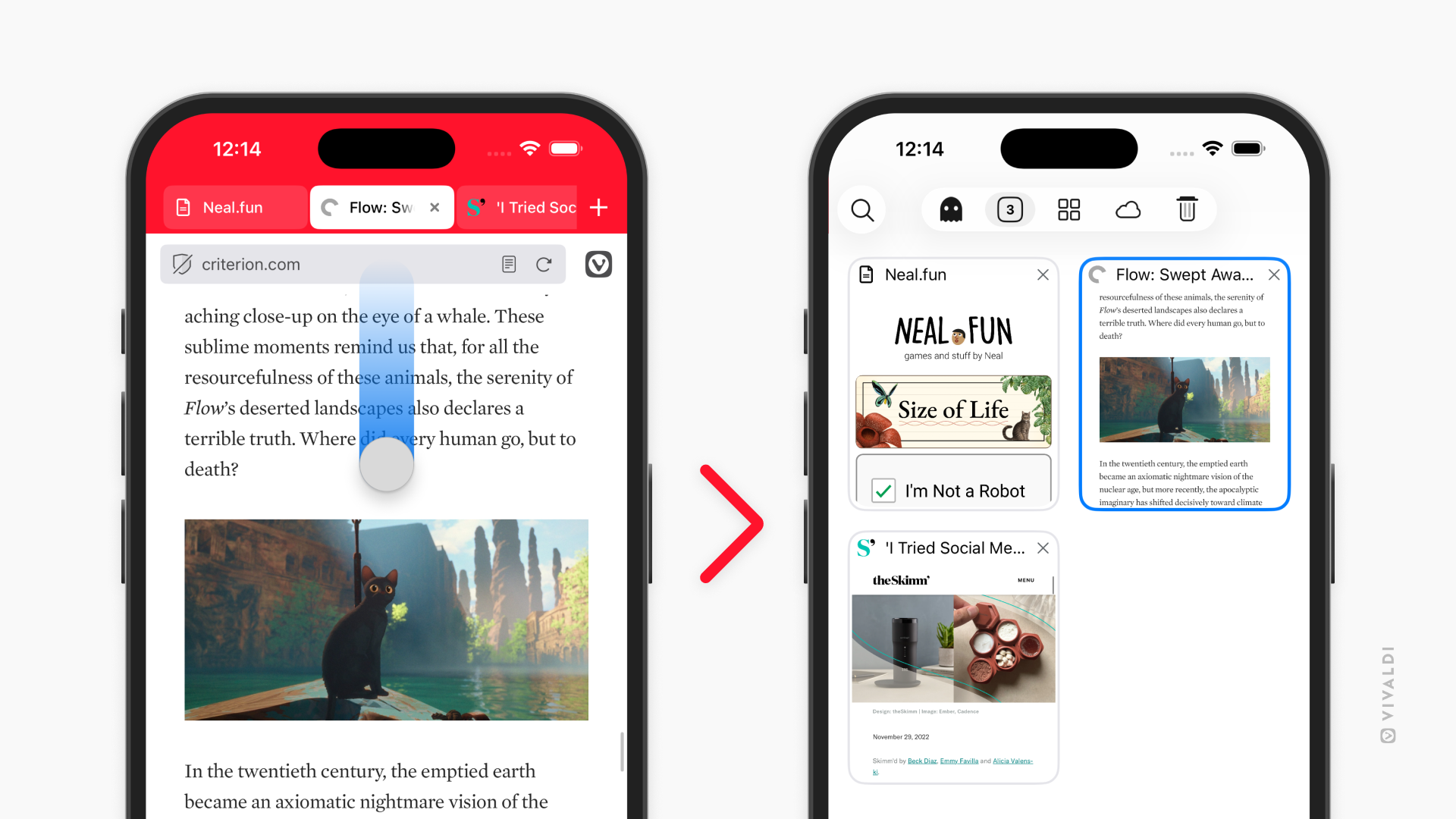
Open the Tab Switcher in Vivaldi on iOS with a swipe on the Address Bar.
Whenever you want to get a good overview of all your standard, private, synced, etc. tabs, the Tab Switcher is the place to go.
To enable Address Bar swipe gesture:
- Go to Settings > Address Bar > Address Field Options.
- Toggle on “Enable Address Bar Swipe Gesture”.
Once the setting is enabled, all you need to do is swipe from the Address Bar towards the page to open the Tab Switcher. In other words, swipe down when the Address Bar is at the top and swipe up when the Address Bar is at the bottom of the screen.