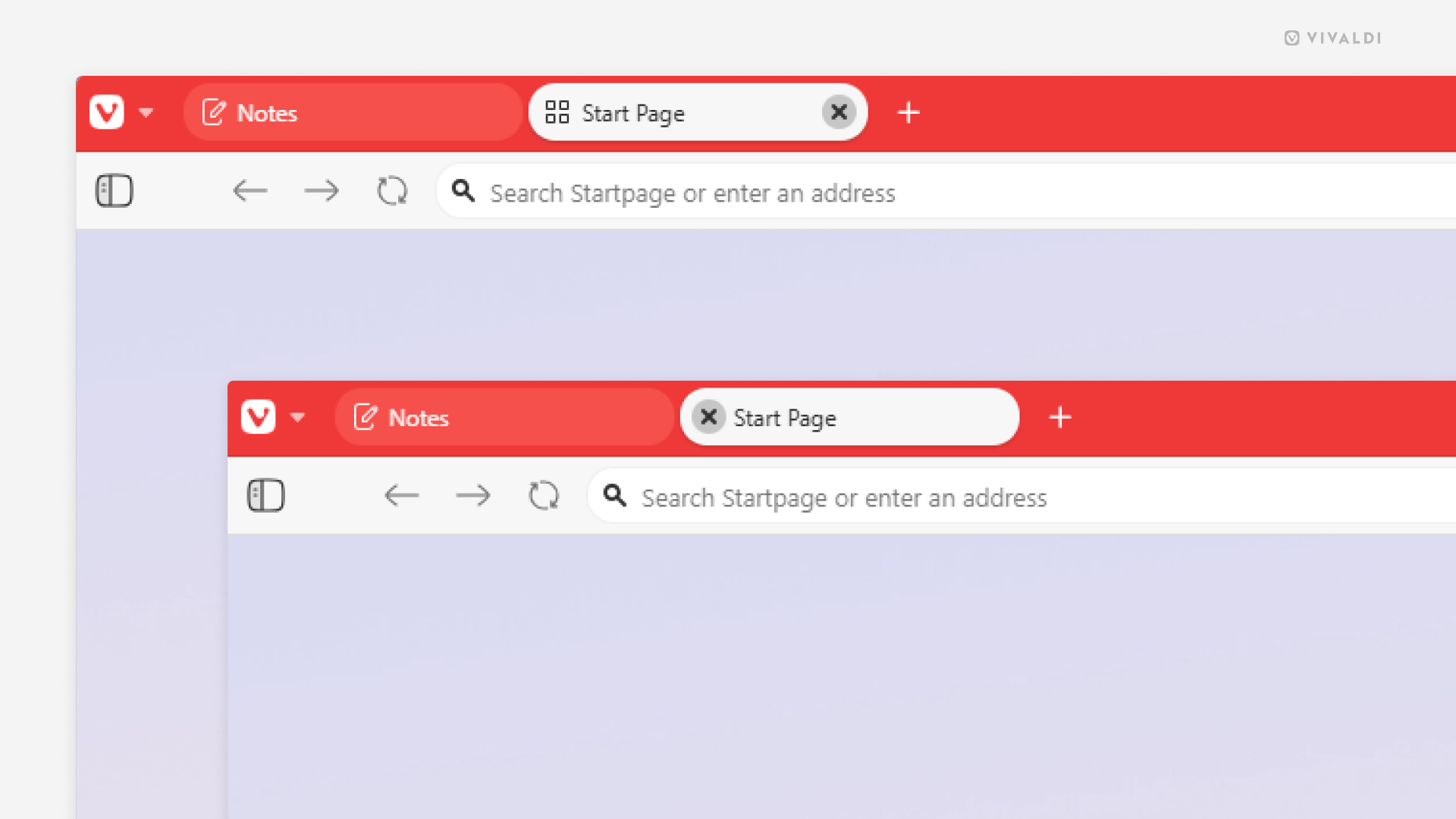
Place the Tabs close button where it’s convenient for you.
Vivaldi is famous for allowing you to configure the smallest of details. One such detail is the location of the tabs close button on the Tab Bar.
To choose the close button’s side:
- Go to Settings > Tabs > Tab Display > Tab Options.
- From “Display Close Button’s” subsettings, toggle “On Left Side” on or off, as needed.