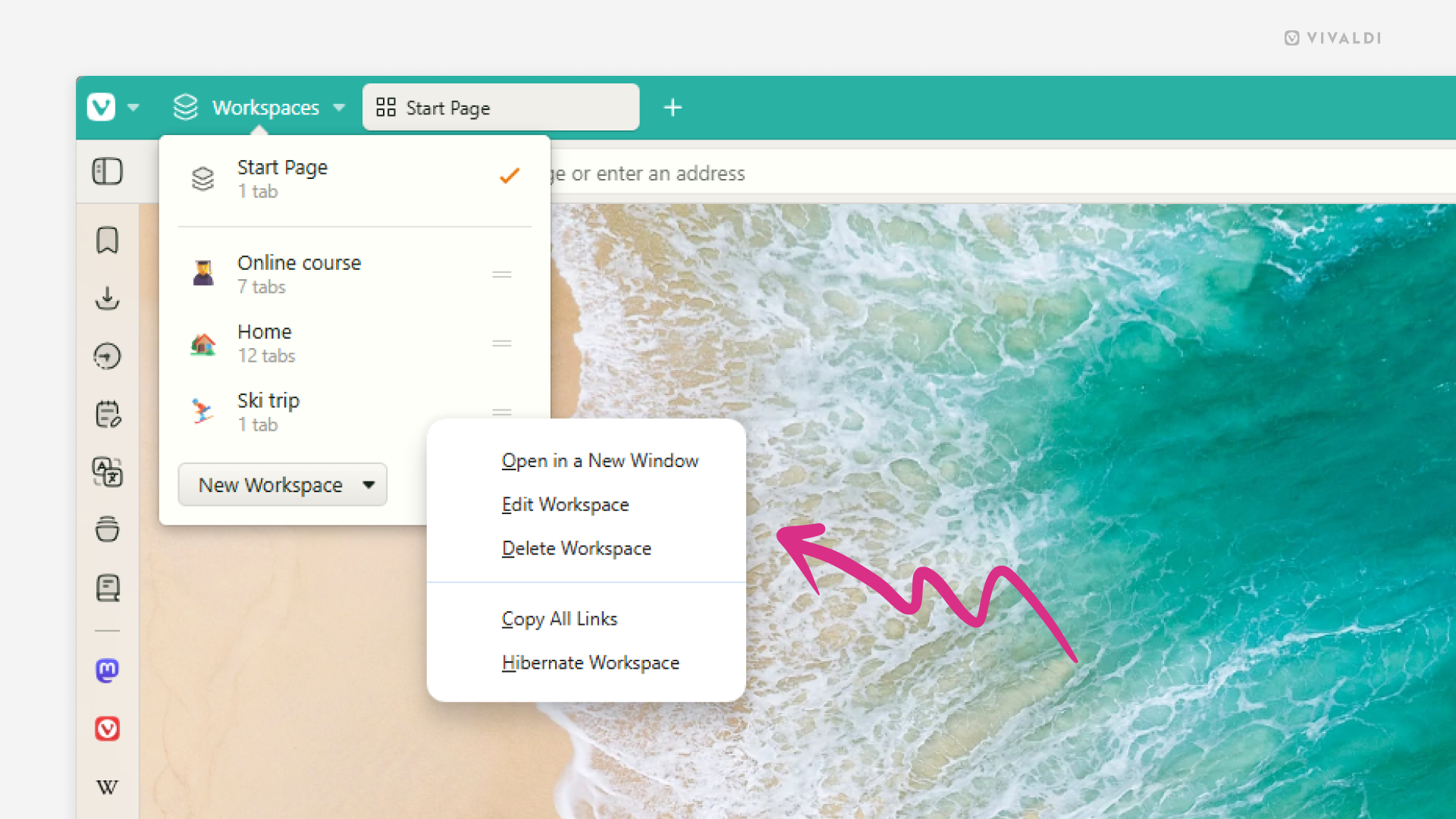
Reuse or delete Workspaces that no longer serve a purpose.
When you’re done with a project that you created a Workspace for in Vivaldi it’s time to reuse it for a new project, or if there are currently no new projects, just delete it.
To reuse a Workspace:
- Open the Workspaces menu.
- Right-click on the one you want update.
- Select “Edit Workspace” from the context menu.
- Give it a new name and select a new icon.
- Click “Done”.
- Close all tabs in the Workspace.
To delete a Workspace:
- Open the Workspaces menu.
- Right-click on the Workspace you want update.
- Select “Delete Workspace”.
Deleting a Workspace will also close all tabs in it. If you want to keep some tabs around, move the tabs first or reopen them from the Closed Tabs menu.