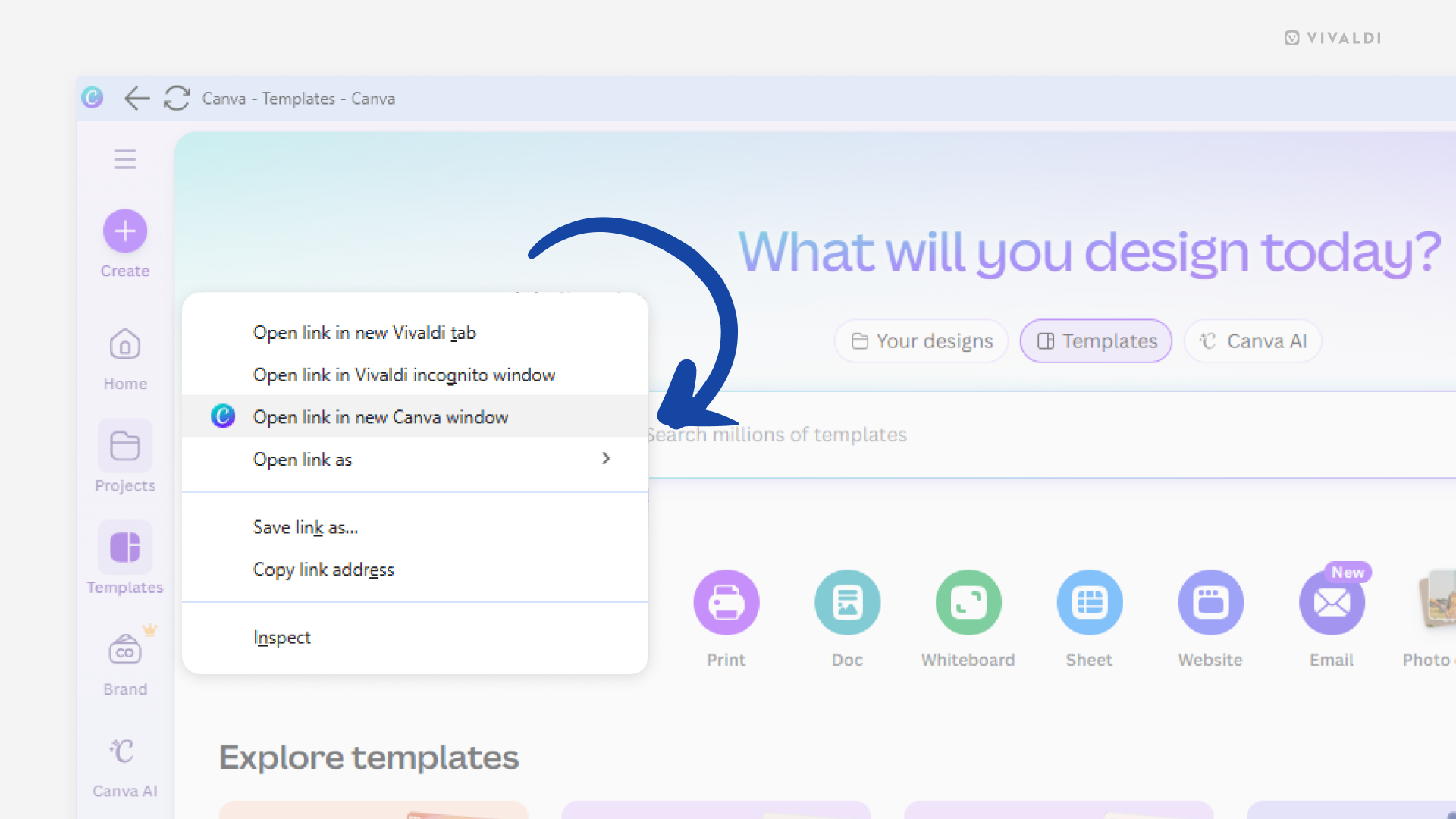
Open multiple Progressive Web App windows to improve your workflow.
Progressive Web Apps (PWAs) are a great way to make a website feel like an independent app without actually needing to install a native app. Sometimes you may find yourself needing to view content from multiple PWA pages at once, though. You could open the other page in the main Vivaldi browser window, but you could also open it in a second PWA window.
To open a page from the PWA’s domain in another window:
- Right-click on the link.
- Select “Open link in new [PWA name] window”.