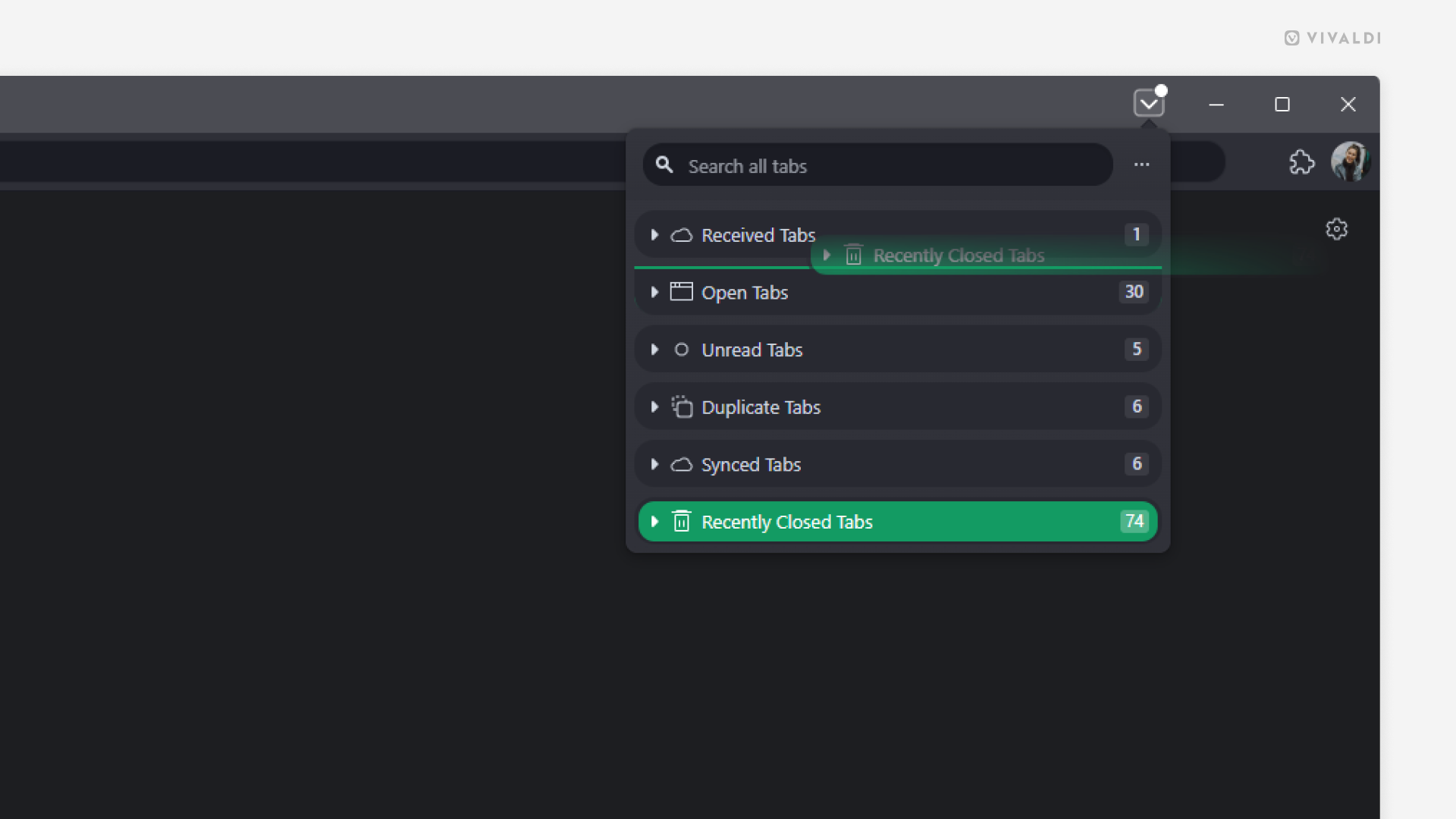
Reorder Tab Button sections to find the right tab faster.
Need quick access to synced or recently closed tabs rather than open tabs? Update the order of sections in the Tab Button popup to match your preferences.
To reorder sections:
- Open the pop-up menu.
- Click and drag the section you want to move.
- Release the mouse button to drop the section at its new location.