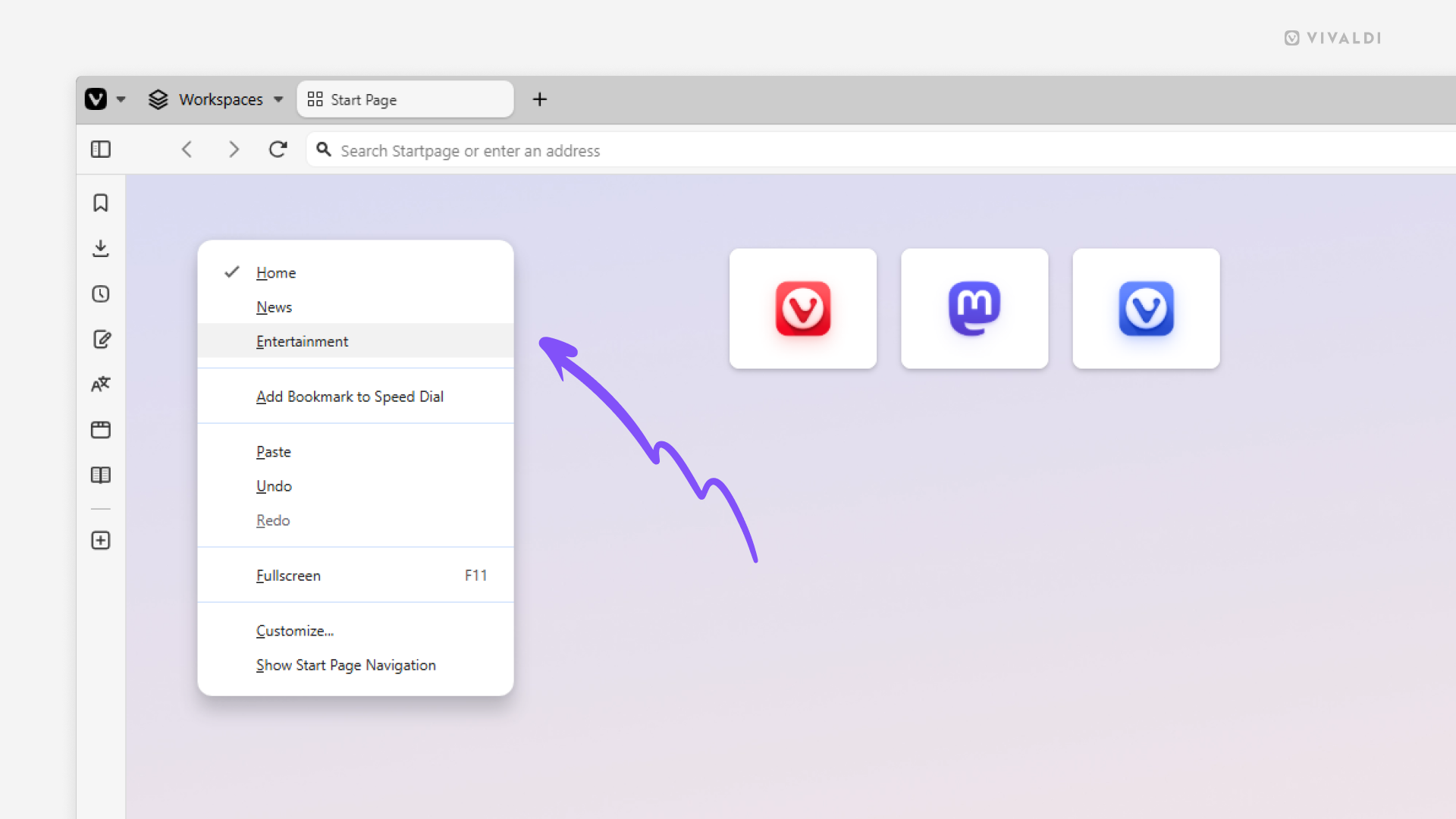
Switch Speed Dials from the right-click menu.
Have you hidden the navigation bar on the Start Page for a more minimalistic look, but still want to access your various Speed Dial groups? Luckily, Vivaldi offers you an alternative navigation option.
To switch Speed Dial groups:
- Right-click on an empty area on the Start Page.
- Click on the Speed Dial group’s name you want to switch to.