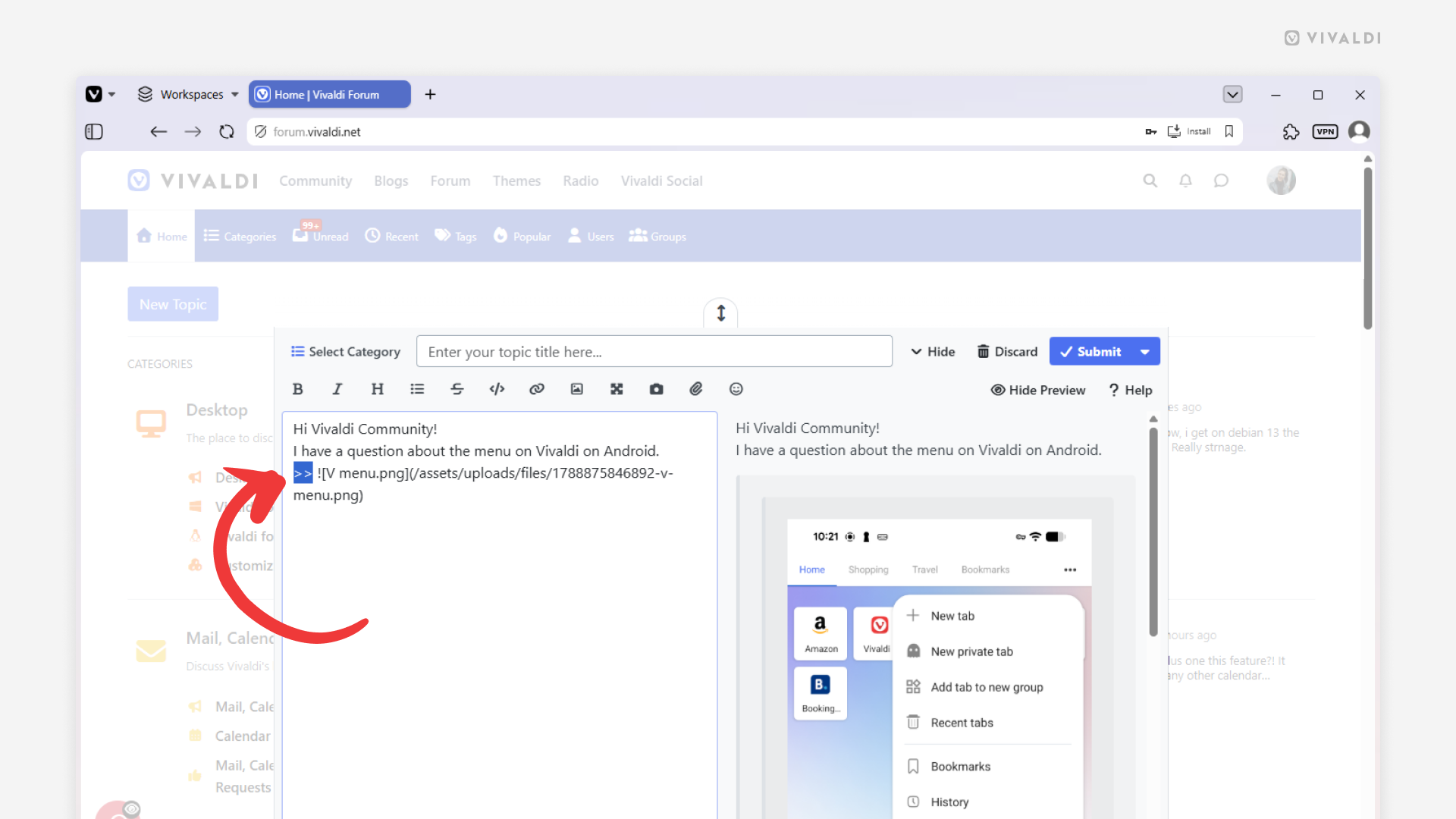
Make long Forum posts more compact by hiding some content behind a click.
When you’re posting on the Vivaldi Forum and want to add a large image or paragraphs of text that take up a lot of space, you can hide it in a nested quote. That way, the topic thread will look neat and easy to read and the hidden content can be viewed with a quick click.
To hide content behind a click:
- Write your post.
- In front of the section that you want to hide, type >>.
- Check the preview to confirm that the content is in two nested gray boxes (black boxes with a dark theme).
To display the hidden content in a published post, click on the ∨ arrow on the gray/black box. Click ^ to hide it.