
Your browser has been updated
Scroll down to see what’s new
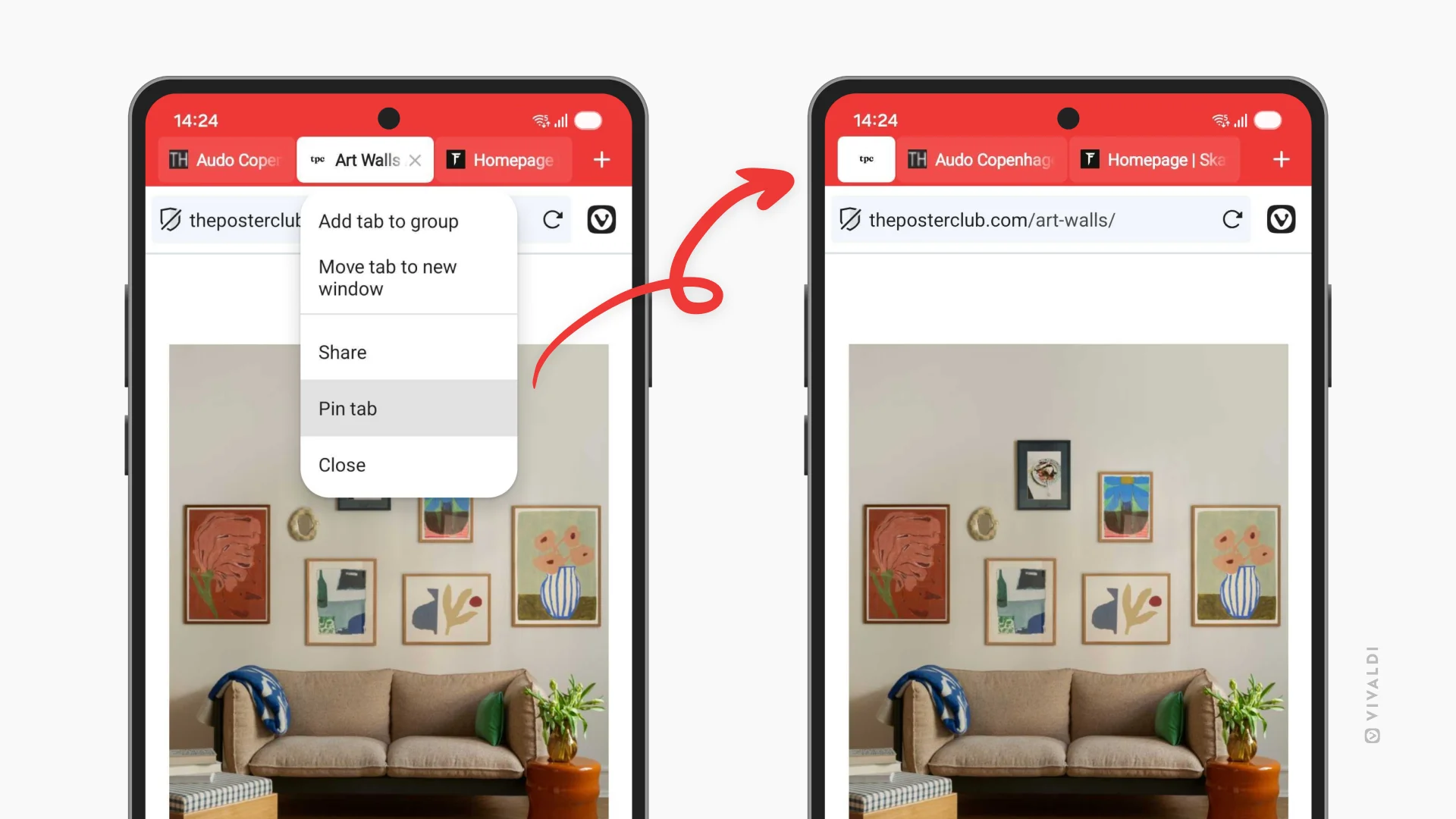
Pin the tabs that matter
Some tabs deserve a special place in your Tab Bar. Now you can pin them, keeping them within a finger’s reach at all times. Long-press any tab and select "Pin Tab" to lock it at the start of your Tab Bar.
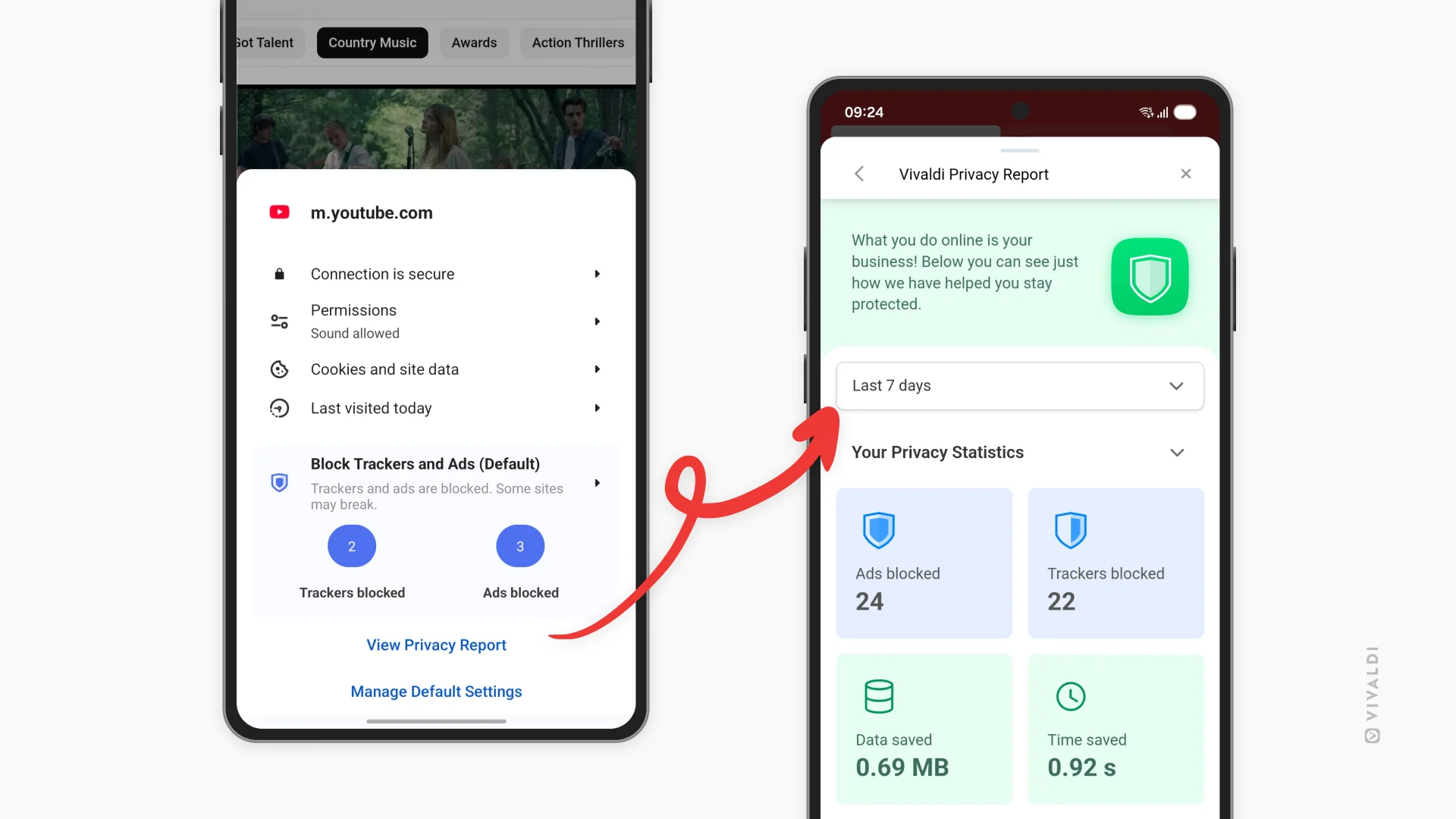
Protect yourself while you browse
Your phone follows you everywhere, but you don’t need to let companies do the same. Open the new Privacy Dashboard from the shield icon in the Address Bar and you’ll get a clear overview over the trackers and ads that Vivaldi has blocked for you while you browse. You can select the same blocking level for all sites, or adjust it per site if you wish.
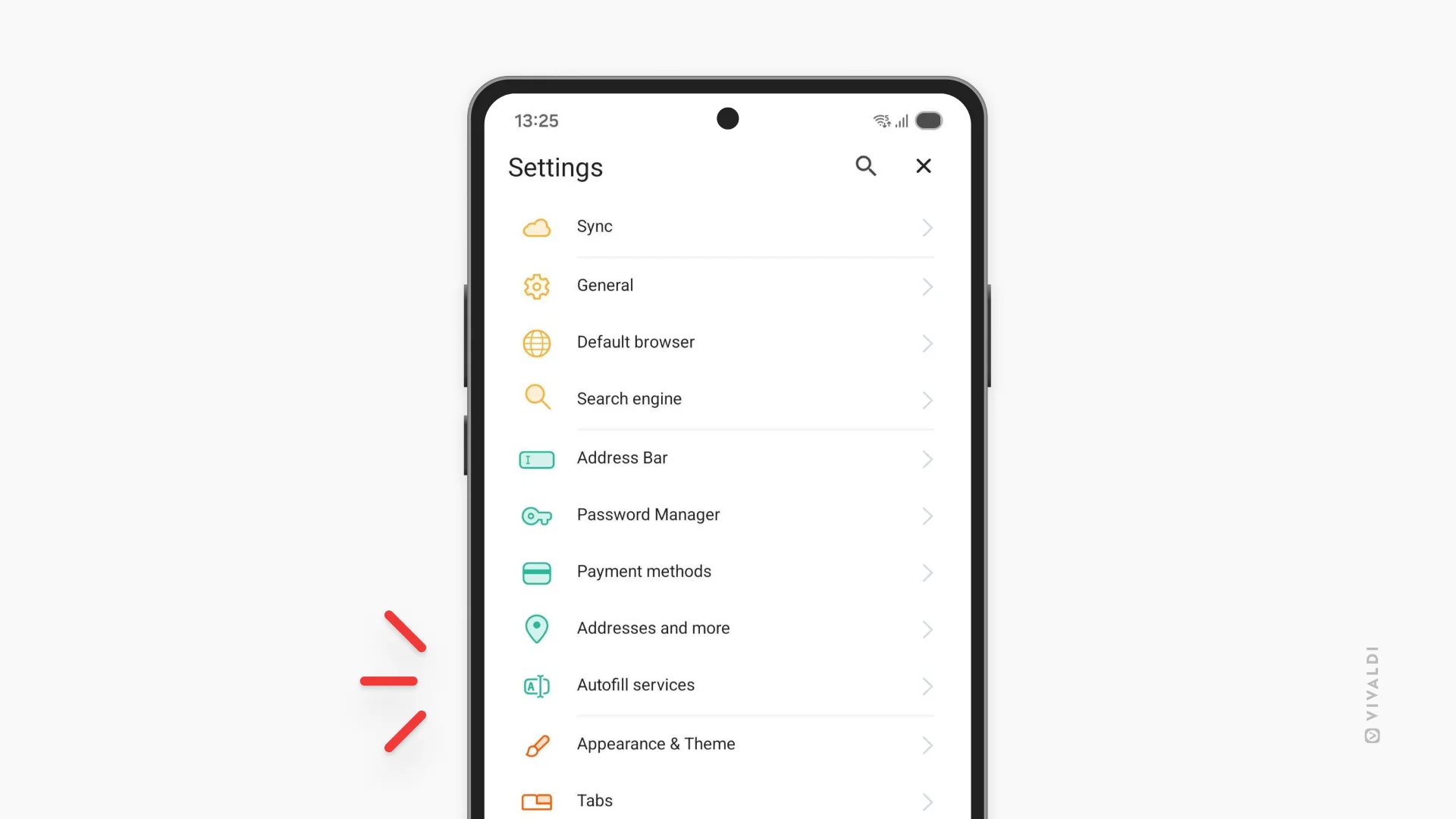
Choose your Password Manager
Vivaldi has a solid password manager built right in, but you might want to use a third-party password manager you already trust. Since it’s your choice to make, we’ve added a new setting called "Autofill services" where you get to choose where you want to store your sensitive data.
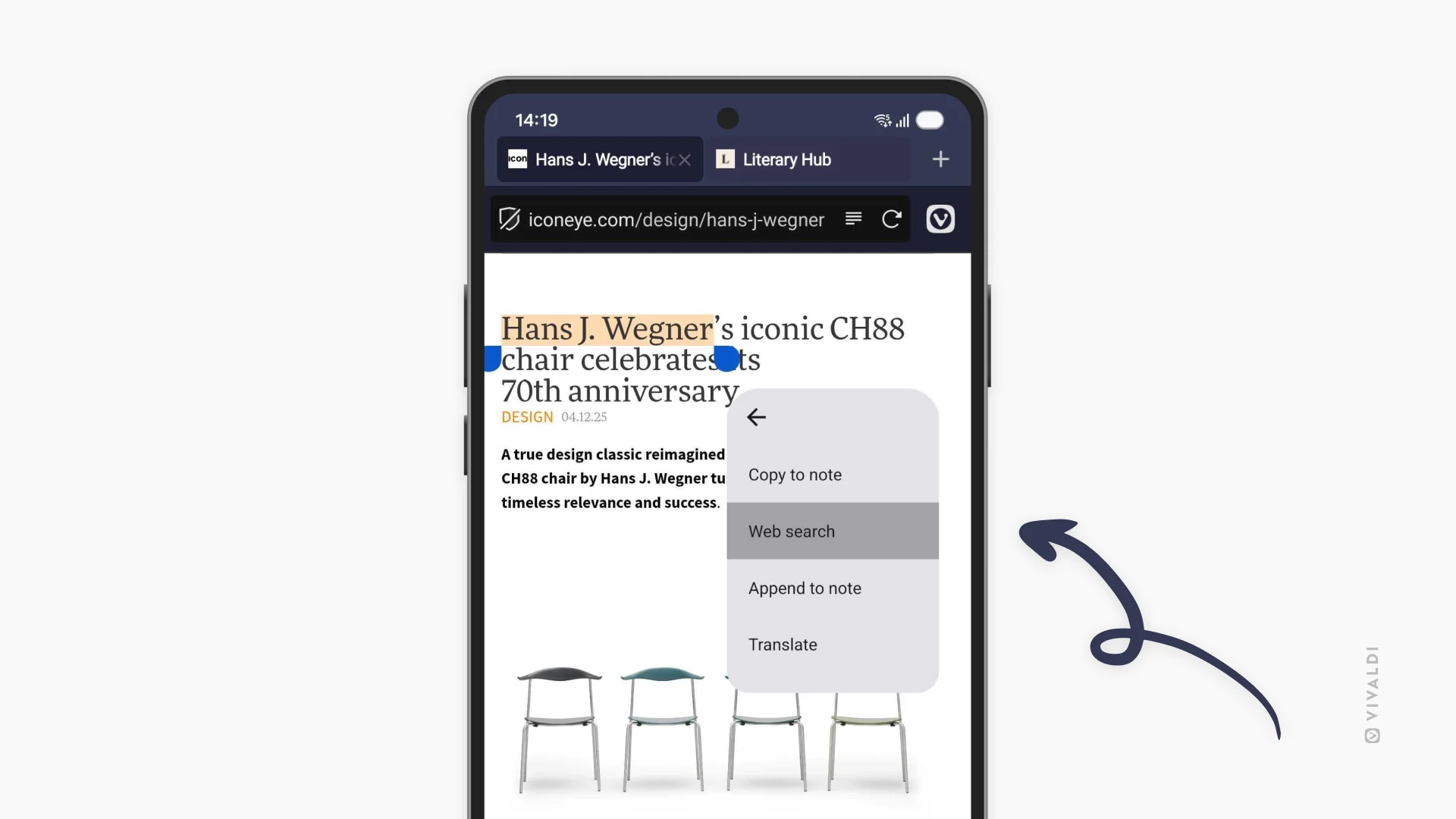
Search privately, faster
You can now search with selected text directly in private tabs. Highlight any text on a page, and you’ll see the option to search for it in a new private tab. Quick, convenient, and your search history stays private.
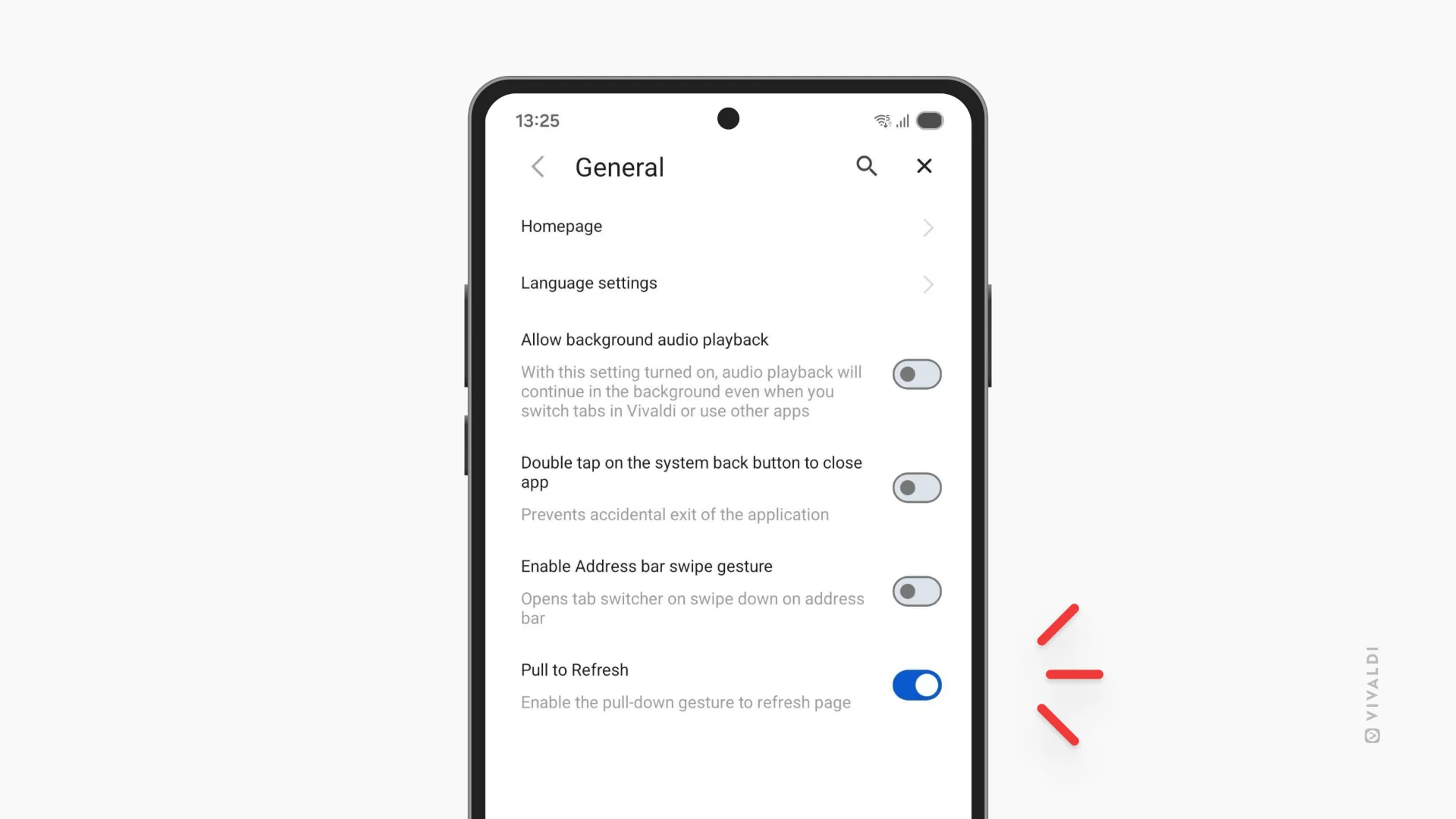
Disable pull-to-refresh
If you’ve ever accidentally triggered a page reload mid-scroll, this one’s for you. Head to Settings and turn off pull-to-refresh. No more losing your place because you swiped a little too enthusiastically.