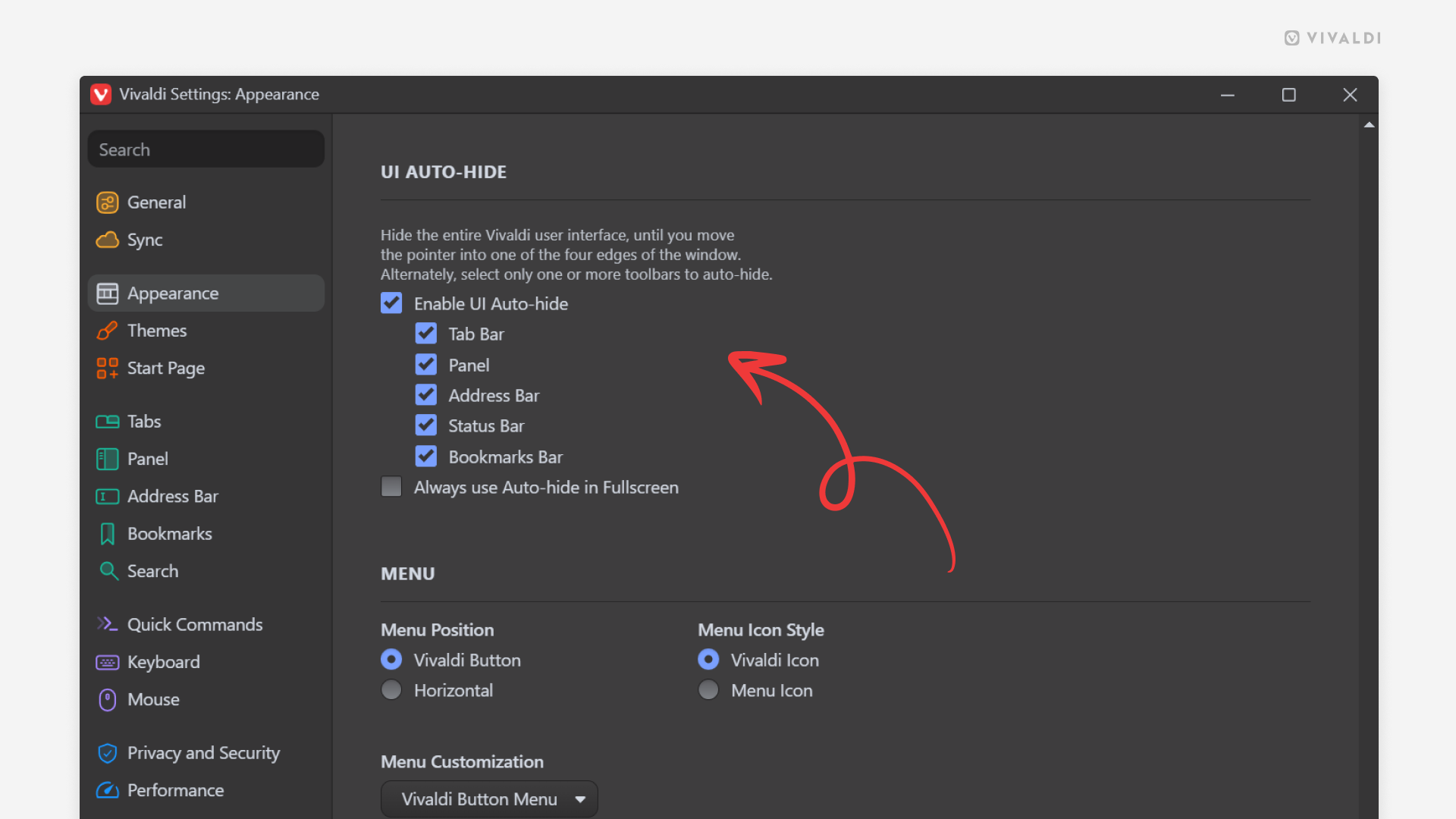
Choose which toolbars to auto-hide and which ones to keep visible.
Hiding the browser’s toolbars gives you more room to enjoy your pages without distractions. With Vivaldi’s Auto-hide feature the toolbars will appear on mouse hover and disappear when you move the cursor away. Whether all of them disappear from view or only some is up to you to decide.
To review auto-hide settings:
- Go to Settings > Appearance > UI Auto-hide.
- Tick the box for “Enable UI Auto-hide”.
- Untick boxes for toolbars you always want to see.