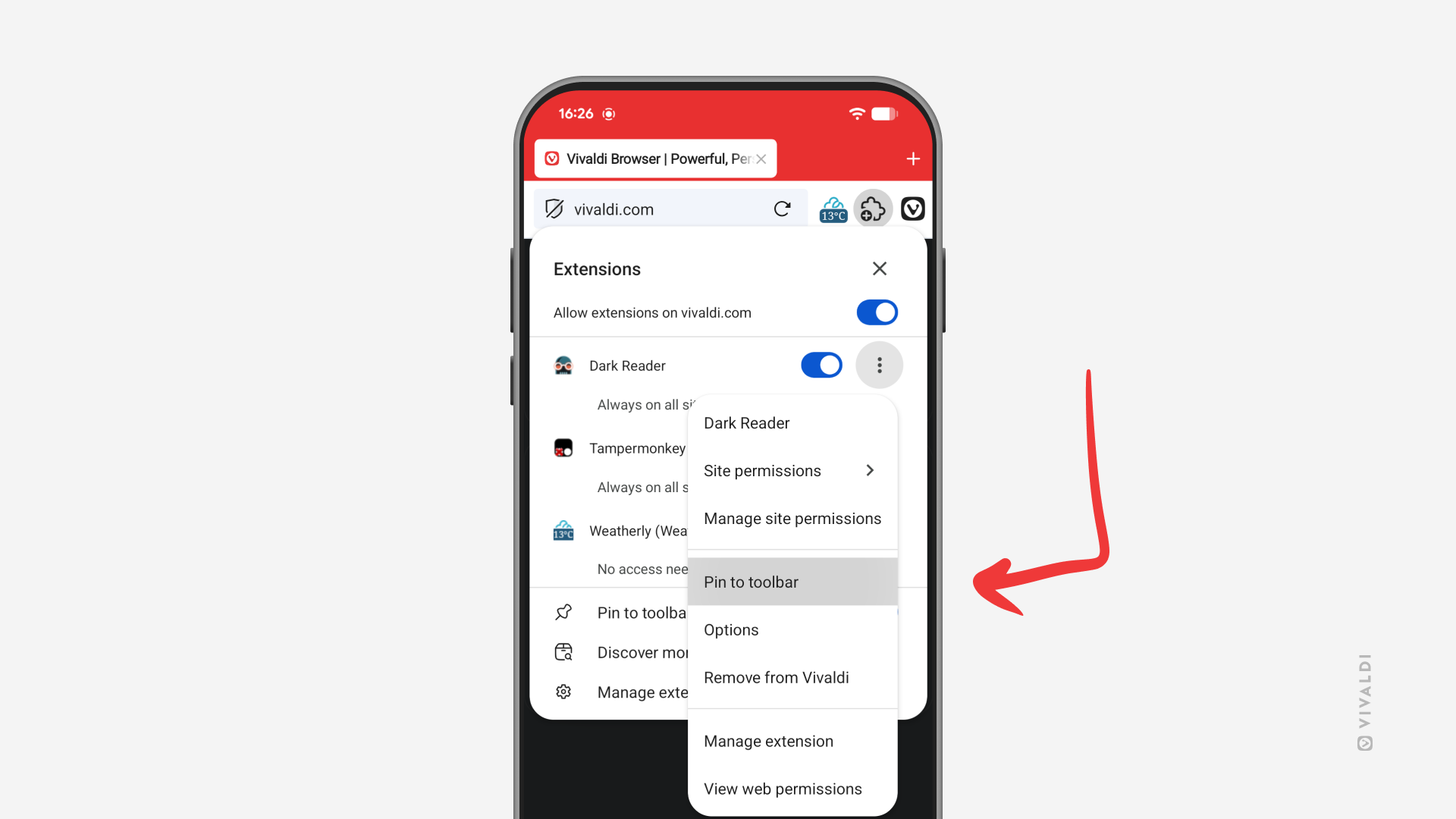
Pin important Extensions to the Address Bar in Vivaldi on Android.
Extensions allow you to enhance your browsing experience in Vivaldi on Android with clever features. For easier access, you can pin your most used extensions to the Address Bar.
To pin an extension:
- Open the Extensions menu.
- Tap on the 3-dot menu after the extension you want to pin.
- Select “Pin to toolbar”.
The space on the Address Bar is limited, so only pin the most important ones.