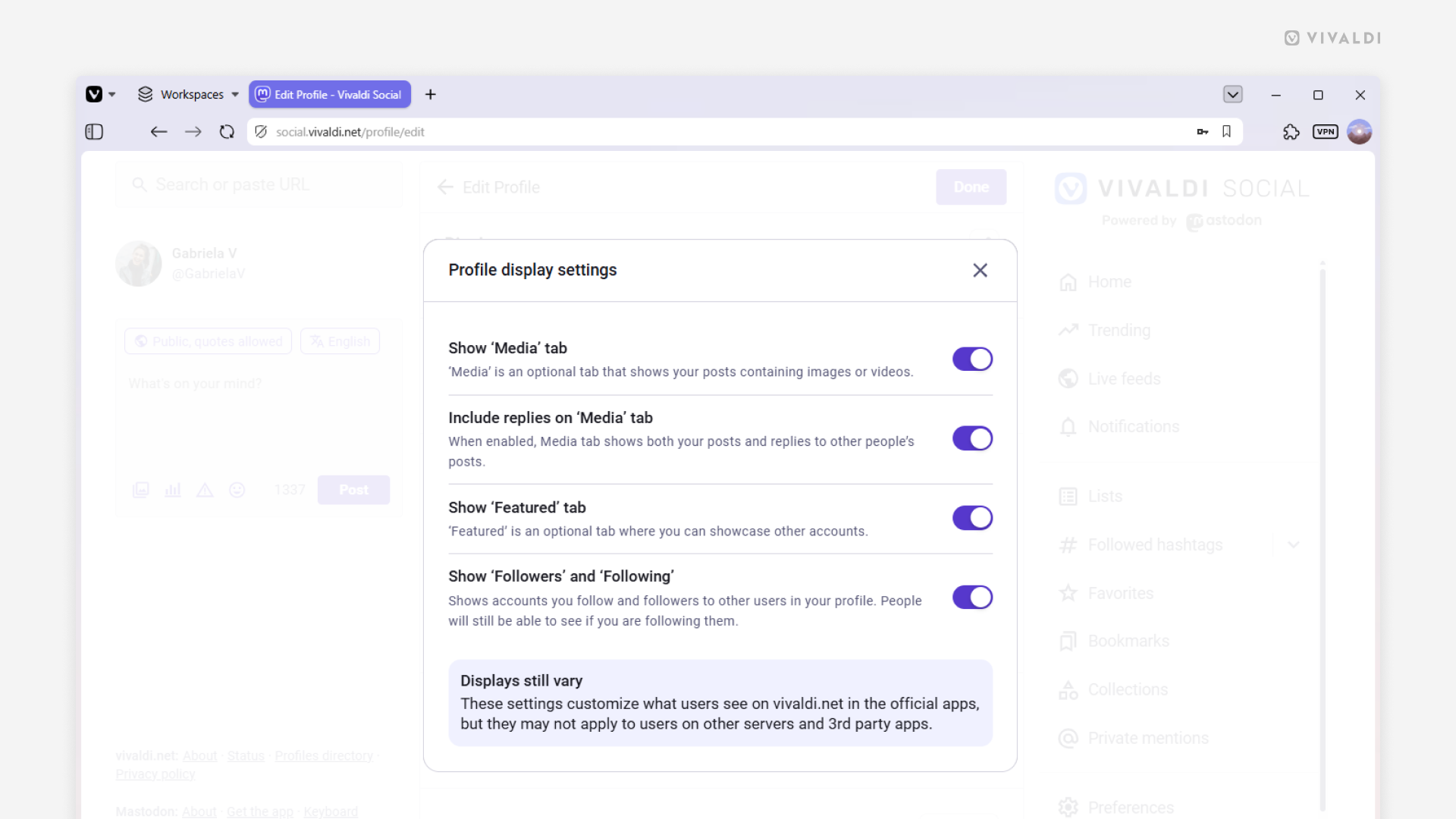
Customize how your profile is displayed on Vivaldi Social.
To make your Vivaldi Social profile fit your Mastodon usage habits, there are several useful settings you can adjust. For example, you can hide the Featured tab, if you haven’t highlighted any posts, or, in the Media tab, only display images and videos you’ve uploaded in your own posts and leave out all the reaction GIFs you add to your comments to other people’s posts. Furthermore, you can make your follower and following lists private (people will only see how many people you follow or follow you).
To customize your profile:
- Go to your profile on Vivaldi Social.
- Click “Edit Profile”.
- Click “Customize” in the Profile display settings section.
- Click the toggle buttons to hide/display Media, Featured posts, and Followers and Following.
- Close the settings window.
- Click “Done”.