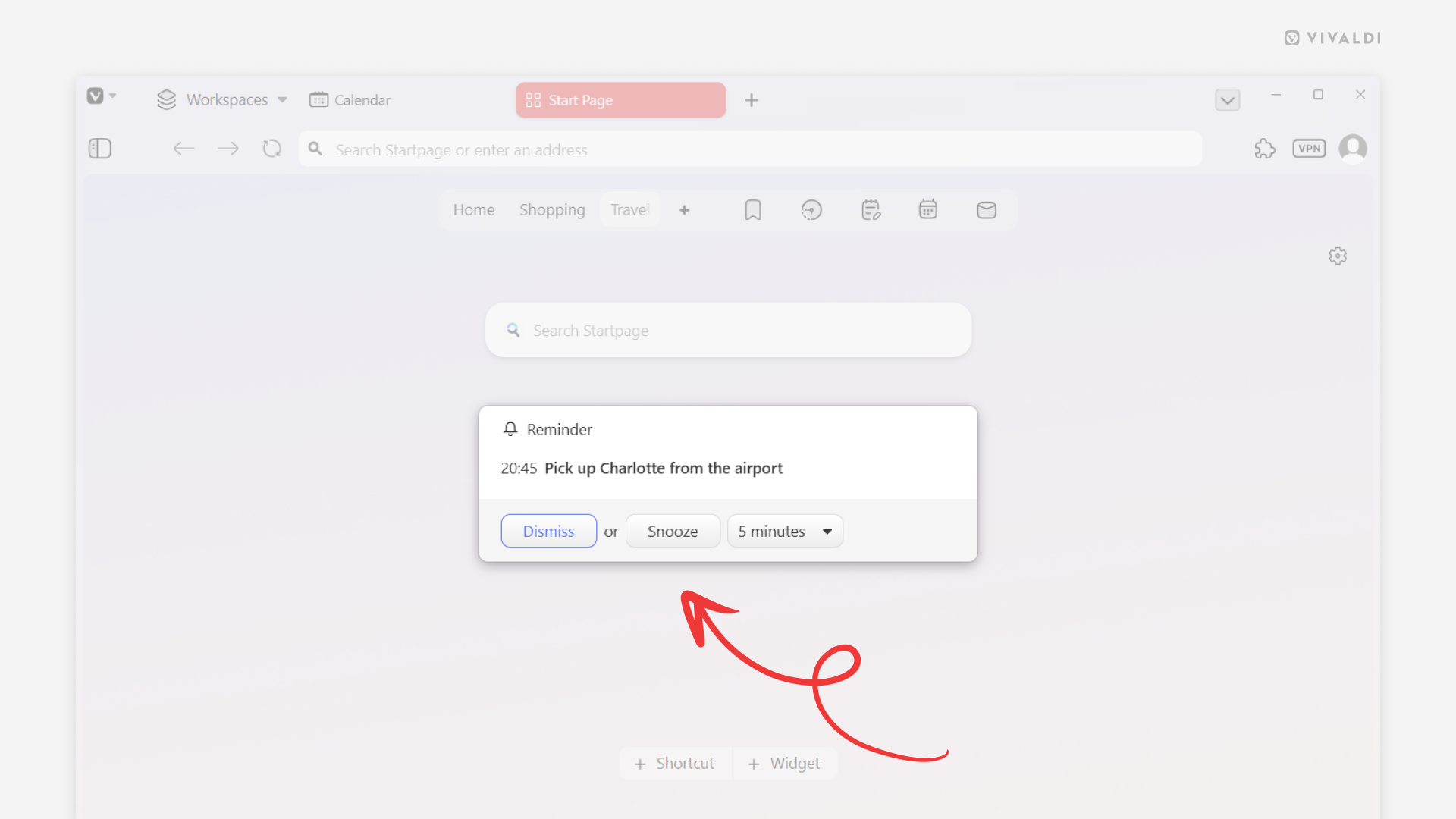
Click Snooze to postpone calendar reminders.
If you’re in the middle of something when you receive a reminder from the Vivaldi Calendar about an upcoming event or an approaching task deadline, you can simply click the “Snooze” button. It will temporarily dismiss the reminder and you’ll receive a new notification after a short while, giving you more time to finish what you’re doing without losing track of the event or task.
To receive a new reminder:
- From the drop-down menu, select how much you want to postpone the reminder.
- Click “Snooze”.