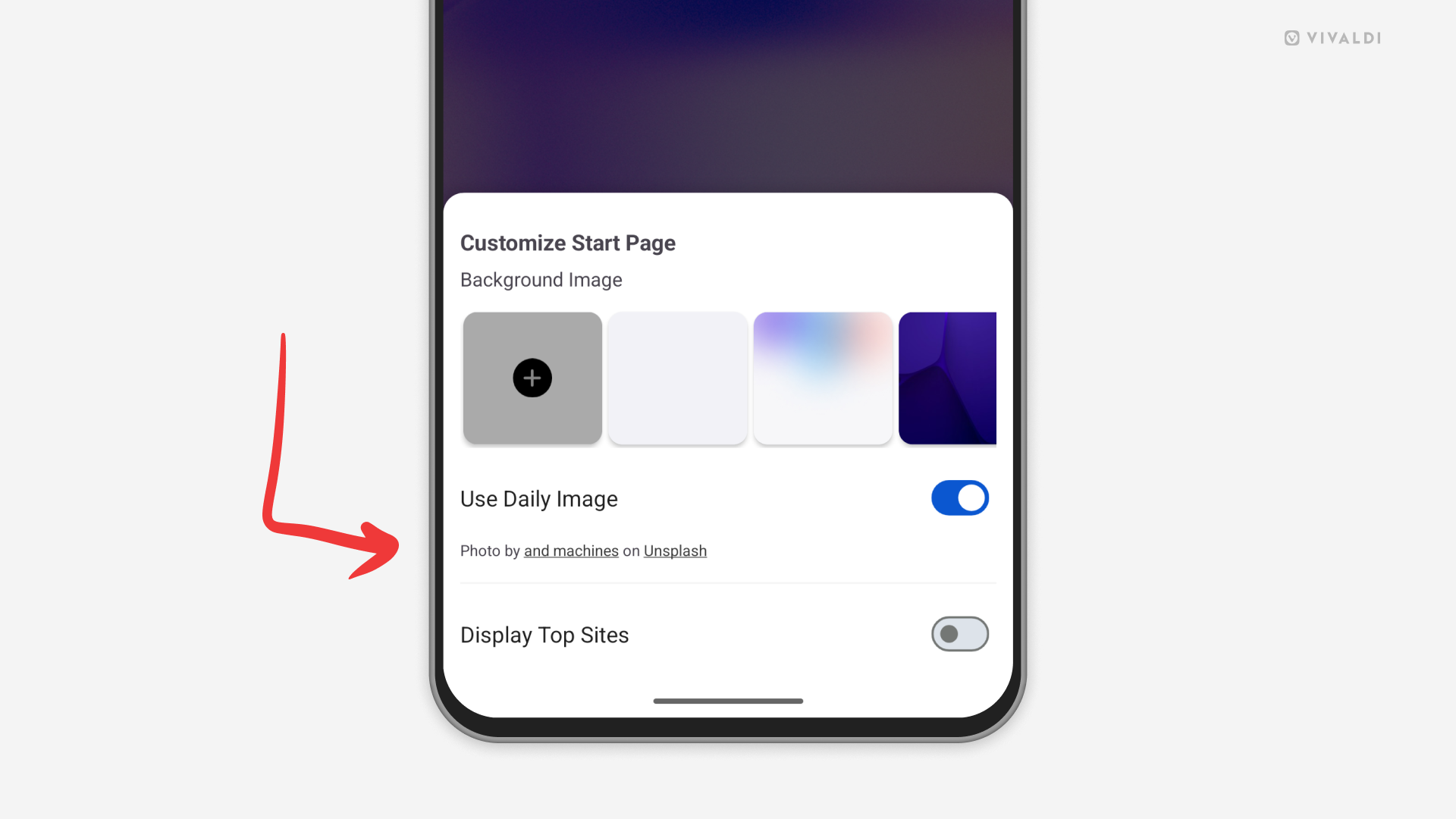
Find more images from the authors of Daily Images.
When you enable Daily Images as Start Page background images in Vivaldi, you’ll be treated with a new wallpaper every day. If there’s a picture that catches your eye and you want to see more works from the same author, check the image credits.
To view more images from the same author:
- On desktop, look in the bottom right corner of the Start Page and click on the author’s name.
- On Android and iOS, open the Customize menu (from the button at the bottom of the Start Page or from the 3-dot menu in the top right corner of the Start Page). Tap on the author’s name below the setting.