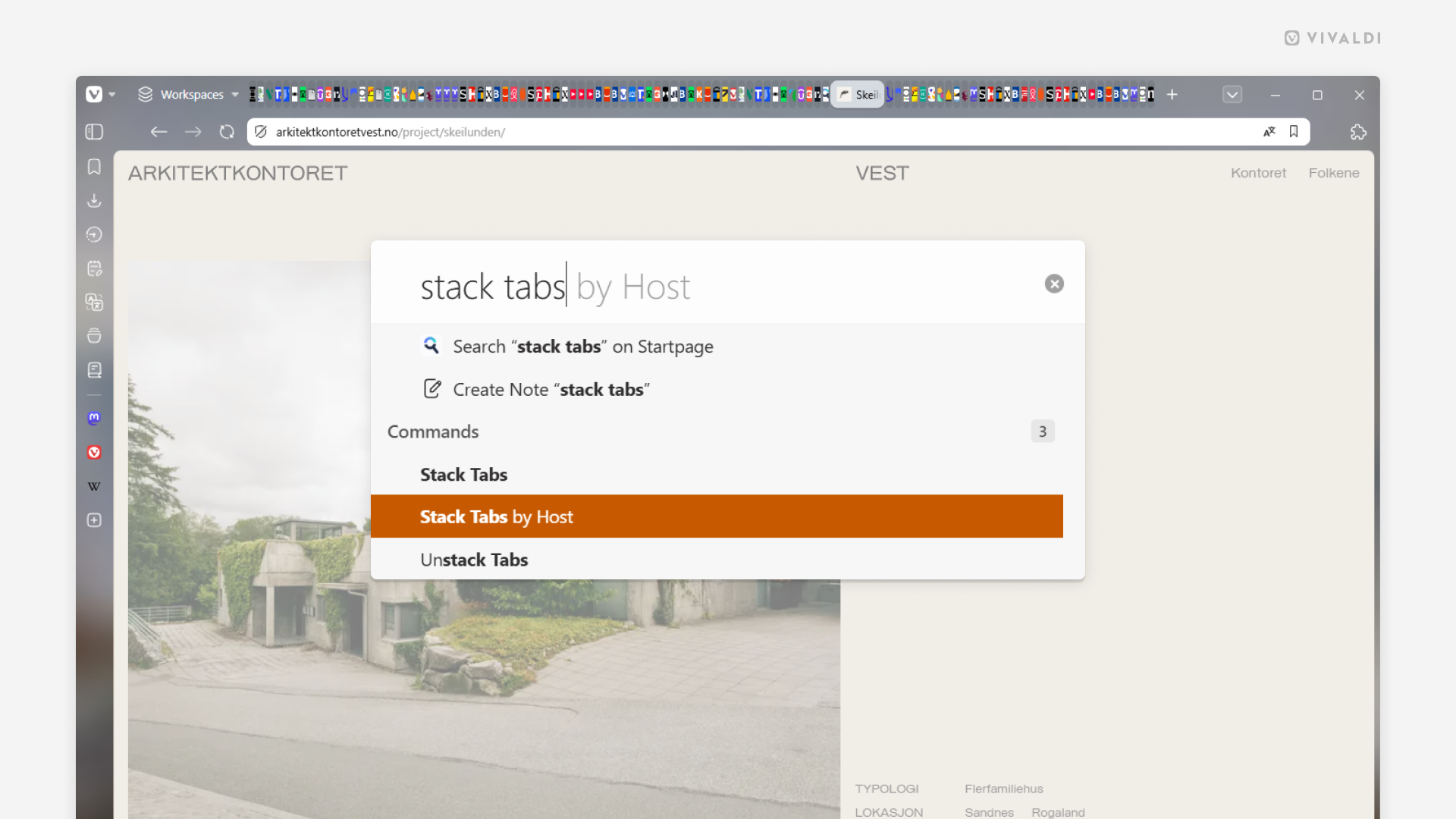
Declutter a crowded Tab Bar by stacking all tabs by hosts.
Time to revisit an old tip since things have changed since it was posted a few years ago.
Seeing your Tab Bar go from a complete mess to one that’s neatly organized in a blink of an eye is super satisfying. So, if your Tab Bar contains multiple tabs from the same site that could all be grouped into their own stacks, try the following:
- Open Quick Commands (
F2/⌘ E). - Type “Stack Tabs by Host”.
- Press
Enter.
Alternatively, assign a Keyboard Shortcut or a Mouse Gesture for the “Stack Tabs by Host” command, or customize the menus and add the command to a Tab menu.