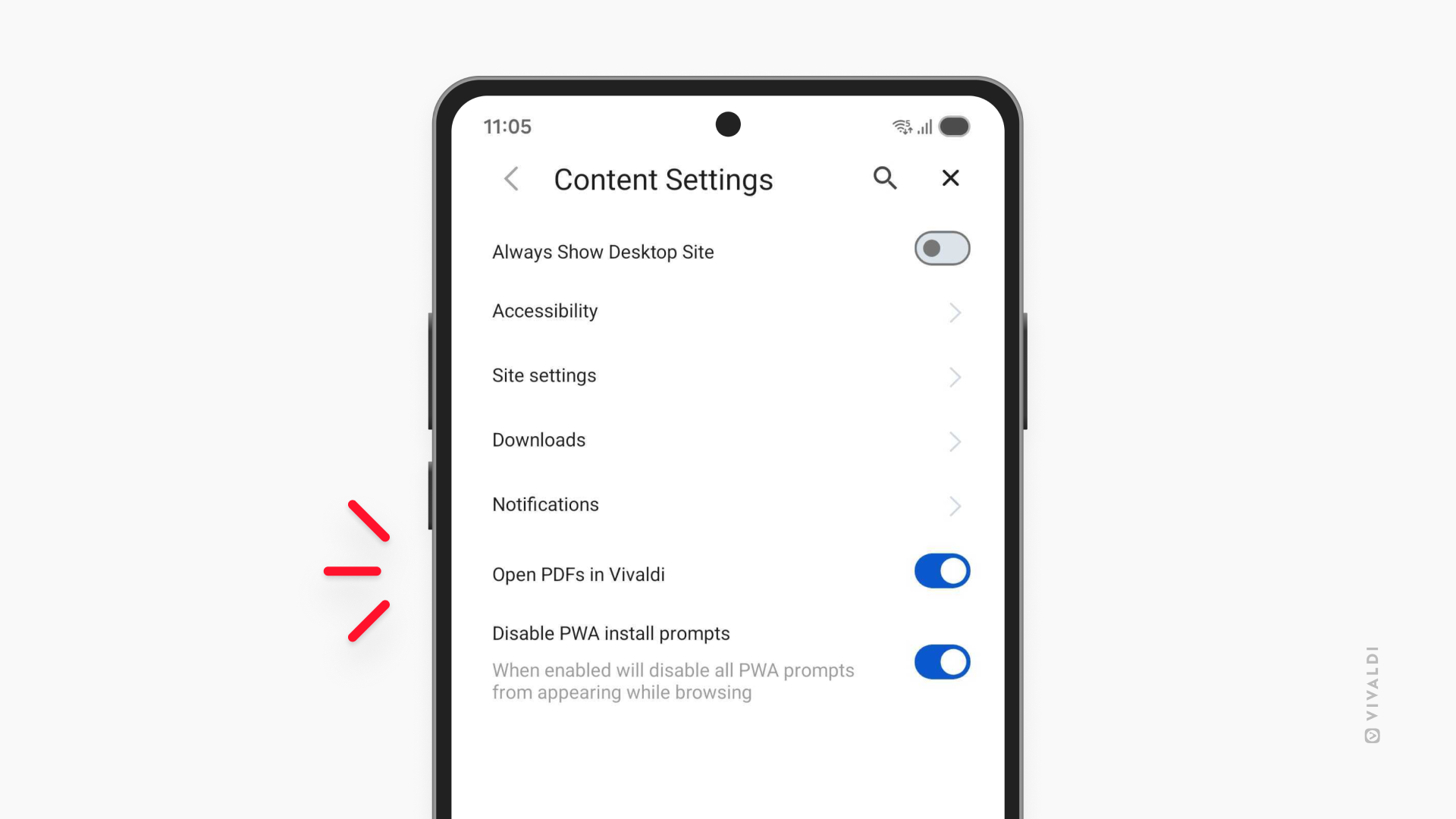
Choose whether to open PDF files in Vivaldi on Android or a third-party app.
Depending on how you work with PDF files, you can choose how Vivaldi on Android handles PDFs you encounter on the web. If you usually just need to skim a document, you can open it directly in a Vivaldi tab. If you need more advanced features, you can download the file and open it in your preferred PDF reader.
To pick your preference:
- Go to Settings > Content Settings.
- Keep the “Open PDFs in Vivaldi” setting enabled, if you want to open the files in Vivaldi.
Toggle it off, if you want to download PDFs and open them in a third-party app.