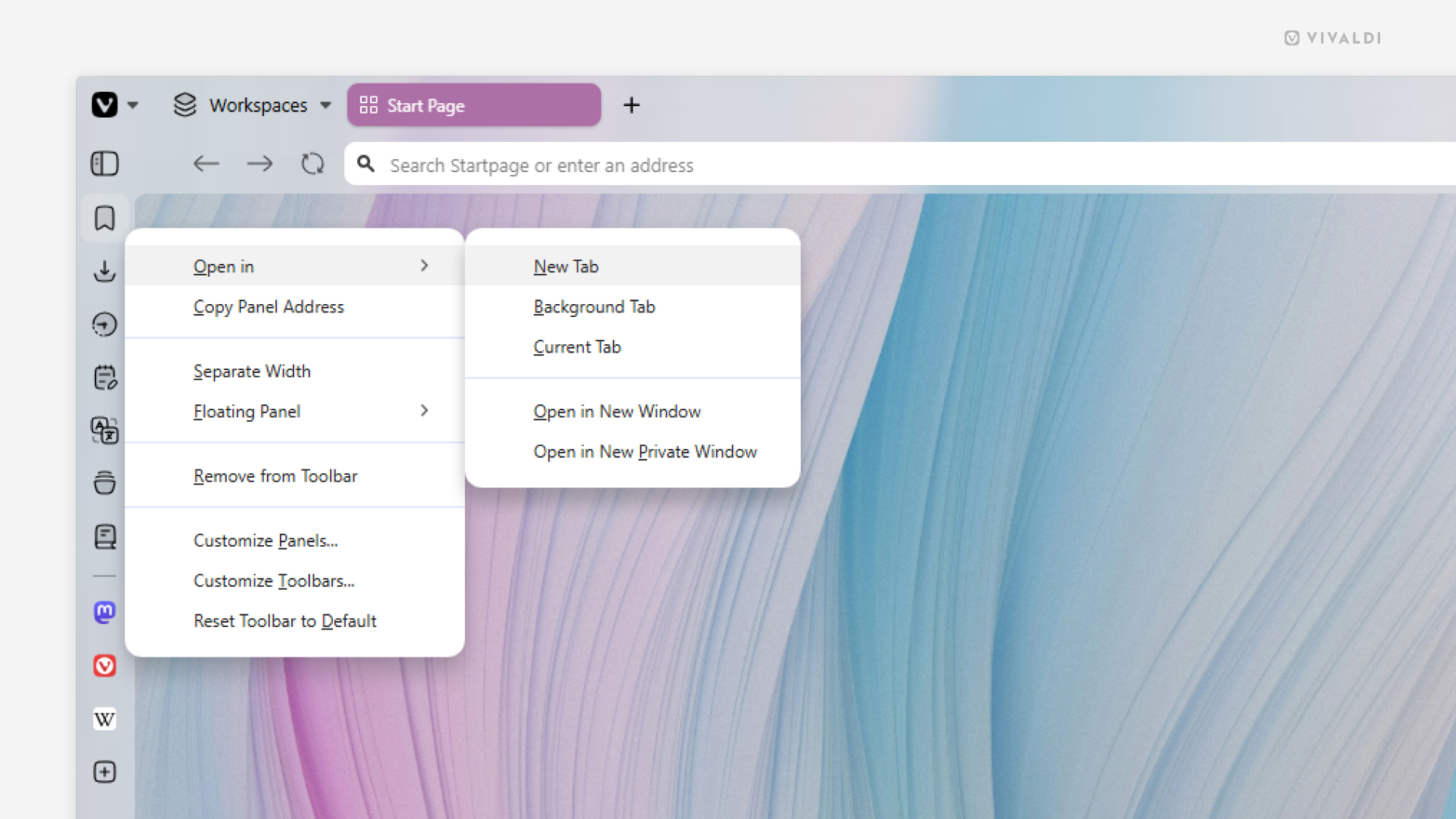
When the narrow sidebar view doesn’t cut it, open the panel in a tab.
In addition to the Panels, Bookmarks, History, and Notes can all be viewed and managed in a full tab view. And since Web Panels are just small mobile versions of websites, they can logically be opened in a tab as well. While there are many ways to open each of them in a tab, the following option is probably one of the quickest ways.
To open a panel in a tab:
- Right-click on the panel’s button on the sidebar.
- Hover over “Open in” and select your preferred option. For example, open in new tab or in a new window.