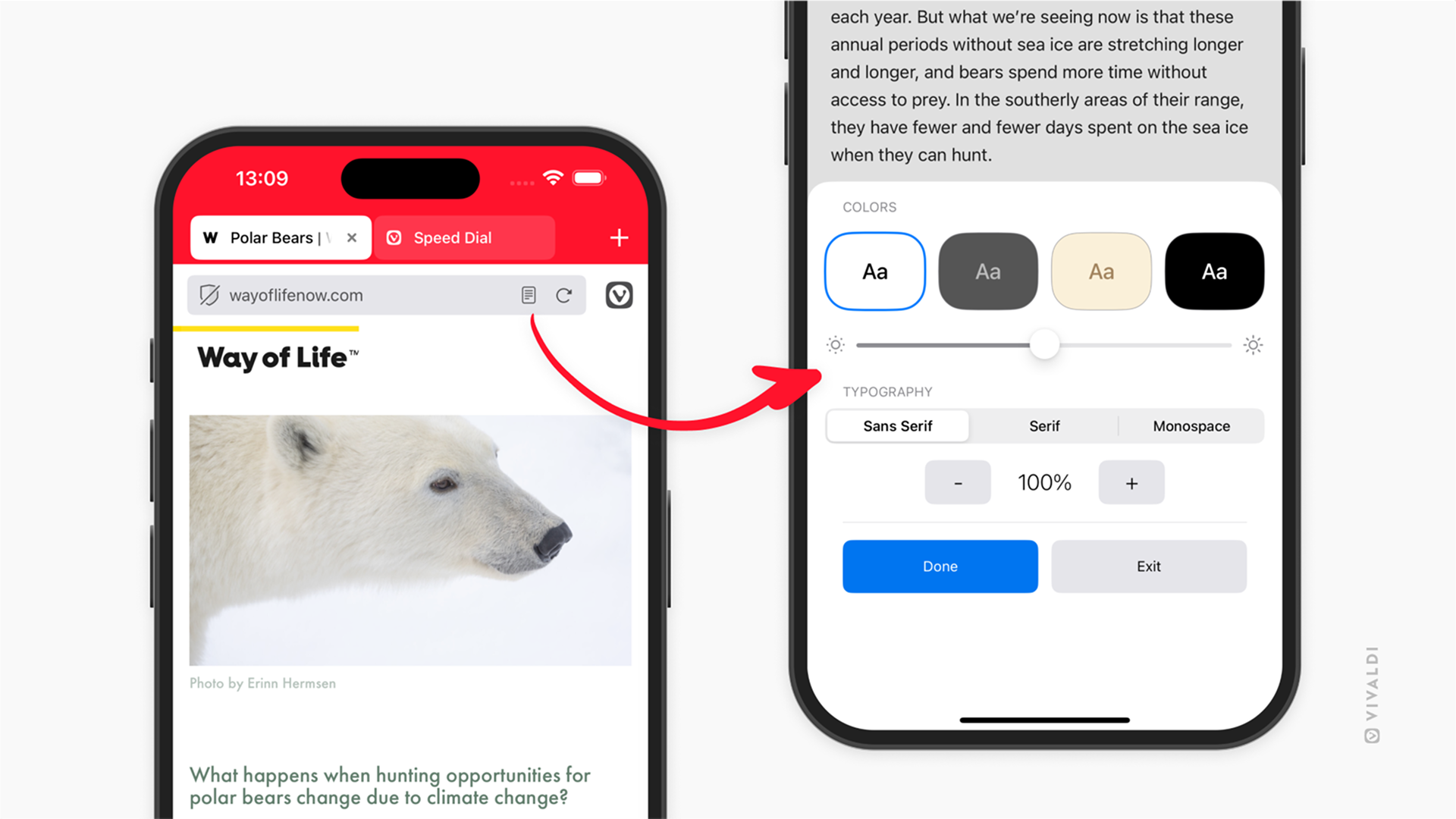
Make reading more comfortable by adjusting Reader View settings on mobile.
Reader View in Vivaldi on Android and iOS is a feature that allows you to remove all distractions and focus solely on the article at hand. To make reading easier on the eyes, we recommend reviewing the settings. For example, you can switch to a dark theme and increase the text size.
To adjust Reader View settings:
- Enable Reader View.
- Tap the Settings button in the bottom right corner.
- Change the color scheme, font and text size. On iOS, you can also adjust screen brightness.
- Tap outside the dialog to close the settings.