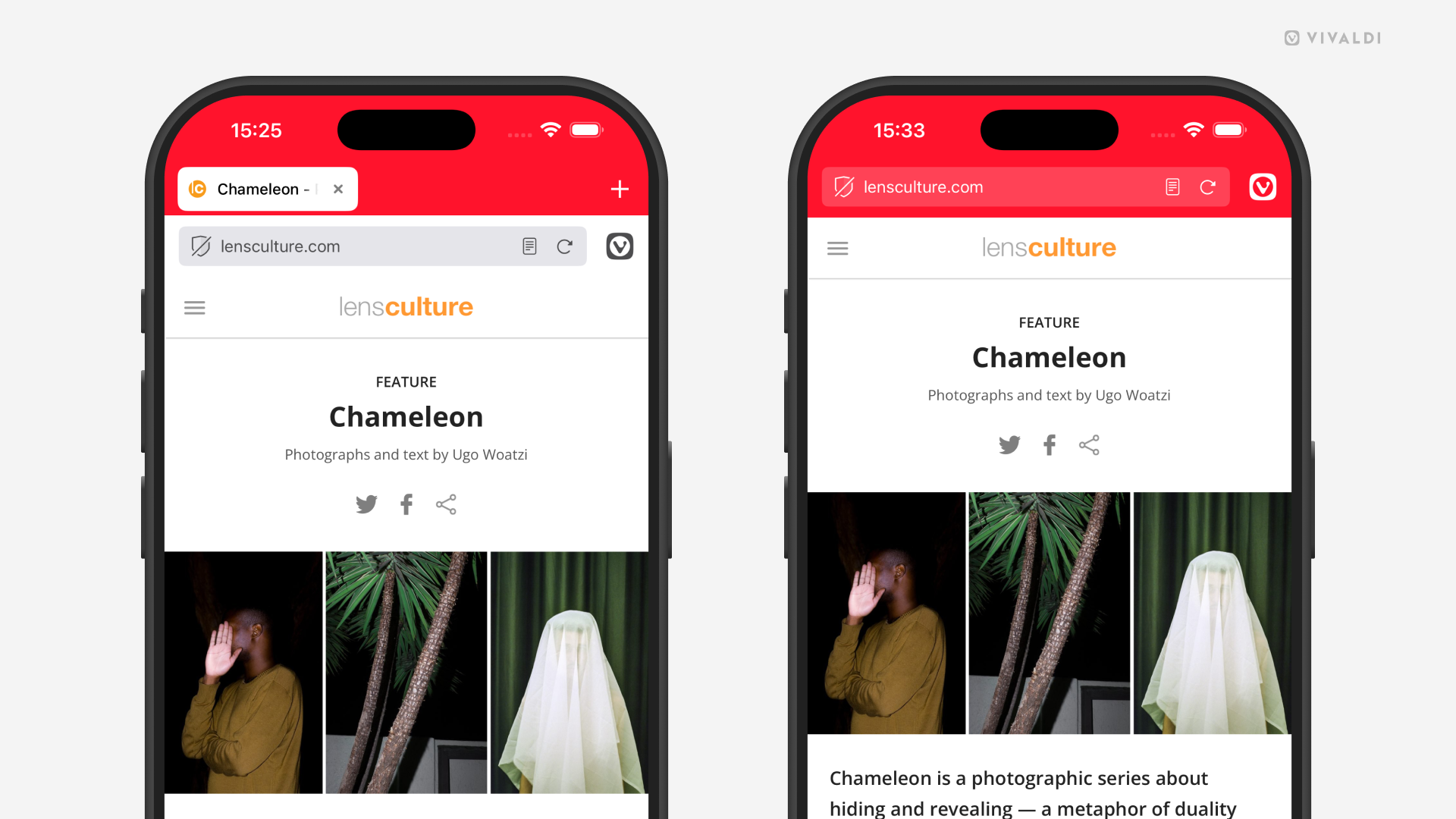
Give more space for page content by hiding the Tab Bar in Vivaldi on iOS.
While the desktop-like Tab Bar is convenient for viewing and switching between your open tabs, for some, being able to see more of what’s going on the web page is more important. That’s why Vivaldi on iOS has a setting for removing the Tab Bar from view.
To hide the Tab Bar:
To switch tabs when the Tab Bar is hidden, either:
- Open the Tab Switcher from the bottom right corner of the browser window (squircle with a number in it).
- Swipe left/right on the Address Bar or bottom toolbar to switch to the next/previous tab.