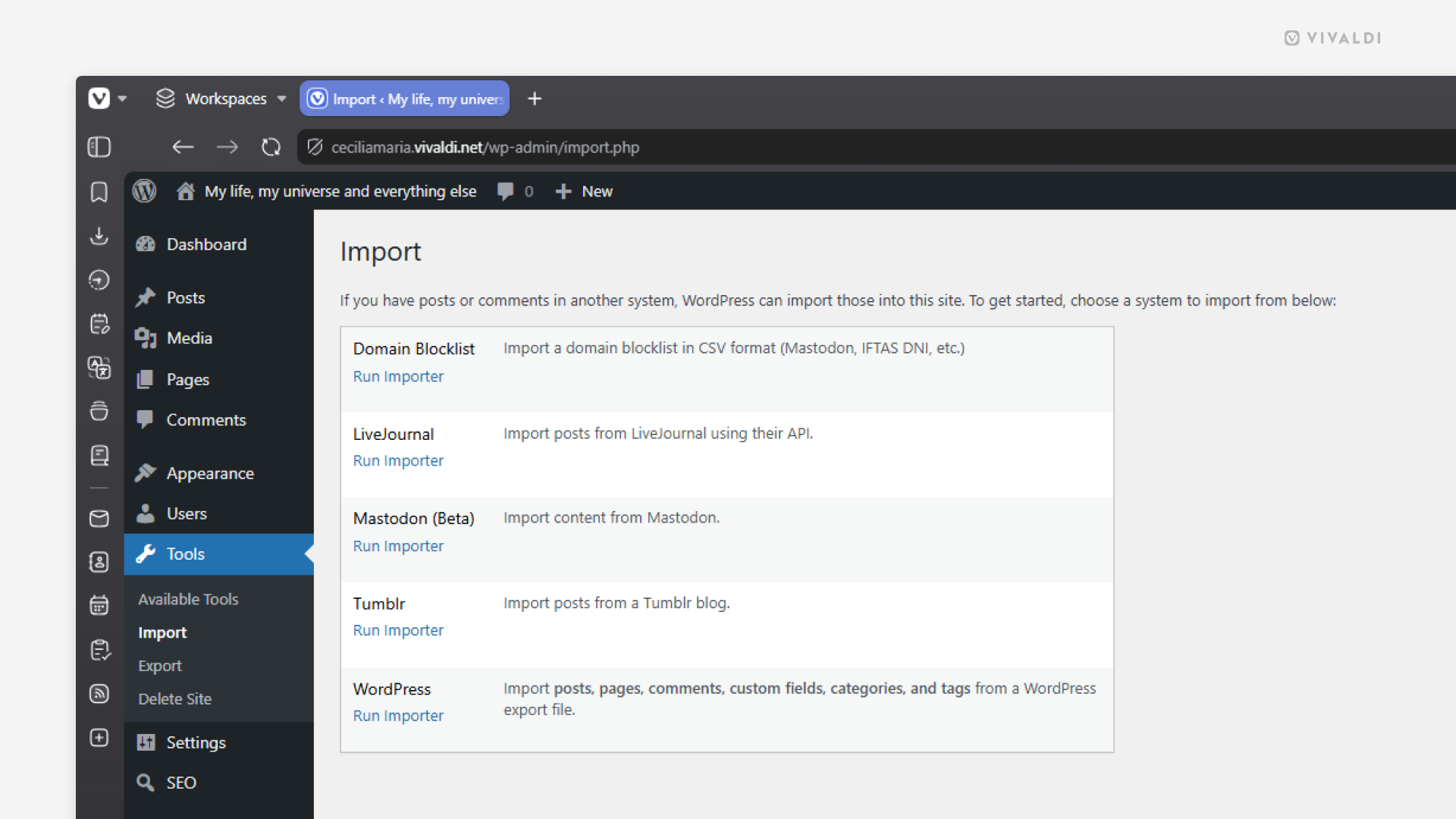
Import your posts from your old blog to your Vivaldi Community blog.
If you’re moving your blog from another WordPress, Tumblr or LiveJournal blog to Community Blogs on vivaldi.net, you can bring your posts with you. That way you don’t need to copy things over one by one or start from zero.
To import your content:
- Go to your blog’s Dashboard > Tools > Import.
- Click “Run Importer” for the platform you want to import content from.
- Fill in the required information or upload an .xml file with your posts.