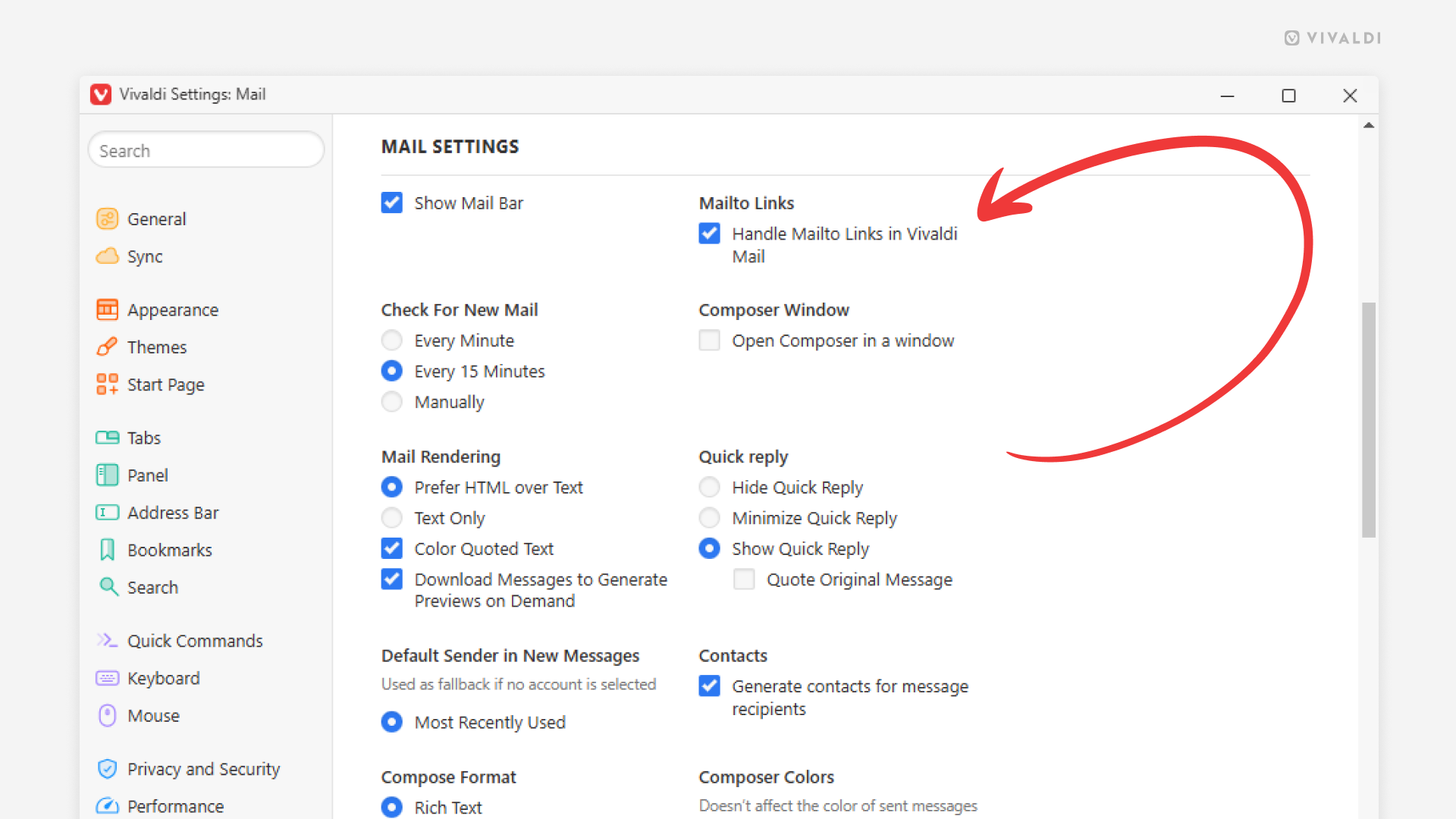
Click on email addresses on web pages to start composing messages in Vivaldi Mail.
When you see an email address on a web page that looks like a link, you can click on it to open a mail client and start composing an email to that address.
If Vivaldi Mail is your main mail client, you should allow the browser’s built-in mail client to handle these Mailto links.
To review your preferences:
- Go to Settings > Mail > Mail Settings > Mailto Links.
- Enable “Handle Mailto Links in Vivaldi Mail” to compose messages in Vivaldi Mail.
Keep it disabled, if you prefer to open a different mail client.